











Storage Requirements and Recommended Specs for Mobile Version to play NTE (Neverness to Everness). Check the specifications you need to play NTE on a smartphone here.
Table of Contents
| Related Guides | |
| Supported Platforms | Recommended Specs |
| PC Version | Mobile Version |
| How to Download on PS5 | Cross-Save |
| Nintendo Switch | |
Can You Play on Mobile?
Available on iOS and Android
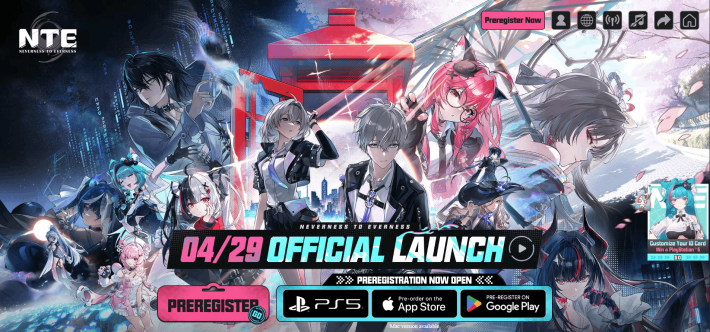

NTE is playable on both iOS and Android platforms.
| Download Links | |
 Google Play Google Play |  App Store App Store |
Cross-Save Supported
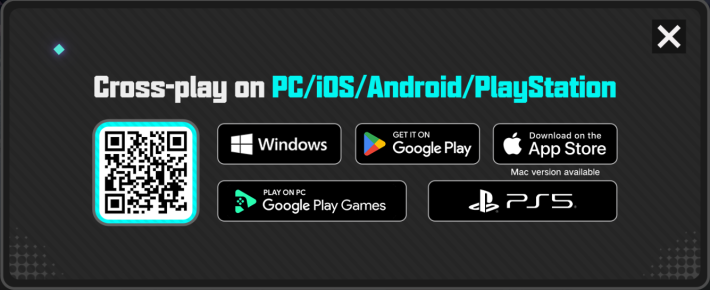
NTE supports shared save data across all platforms, so you can continue your progress on mobile whenever you can't play on your PC or PS5.
NTE System Requirements
iOS Requirements
| Item | Required | Recommended |
| System | iOS 15 or later | iOS 17 or later |
| Device | iPhone 12 Pro Max or later | iPhone 14 Pro or later |
| RAM | 6GB or more | 6GB or more |
| Storage | 20GB or more | 20GB or more |
Android Requirements
| Item | Required | Recommended |
| System | Android 10 or later | Android 10 or later |
| Device | Snapdragon 855 MediaTek Dimensity 8000 Kirin 990 equivalent | Snapdragon 8 Gen2 Snapdragon 8 Gen3 MediaTek Dimensity 9200 Kirin 9000S or higher |
| RAM | 6GB or more | 6GB or more |
| Storage | 20GB or more | 20GB or more |
How to Free Up Storage on Your Device
How to Increase Free Storage on Your Phone
- Delete unused apps, photos, videos, and music
- Disable or offload apps you don't use
- Clear cached data
- Use cloud storage
- Move data to external storage
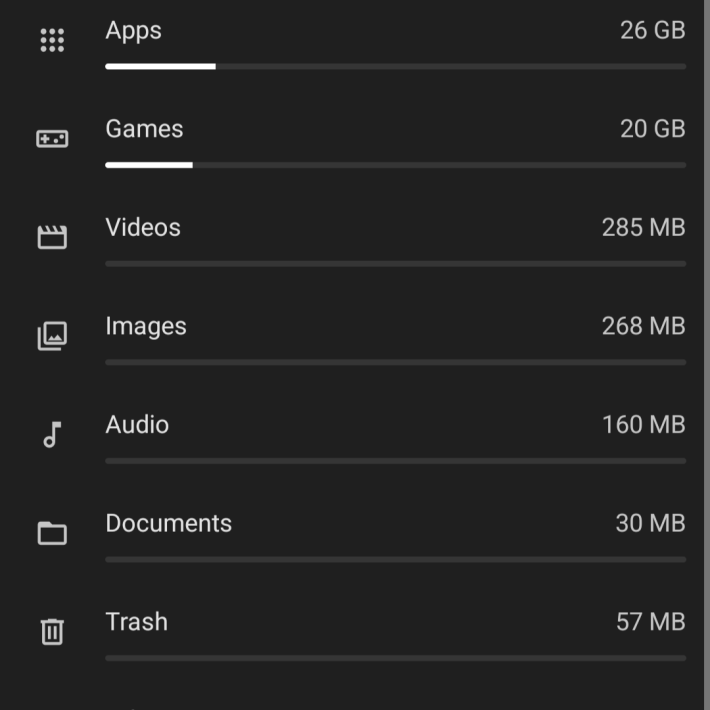
The most efficient way is to delete unused apps, photos, videos, and music. Apps and videos take up the most space per file, so they should be your top priority.
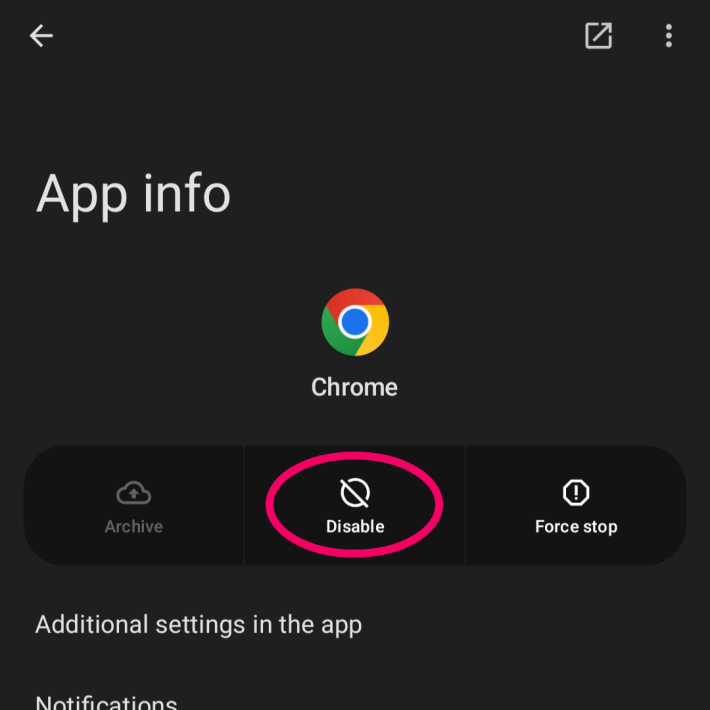
On Android, you can free up space by disabling apps you don't use. On iPhone, you can uninstall apps while keeping their data intact, so be sure to make use of these features.
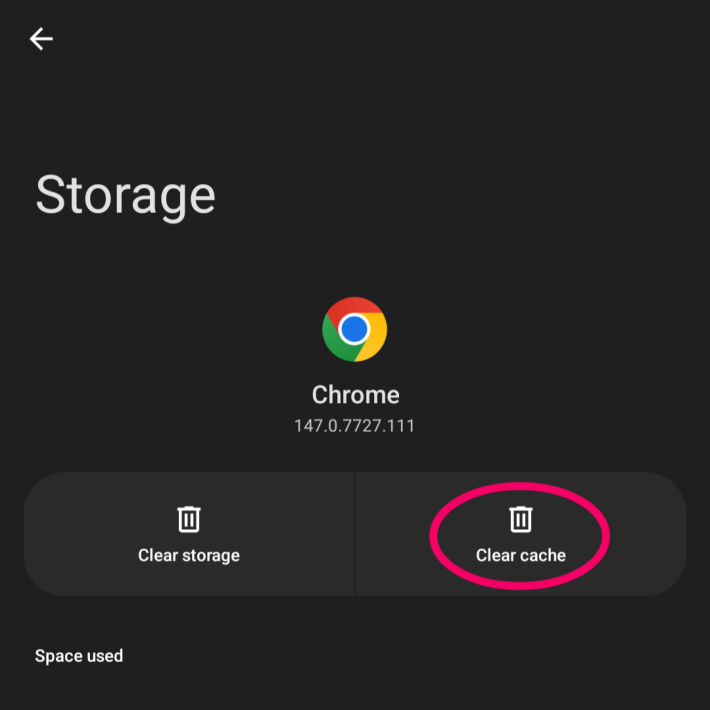
While not as effective as deleting apps or videos, clearing cached data is another way to free up storage. Since clearing the cache doesn't remove the app itself, there's almost no downside.
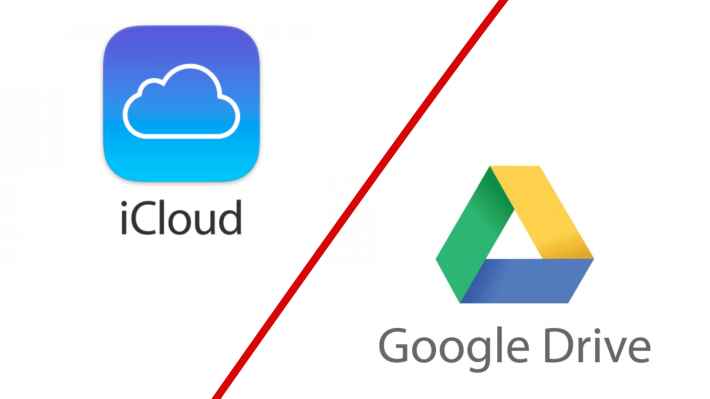
Moving photos and videos to cloud services like iCloud or Google Drive makes it easier to free up space on your device. Keep in mind, however, that storing large amounts of data may require a paid subscription.
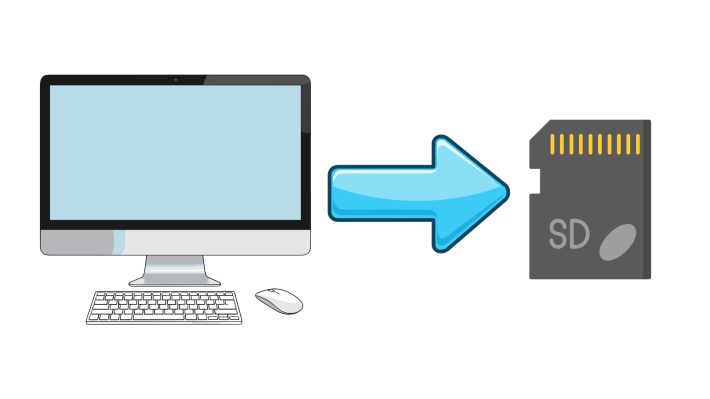
Similar to cloud storage, transferring data to an SD card can also free up space on your device. iPhone users will need an SD card reader or a PC, while many Android devices support SD cards out of the box.
NTE Related Articles
Return to HomeRecommended Articles
Recommended Guide Articles
 Early Game Guide
 Mid-Game Guide
 Daily Things to Do
 Team Building Tips
 Hunter Level
 Appraisal Level
 Anomaly Commission List
 Beyond the Rails
 Get Chiz for Free
 Get Free S-Rank Arcs
 Mall Guide
 Oracle Stone
 Interactive Map
 Best In-Game Purchases
 How to Min-Max Consoles
 Hunter Exchange
 Latest Updates
Database
  All Items List All Items List |  All Furniture List All Furniture List |  Fish List Fish List |
 Vehicles List Vehicles List |  Hidden Achievements Hidden Achievements |  Voice Actor Cast Voice Actor Cast |
 Outfits and Skins Outfits and Skins |  Arcs Weapon List Arcs Weapon List |  All Cartridges List All Cartridges List |
 Gacha Machine Locations Gacha Machine Locations |  Achievements List Achievements List |  Common Enemy List Common Enemy List |











