












This article explains how to make a purchase at the Top-Up Center in NTE (Neverness to Everness). Covering the Official Top-Up Center Link and the available payment methods.
| Related Articles | ||
|---|---|---|
| Mall Guide | Best In-Game Purchases | |
| Season Pass | ||
What is the Top-Up Center?
Browser-Based Payment Platform

The Top-Up Center is a web-based payment portal that allows you to make purchases directly through your browser. Since payments are linked to the same account you use to play the game, you can use the Top-Up Center regardless of the platform on which you play.
Some Items Are Cheaper
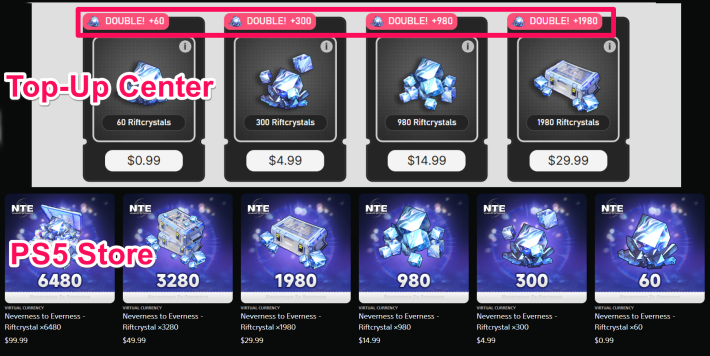
Prices in the Top Up Center and the PS5 Store may differ, with one platform occasionally offering better value than the other. Before making a purchase, compare prices and available bonuses on each platform. For example, the Top Up Center may offer bonus rewards such as double Riftcrystals, while the same promotion may not be available through the PS5 Store.
Where is the Top-Up Center?
Found on the Official Website
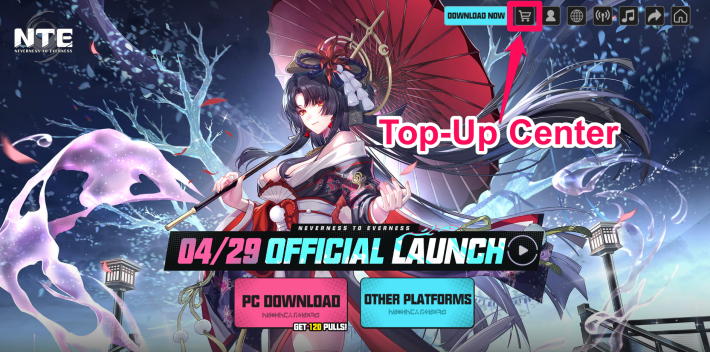
The NTE Top-Up Center can be accessed from the official website. You can go to the Top-Up Center by selecting the "Shopping Cart" icon in the upper right corner of the screen.
NTE Official Website (External)
Also Available on Smartphones
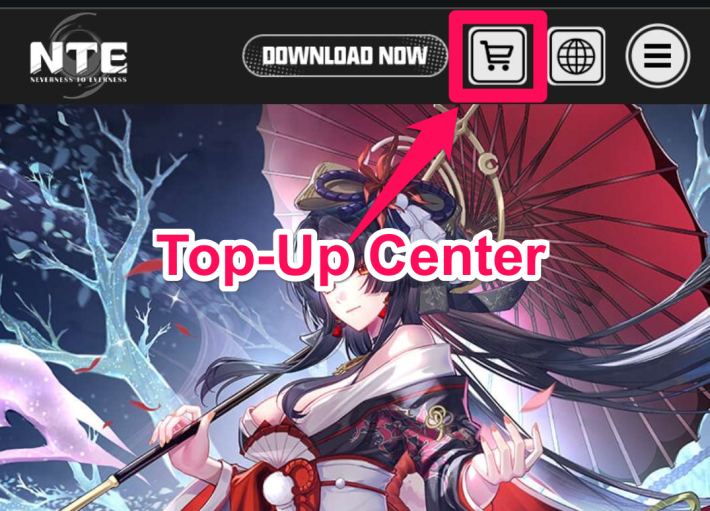
On smartphones, you can also access the Top-Up Center through the official website. Tap the "Shopping Cart" button in the upper-right corner of the page to open the Top-Up Center.
How to Make Payments (Steps)
Payment Procedure
| 1 | 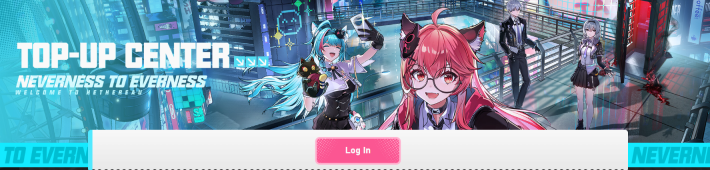 Log in to the Top-Up Center with the account you are currently playing on. Log in to the Top-Up Center with the account you are currently playing on. |
| 2 | 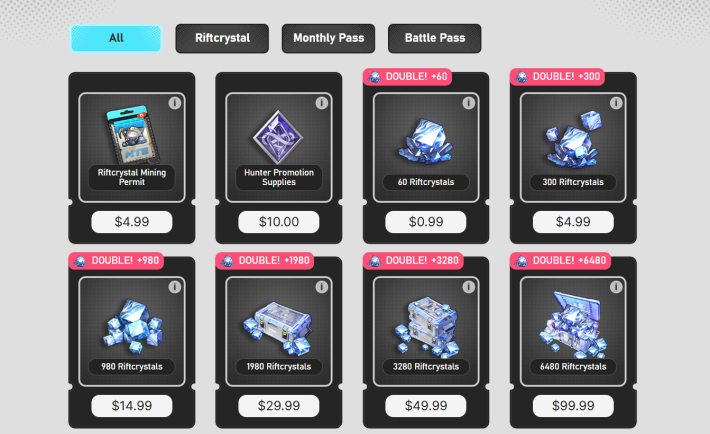 |
| 3 | 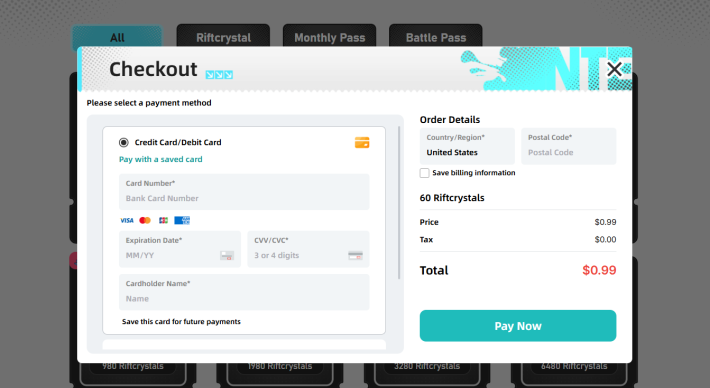 |
| 4 | After payment, return to the game. |
Various Payment Methods Can Be Selected
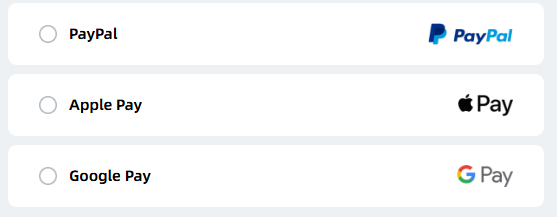
At the Top-Up Center, you can make payments using various methods. Since payment options are limited on smartphones and PS5, using the Top-Up Center allows you to pay with methods like PayPal.
List of Payment Methods
| List of Payment Methods | |
| Credit Card - Visa - Mastercard - JCB - American Express | PayPal |
| Google Pay | Apple Pay |
Complete Payment Information on a Separate Page
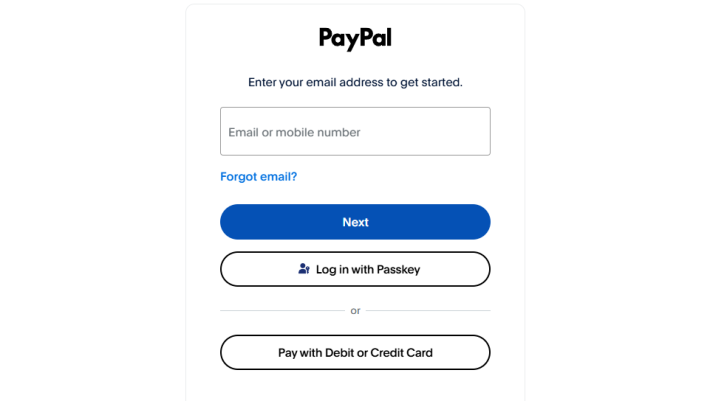
For payments other than by credit card, you will be redirected to a separate page to enter your information.
NTE Related Articles
Return to HomeRecommended Articles
Recommended Guide Articles
 Early Game Guide
 Mid-Game Guide
 Daily Things to Do
 Team Building Tips
 Hunter Level
 Appraisal Level
 Anomaly Commission List
 Beyond the Rails
 Get Chiz for Free
 Get Free S-Rank Arcs
 Mall Guide
 Oracle Stone
 Interactive Map
 Best In-Game Purchases
 How to Min-Max Consoles
 Hunter Exchange
 Latest Updates
Database
  All Items List All Items List |  All Furniture List All Furniture List |  Fish List Fish List |
 Vehicles List Vehicles List |  Hidden Achievements Hidden Achievements |  Voice Actor Cast Voice Actor Cast |
 Outfits and Skins Outfits and Skins |  Arcs Weapon List Arcs Weapon List |  All Cartridges List All Cartridges List |
 Gacha Machine Locations Gacha Machine Locations |  Achievements List Achievements List |  Common Enemy List Common Enemy List |











