











Bonfire guide in 999 Nights for NTE (Neverness to Everness). Learn how to use Bonfires to recover HP, identify unidentified gear, and respawn monsters.
Table of Contents
How to Use Bonfires
Checkpoints Throughout the Dungeon
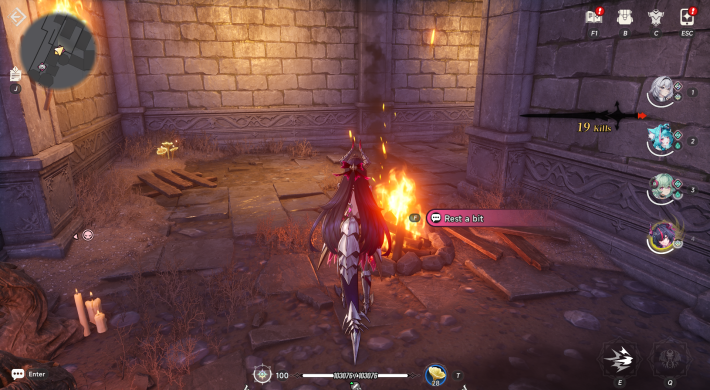

Bonfires in 999 Nights are scattered throughout dungeons and campsite areas. Unlocking them allows you to recover HP, manage your equipment, and use them as checkpoints during your adventure.
Available After Lighting the Fire
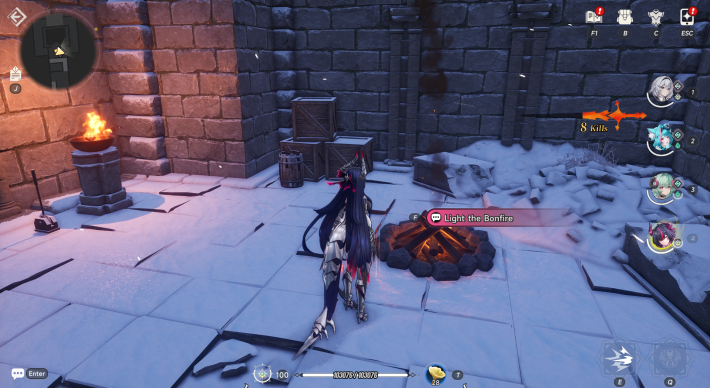
Interact with a Bonfire and light it to activate it. Once lit, it will be registered as a teleport point, and interacting with it again will open the Bonfire Menu.
Teleport to Unlocked Bonfires
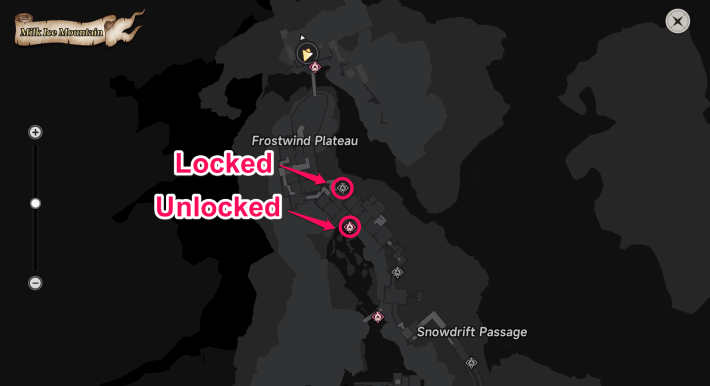
Unlocked Bonfires can be used as teleport points. Simply select a lit Bonfire from the map to fast travel to its location.
Bonfires Reset on Higher Difficulties
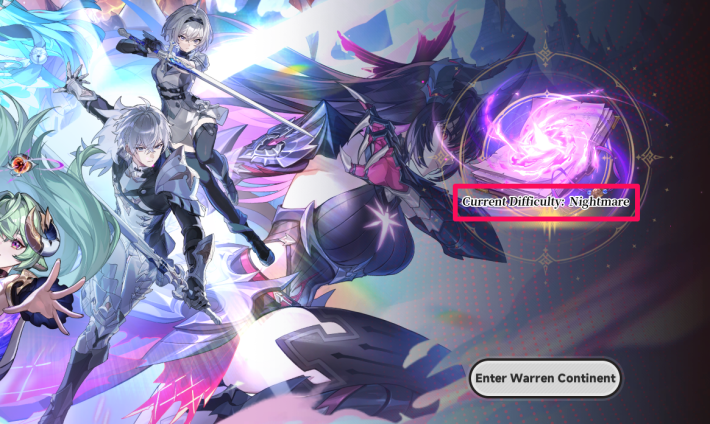
Unlocked Bonfires will return to a locked state when you begin the second and third playthroughs. Be sure to unlock them again after starting a new difficulty.
999 Nights Guide - How to Progress
What You Can Do at Bonfires
Recover HP
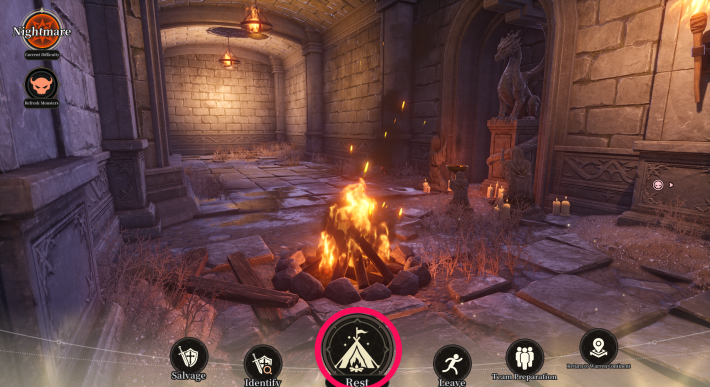
Selecting Rest revives all characters and fully restores their HP. There are no usage limits or time restrictions, so don't hesitate to rest whenever your HP gets low.
Sell Gear
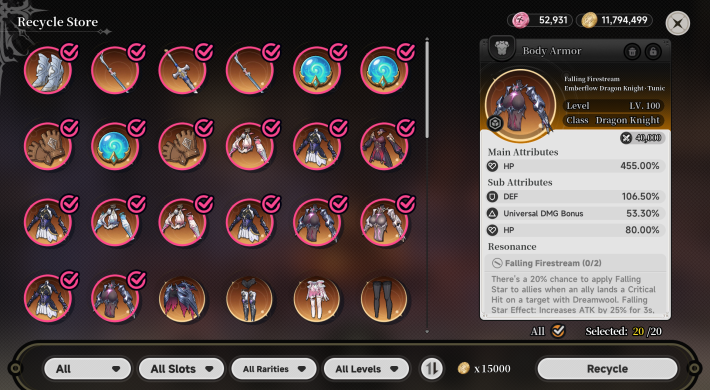
Selecting "Salvage" lets you sell unwanted Gear. Since your gear inventory has a storage limit, make it a habit to sell unnecessary gear whenever you visit a Bonfire.
How to Get and Equip Weapons & Armor
Identify Equipment
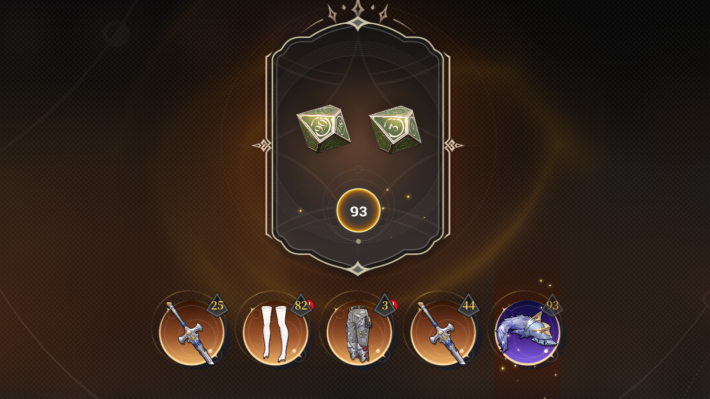
Selecting Equipment Identification allows you to identify unidentified equipment. During the process, you roll a die, and higher rolls result in better equipment stats.
Respawn Enemies
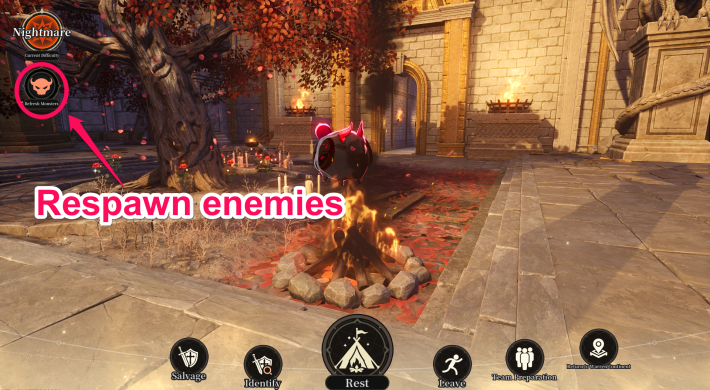
You can respawn enemies using the button in the upper-left corner of the Bonfire Menu. Use this while leveling up or farming equipment to grind more efficiently.
| Related Articles | |
| How to Level Up | Best Gear Sets and Character Builds |
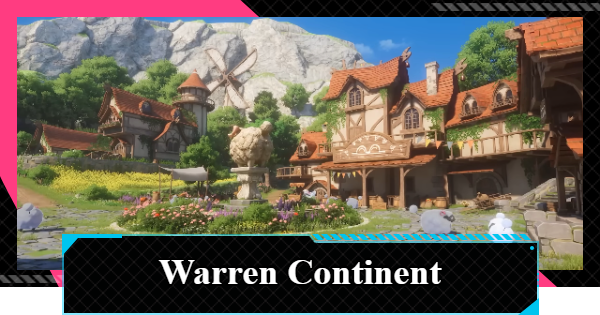
Return to Warren Continent
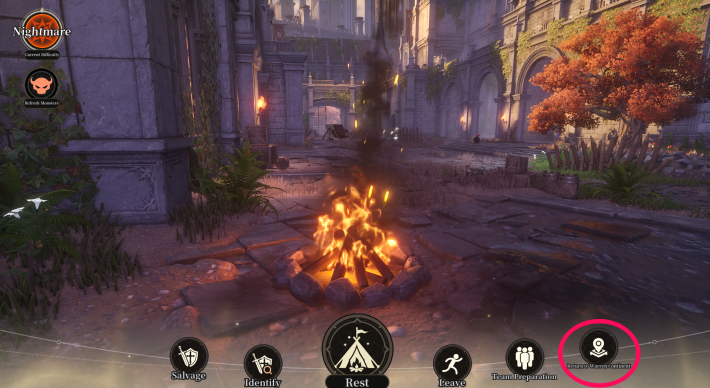
Selecting Return to Warren Continent lets you leave the dungeon and head back to the Warren Continent.
You Can Also Return Without a Bonfire
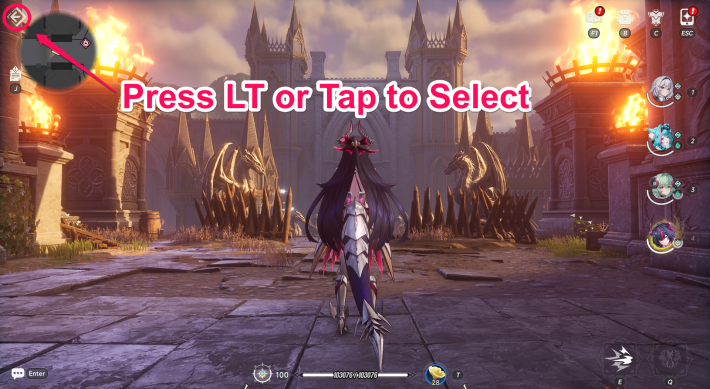
You can select "Return to Warren Continent" or "Leave to Warren Continent" at any time without opening the Bonfire Menu. Simply use the button in the upper-left corner of the screen to leave whenever you want.
| Tip! | When using keyboard and mouse controls, press Alt to bring up the cursor and make your selection. |
999 Nights Related Articles
999 Nights: How to Progress and Get RewardsOverview & Progression
  999 Nights Game Mode 999 Nights Game Mode |  How to Progress How to Progress |  How to Level Up How to Level Up |
 Side Quest List Side Quest List |  Equip Weapons and Armor Equip Weapons and Armor | 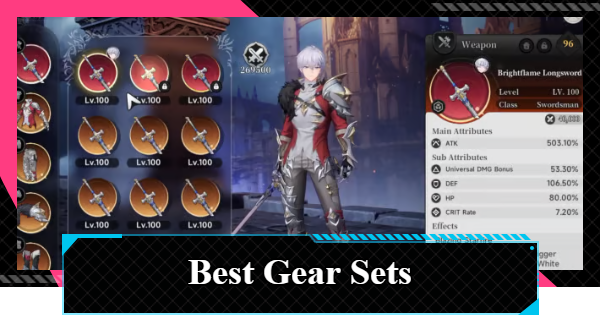 Best Gear Sets and Builds Best Gear Sets and Builds |
Tips & Strategy
 Battle Tips & Strategy Battle Tips & Strategy |  Farm Warren Gold Coins Farm Warren Gold Coins |  Get Mystery Buttons Get Mystery Buttons |
 Reach Hidden Passages Reach Hidden Passages |  Remove Barriers Remove Barriers | 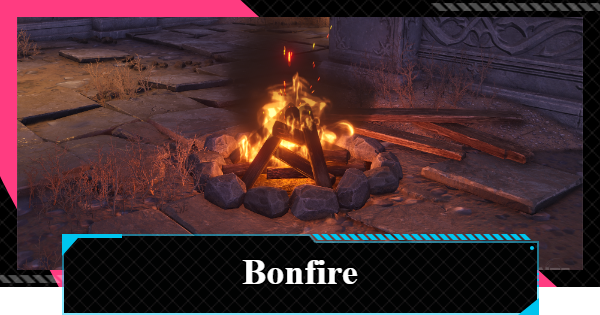 How to Use Bonfires How to Use Bonfires |
Boss & Challenge Guides
 All Special Challenges All Special Challenges |  Special Mode Challenges Special Mode Challenges |  Red Haze Incursion Red Haze Incursion |
 Crimson Dragon Crimson Dragon |  ??? Shinku Hidden Boss ??? Shinku Hidden Boss |  Bubble Defense Bubble Defense |
 Baaastille Baaastille |  Double Jumping King Double Jumping King |  Wipe Out Wipe Out |
 Warren Continent
 Fuzzy Village
 Chocolate Volcano
 Milk Ice Mountain
 Amber Syrup Lake
 Crimson Castle










