











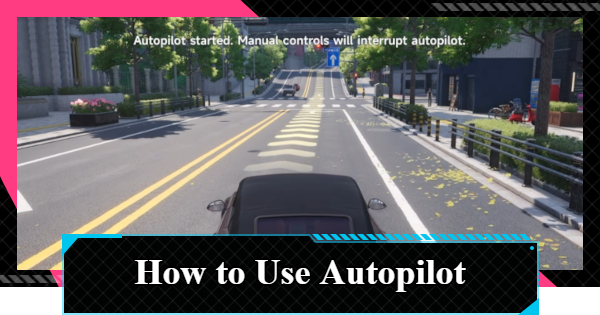
Autopilot feature guide for Neverness to Everness (NTE). See how to use Autopilot on PC, console, and mobile, plus its pros and cons.
Table of Contents
| Related Articles | |
| How to Buy and Drive Vehicles | Driving & Drifting Tips and Settings |
What is Autopilot?
Travel to Your Destination Hands-Free
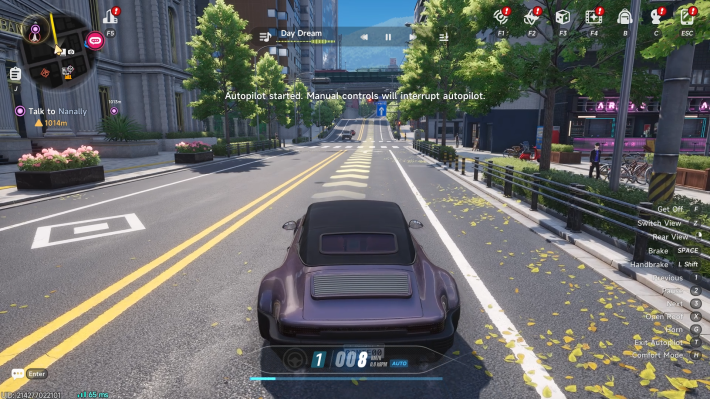

Autopilot in NTE automatically drives your vehicle to the selected destination without requiring any manual input. As long as there is a connected road route, you can use Autopilot to travel to most locations across the map.
Works With Cars and Motorcycles
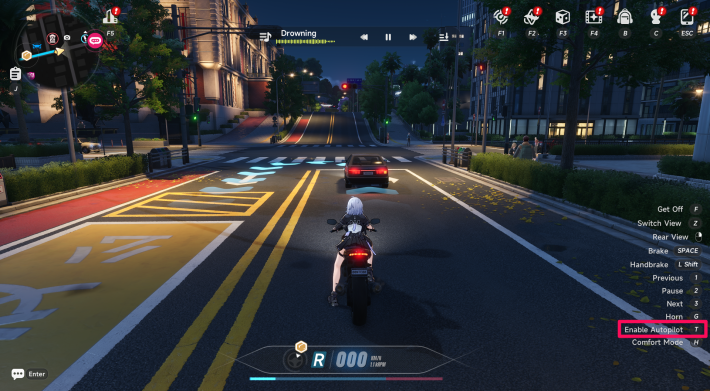
Autopilot can be used with both cars and motorcycles, allowing you to travel using whichever vehicle you prefer.
Works With Borrowed Vehicles Too
You can use Autopilot not only with vehicles you own, but also with borrowed or stolen vehicles.
How to Use Autopilot
Set and Track a Destination
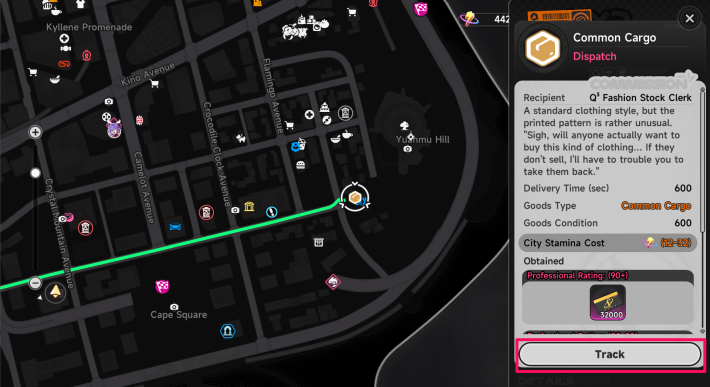
Select your desired destination and enable tracking before using Autopilot.
Custom Map Pins Can Also Be Tracked
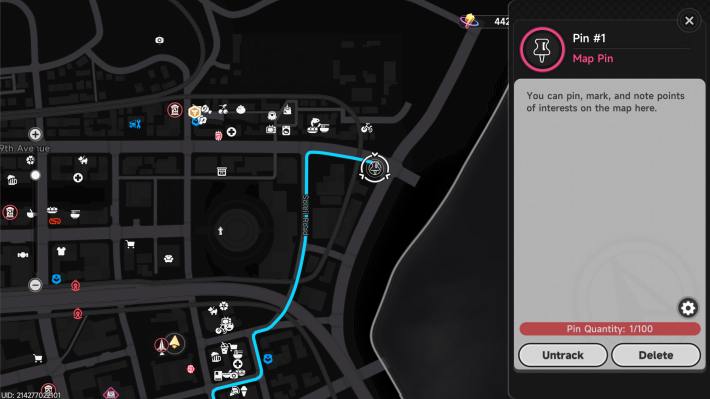
You can also track custom map pins placed anywhere on the map, just like shops and other marked locations.
Enter a Vehicle and Start Autopilot
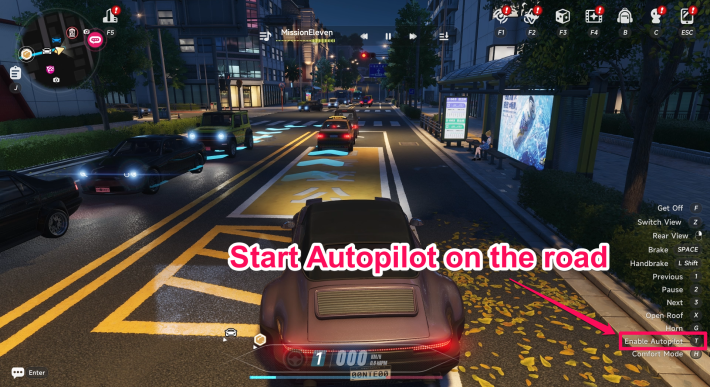
After tracking a destination, get into a car or motorcycle and move onto a road. Then press the "Start Autopilot" button to begin Autopilot.
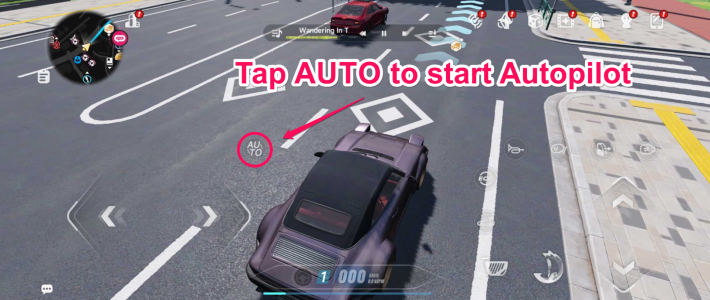
After tracking a destination, get into a car or motorcycle and move onto a road. Then tap the "AUTO" button displayed on the left side of the screen to start Autopilot.
Follow the Guide if Autopilot Won't Start
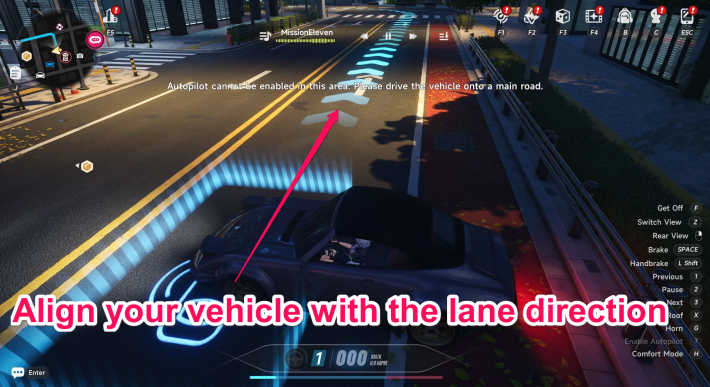
If Autopilot does not activate, check the direction of the blue guide arrow and align your vehicle with it. Once your vehicle is facing the correct direction, Autopilot should start normally.
Autopilot Ends Near the Destination
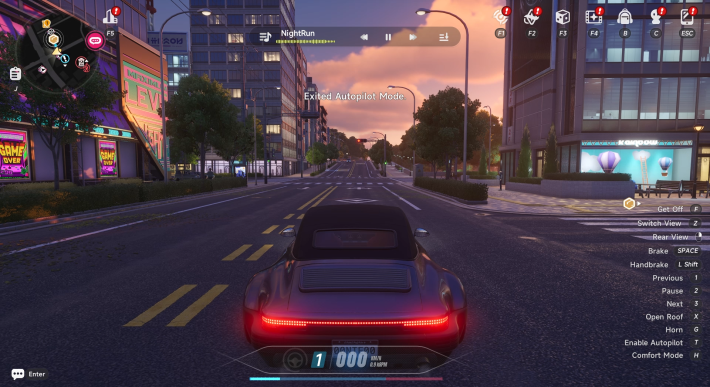
Autopilot will automatically deactivate once you get close to your tracked destination.
Manual Controls Cancel Autopilot
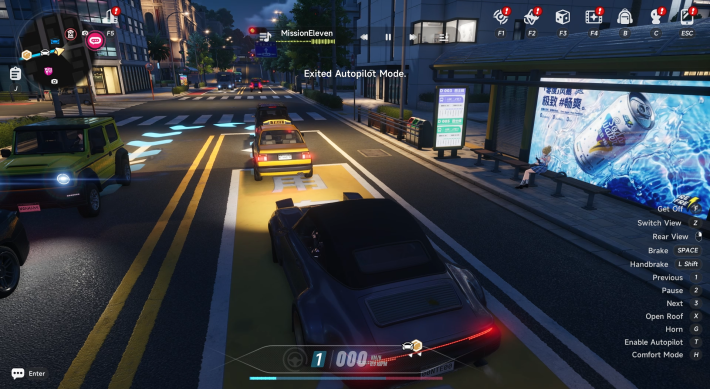
If you use the accelerator, brake, or steering controls while Autopilot is active, it will be canceled. To resume automatic driving, simply press the "Enable Autopilot" button again.
Advantages of Autopilot
Reach Destinations Without Any Input
Once Autopilot is activated, no further input is required until you arrive. You can simply let the vehicle drive itself, and it will eventually reach the destination.
Safe and Accident-Free Travel
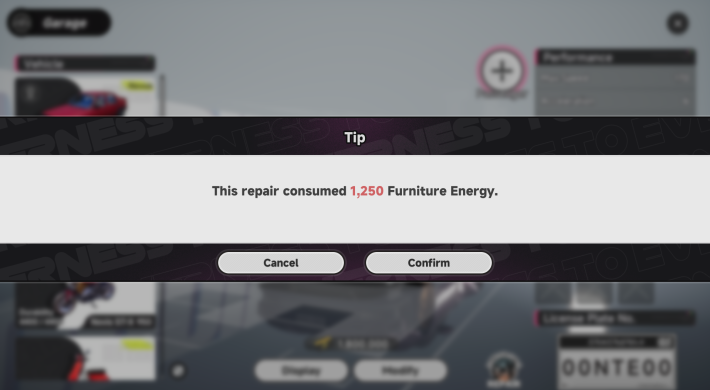
Autopilot follows traffic rules and drives safely, helping avoid collisions and other accidents. Your vehicle can reach its destination without taking durability damage along the way.
Enjoy the Scenery Along the Way
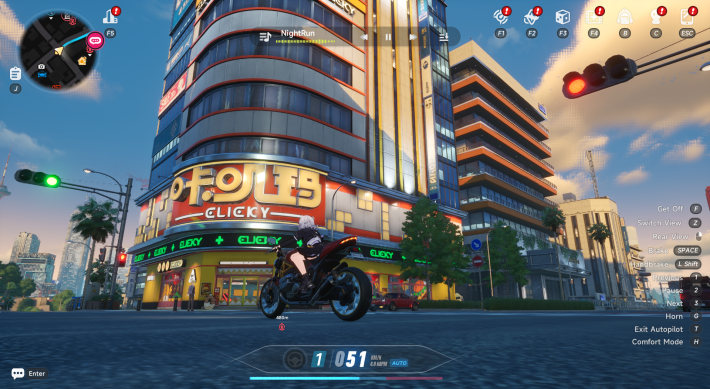
You can move the camera freely while Autopilot is active, allowing you to take in the scenery without worrying about driving.
Disadvantages of Autopilot
Slower Than Driving Manually
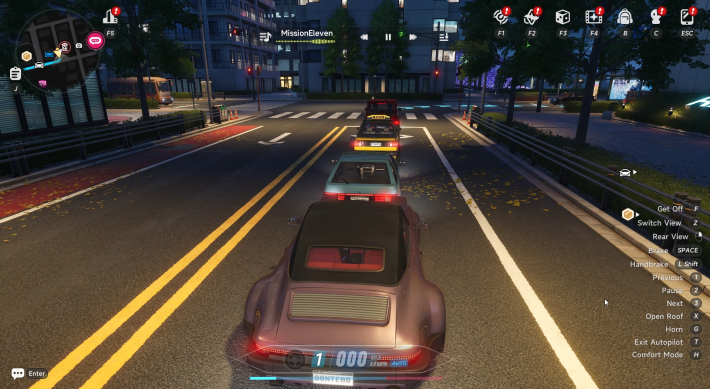
Since Autopilot follows traffic laws, it may stop at red lights or slow down behind other vehicles. As a result, it will usually take longer than driving manually.
May Not Reach Some Destinations
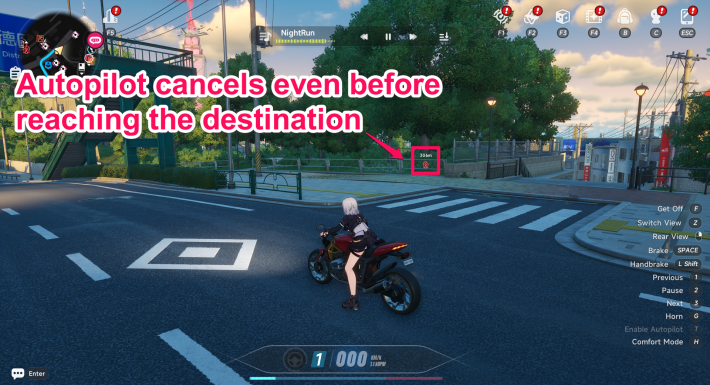
For certain destinations, navigation may not function properly, causing Autopilot to stop before reaching the target area.
NTE Related Articles
Return to HomeRecommended Articles
Recommended Guide Articles
 Early Game Guide
 Mid-Game Guide
 Daily Things to Do
 Team Building Tips
 Hunter Level
 Appraisal Level
 Anomaly Commission List
 Beyond the Rails
 Get Chiz for Free
 Get Free S-Rank Arcs
 Mall Guide
 Oracle Stone
 Interactive Map
 Best In-Game Purchases
 How to Min-Max Consoles
 Hunter Exchange
 Latest Updates
Database
  All Items List All Items List |  All Furniture List All Furniture List |  Fish List Fish List |
 Vehicles List Vehicles List |  Hidden Achievements Hidden Achievements |  Voice Actor Cast Voice Actor Cast |
 Outfits and Skins Outfits and Skins |  Arcs Weapon List Arcs Weapon List |  All Cartridges List All Cartridges List |
 Gacha Machine Locations Gacha Machine Locations |  Achievements List Achievements List |  Common Enemy List Common Enemy List |











