











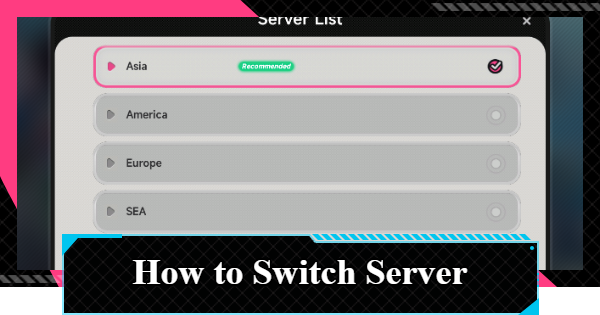
This is a guide on which server to choose in NTE (Neverness to Everness). It includes how to switch servers, which one is recommended, and important notes to keep in mind.
Table of Contents
How to Choose a Server
Switch from the Title Screen
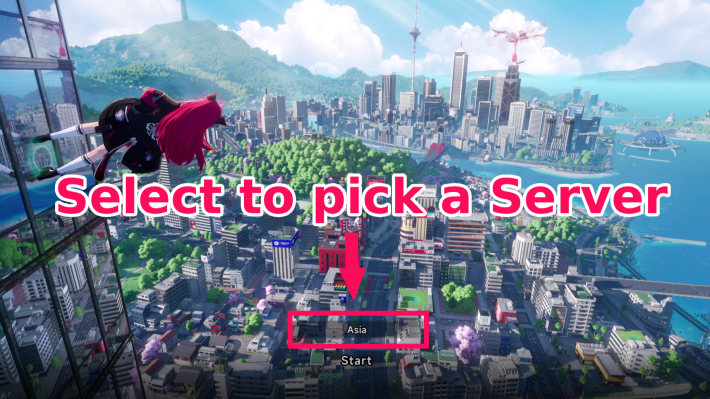

You can select the NTE server from the title screen when logging into the game. To change servers, select the server name located above the "Start Game" button at the bottom of the screen.
Select a Recommended Server
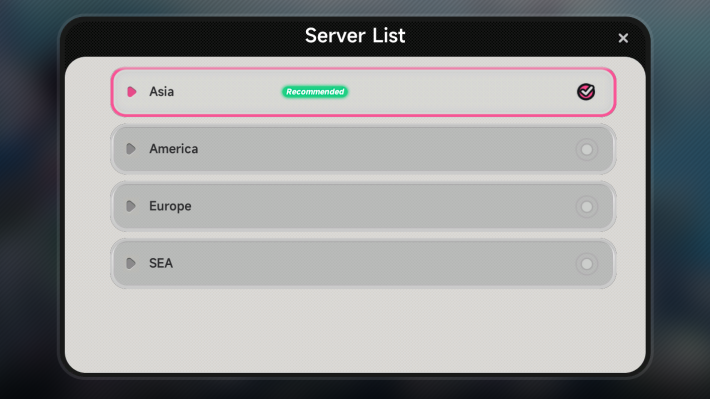
Once you open the server list, select a server labeled as "Recommended". Generally, the server for the region you live in will be displayed as "Recommended".
Important Notes on Server Selection
Data Cannot Be Shared Between Servers
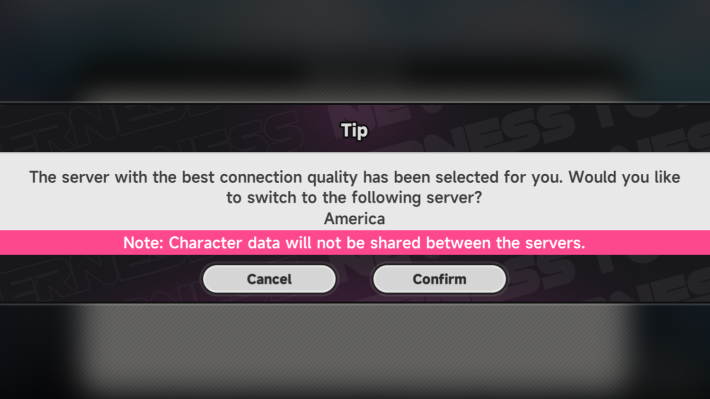
In NTE, character data cannot be shared between servers. Data is saved on a per-server basis, so be aware that your progress will not carry over if you switch to a different server.
NTE Related Articles
Return to HomeRecommended Articles
Recommended Guide Articles
 Early Game Guide
 Mid-Game Guide
 Daily Things to Do
 Team Building Tips
 Hunter Level
 Appraisal Level
 Anomaly Commission List
 Beyond the Rails
 Get Chiz for Free
 Get Free S-Rank Arcs
 Mall Guide
 Oracle Stone
 Interactive Map
 Best In-Game Purchases
 How to Min-Max Consoles
 Hunter Exchange
 Latest Updates
Database
  All Items List All Items List |  All Furniture List All Furniture List |  Fish List Fish List |
 Vehicles List Vehicles List |  Hidden Achievements Hidden Achievements |  Voice Actor Cast Voice Actor Cast |
 Outfits and Skins Outfits and Skins |  Arcs Weapon List Arcs Weapon List |  All Cartridges List All Cartridges List |
 Gacha Machine Locations Gacha Machine Locations |  Achievements List Achievements List |  Common Enemy List Common Enemy List |











