


A complete Redemption Code List of Arknights: Endfield and how to redeem them. This includes the latest Arknights: Endfield codes, rewards, and a step-by-step redemption guide.
Table of Contents
Redeem Code List
Available Redemption Codes
*Press the Green Button to Copy.
| Redemption Code | Rewards |
ENDFIELDGIFT | - Oroberyl x150 - T-Creds x10,000 - Intermediate Combat Record x20 - Arms INSP Kit x20 |
ENDFIELD4PC | - PC exclusive serial code - T-Creds x130,000 - Advanced Combat Record x2 - Arms INSP Set ×2 |
The available redeem codes for Arknights: Endfield are ENDFIELDGIFT and ENDFIELD4PC
.
How to Redeem Codes
Redeem Codes via In-Game Settings
| Step 1 | 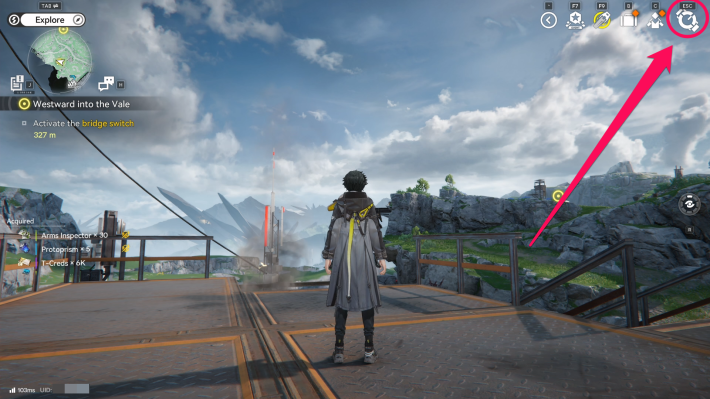  Open the Settings Menu from the top right corner. |
| Step 2 | 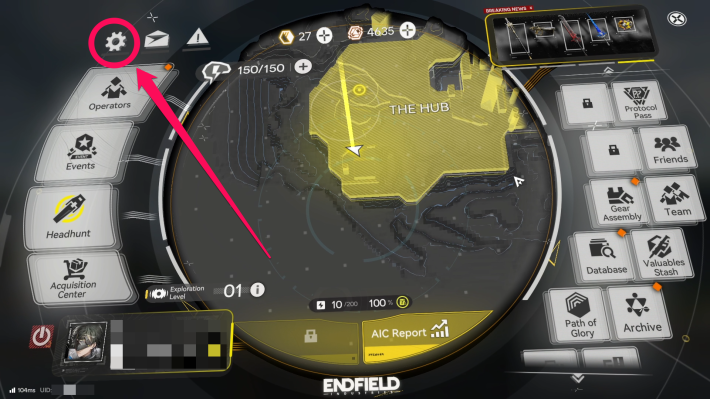 Select the gear icon from the top left to enter the settings menu. |
| Step 3 | 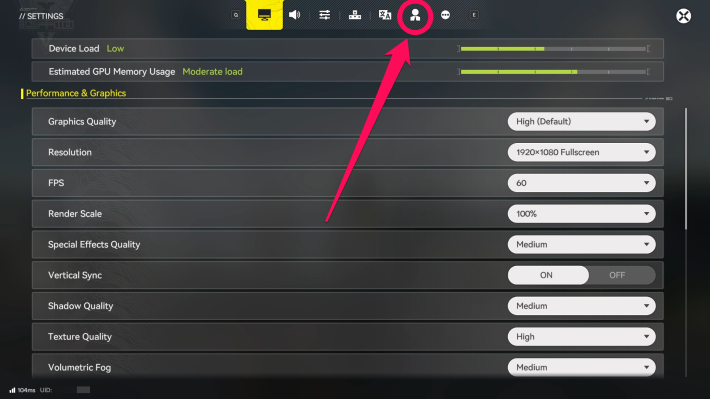 Enter the Platform & Accounttab from the top buttons. |
| Step 4 | 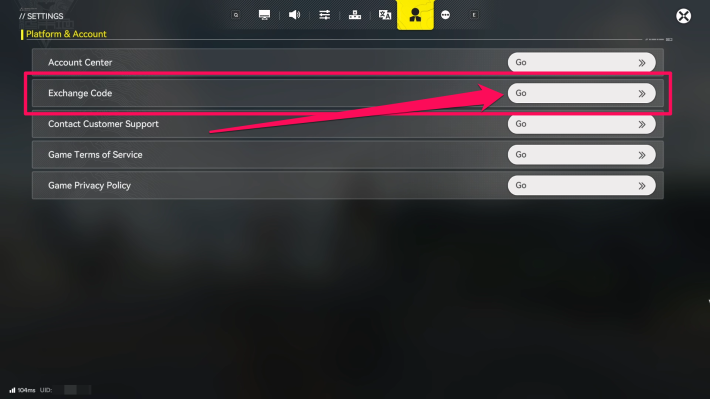 Press on the white Gobutton beside the Exchange Codeoption. |
| Step 5 | 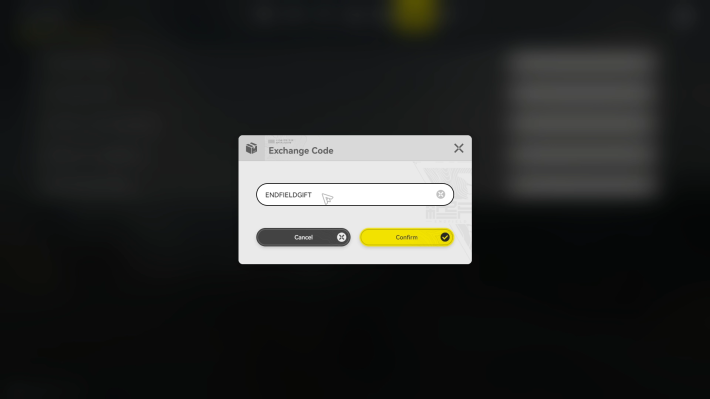 Enter the redeem code in the field and press Confirm. |
You can use redeem codes by navigating to Settings → Platform & Account → Exchange Code. If you do not receive the rewards, the code may have been entered incorrectly or has already expired. Please double-check the code carefully.
Claim Rewards from In-Game Mail
| Step 1 | 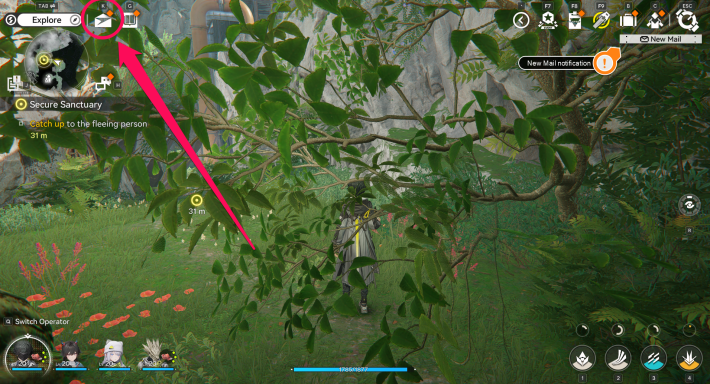 Open the Mail from the top left. |
| Step 2 | 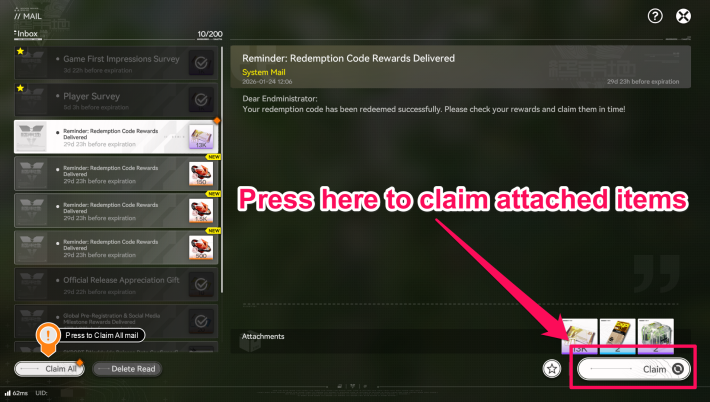 Claim the items from the corresponding in-game mail |
After successfully entering the Redemption Code, the reward items will be delivered to your in-game Mail shortly. Note that there is an expiration period for claiming rewards after redemption, so be sure to claim them within 30 days.
 Note! Note! | Each redemption code is limited to a single use per account, and the associated rewards can only be claimed once. |
|---|
What to Do if You Can't Redeem
Check for Typos
If a code is entered incorrectly, you will not receive the rewards. In cases where you can't redeem your code, double-check the code and make sure you're inputting it correctly.
Verify the Expiration Date
Each redeem code has an expiration date and cannot be redeemed after it expires. Some codes do not have a specified expiration date, so enter newly released codes as soon as possible.
Related Arknights: Endfield Articles
Back to Top PageTier List
 Characters Tier List
 Reroll Tier List
 Best Weapons Tier List
Gacha Information
 Which Banner Should You Pull?
 Gacha Pity System & Rates
 Gacha Currency
 Basic Headhunting Permit
Recommended Articles
 Early Game Guide
 How to Add Friends
 Points of No Return
 Authority Level Guide
 Daily Tasks To Do
 Starter Banner Best Weapon
 How to Farm T-Creds
 How to Get Aketine
 How to Get 2 Stock Redistributors
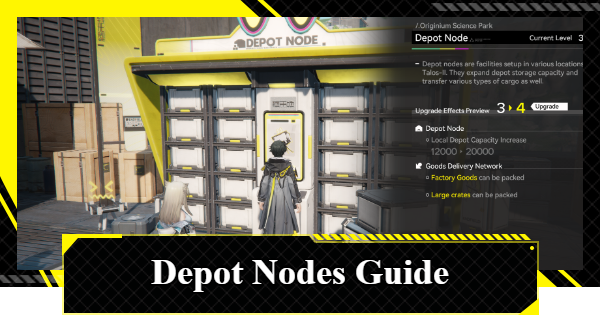 Depot Nodes Location
 How to Get Origeometry
 Monthly Pass Guide
 Trust & Operator Gift Guide
Events
  Umbral Monument Event Guide Umbral Monument Event Guide |  Survive the Gas Survive the Gas |  Unorthodox Tactics Unorthodox Tactics |
 Ballista and Axe Ballista and Axe |  Bolts and Shadows Bolts and Shadows |  Rampaging Shields Rampaging Shields |
 Rock Solid Rock Solid |  Supply: Exploration Day Supply: Exploration Day |
Things to Know Before Release
 Release Date Release Date |  How to Pre-Download How to Pre-Download |  PS5 Pre-Order Bundle PS5 Pre-Order Bundle |
 How to Link Account How to Link Account |  Is Cross-Play Available? Is Cross-Play Available? |  How to Reroll How to Reroll |
 Operator Class Guide Operator Class Guide |
 Combat System Guide
 How to Win Battles
 Dodge and Perfect Dodge
 Elemental Weakness Chart
 Arts Reactions / Physical Status
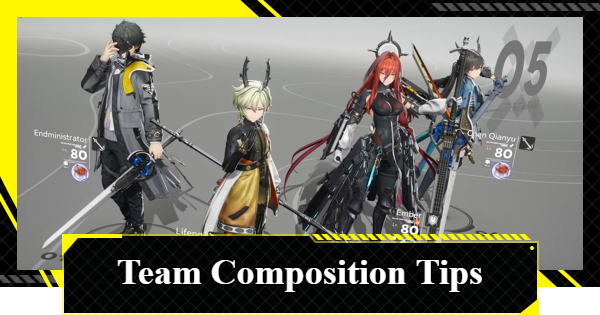 Team Composition Tips
 Best Team Comps
 Potential
 Talents and Base Skills
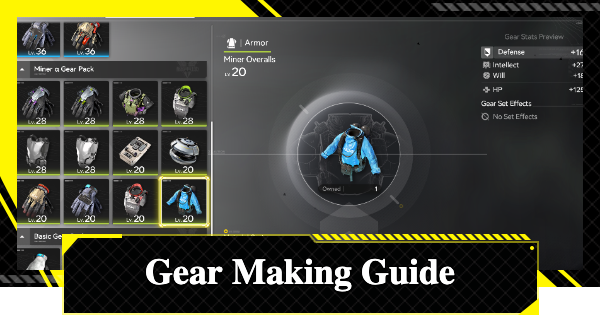 How to Craft Gear
 Best Food List
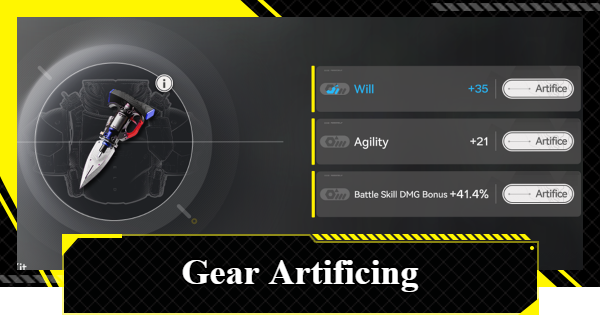 Artificing and Stats Priority
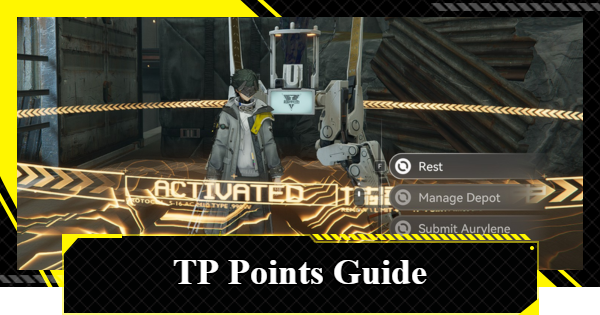 All Fast Travel Points
 Protocol Datalogger
 Aurylene
 Interactive Map
 Ferrium Ore Map Location











