

This is a guide on battle techniques and combat tips for Arknights: Endfield. It includes tips for winning and how to control characters in Arknights: Endfield battles.
Table of Contents
Combat Mechanics
| Combat Mechanics |
| ▼ Final Strike Activates at the End of a Combo |
| ▼ Conserve Stamina by Dodging |
| ▼ Interrupt Enemy Charge Skills |
| ▼ Deal Damage Efficiently with Combos |
| ▼ Utilize Weapon Skill Enhancements |
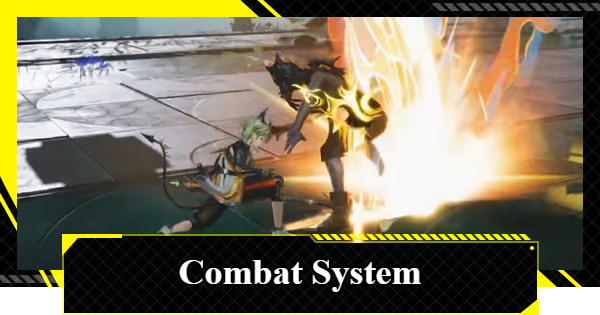
When fighting battles in Arknights: Endfield, it is important to know how to increase your damage output while also avoiding damage by dodging and stopping enemy attacks.
Use Final Strike As Much As Possible
When you perform consecutive normal attacks, a "Final Strike" will be activated at the end. Final Strikes not only deal more damage than other normal attacks, but they also recover a certain amount of "Skill Points" needed to use Battle Skills, so try to land them continuously.
Aim for High Damage by Staggering Enemies
With Final Strikes, you can inflict stagger on enemies. Enemies in a staggered state are incapacitated and take increased damage, so you should actively aim for it. Attacking a staggered enemy allows you to perform a Finisher move that deals massive damage and restores Skill Points.
Conserve Stamina by Dodging
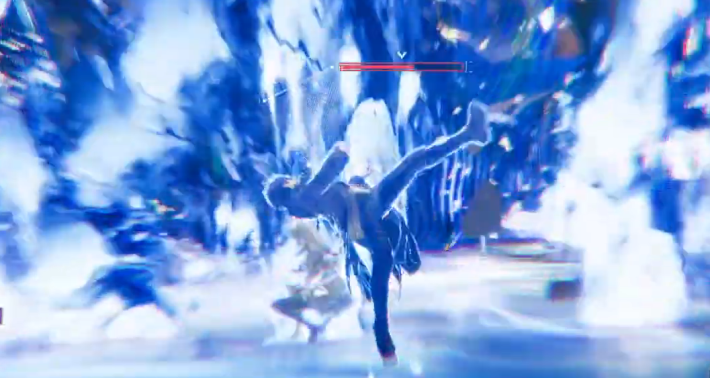

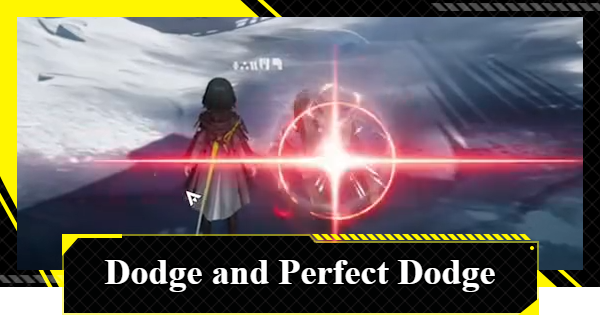
If you dodge an enemy's attack with perfect timing, it becomes a Perfect Dodge. When you successfully perform a Perfect Dodge, in which half of the consumed stamina is returned, it allows you to maneuver using less stamina.
Interrupt Enemy Charge Skills
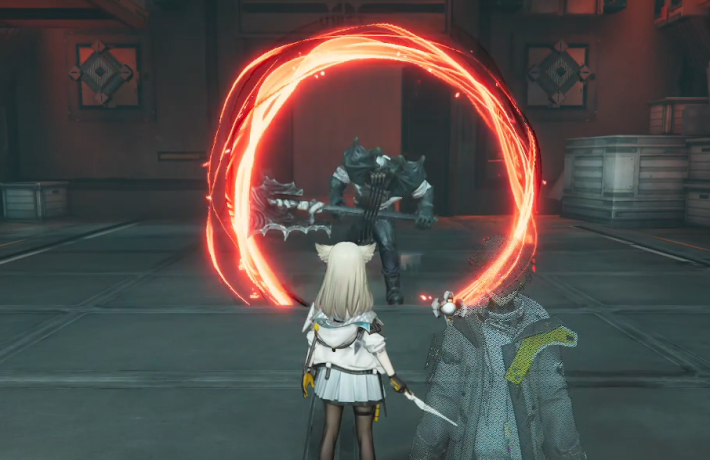
After a red circle appears on an enemy, they will perform a Charge Skill. When an enemy uses a Charge Skill, hitting them with a damaging skill will stop their skill and inflict a high amount of stagger, so always be on the lookout for it.
Deal Damage Efficiently with Combos
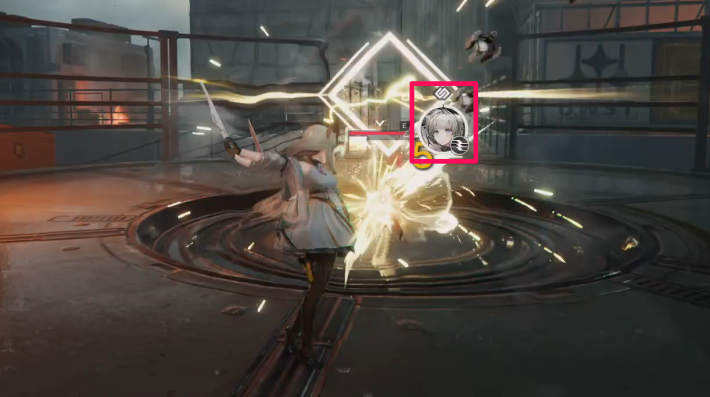
Combo Skills can be used by all Operators and are activated by fulfilling specific conditions. There is a short cooldown after activation, but since you can attack without consuming Skill Points, you should work on triggering those combos.
Check from the Operator's Status
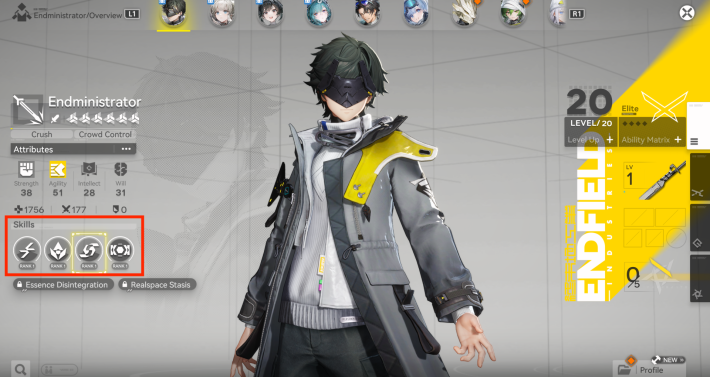
The conditions and details of Combo Skills can be checked on each Operator's status screen. There are various conditions, such as "When a Final Strike is activated" or "When an ally activates a Combo Skill," so be sure to check them beforehand when forming your team.
Utilize Weapon Skill Enhancements
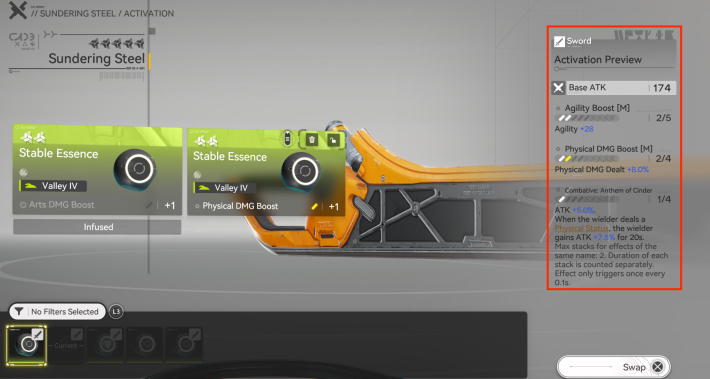
By fulfilling conditions such as "When a Battle Skill hits" or "When a Combo Skill is activated," you can receive weapon enhancement effects. You can receive various buff effects, such as increased attack for a certain period, so try to keep them active as much as possible.
Basic Skills & Controls
Once you get used to the Basic Attacks and dodging, you need to learn how to use the Battle Skills and Ultimates.
Basic Attack
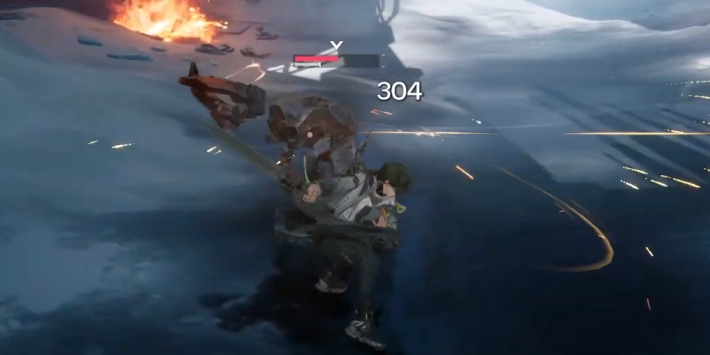
For basic attacks, you can perform a continuous attack by repeatedly pressing or holding down the attack button. It is recommended to use basic attacks by holding the button, as it makes it easier to time other actions like dodging.
Dodge
With dodging, you consume stamina to quickly move in your desired direction and evade enemy attacks. Your normal attack combo is not reset, so you can continue attacking while dodging enemy blows.
Battle Skills
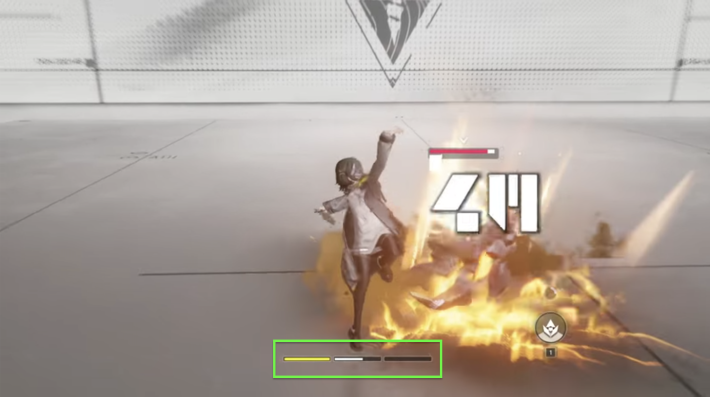
A Battle Skill is a skill that can be used by consuming one gauge of Skill Points. Skill Points can be checked by the gauge displayed above your health, and they recover over time, landing Final Strikes, or performing a Perfect Dodge.
Party's Battle Skills Displayed in 4-Player Team
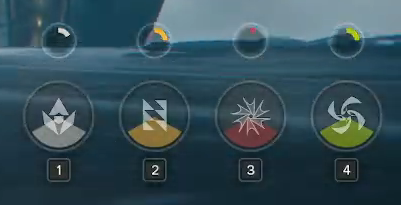
When you have 4 members in your team, all four members' Battle Skills will be displayed in the bottom right, each assigned to a button.
Ultimate
An Ultimate Skill can be activated by holding the Battle Skill button when the "Ultimate Energy," which is accumulated by hitting enemies with skills, is full. The damage is much greater than a Battle Skill, so you should try to build up the Ultimate meter efficiently.
Ultimate Energy Meter
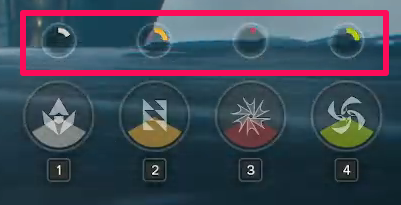
The character's (operator's) Ultimate Energy can be checked at the bottom right of the screen.
Lock-On
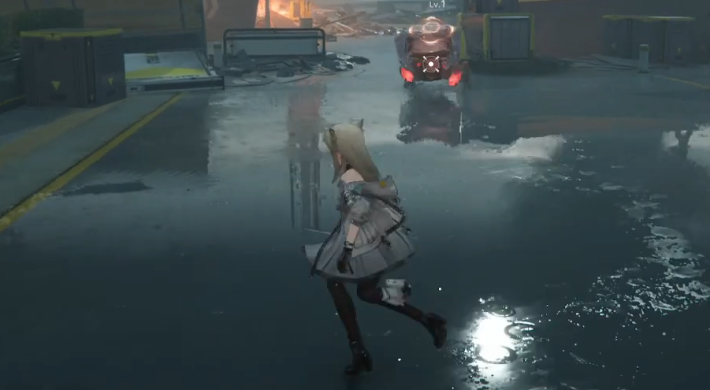
By using lock-on, you can continuously target a specific enemy. The camera will move to keep the locked-on enemy in view, so if there's an enemy you want to defeat quickly or a fast-moving enemy, use this feature to focus your attacks.
Related Arknights: Endfield Articles
Back to Top PageTier List
 Characters Tier List
 Reroll Tier List
 Best Weapons Tier List
Gacha Information
 Which Banner Should You Pull?
 Gacha Pity System & Rates
 Gacha Currency
 Basic Headhunting Permit
Recommended Articles
 Early Game Guide
 Redeem Codes List
 How to Add Friends
 Points of No Return
 Authority Level Guide
 Daily Tasks To Do
 Starter Banner Best Weapon
 How to Farm T-Creds
 How to Get Aketine
 How to Get 2 Stock Redistributors
 Depot Nodes Location
 How to Get Origeometry
 Monthly Pass Guide
 Trust & Operator Gift Guide
Events
  Umbral Monument Event Guide Umbral Monument Event Guide |  Survive the Gas Survive the Gas |  Unorthodox Tactics Unorthodox Tactics |
 Ballista and Axe Ballista and Axe |  Bolts and Shadows Bolts and Shadows |  Rampaging Shields Rampaging Shields |
 Rock Solid Rock Solid |  Supply: Exploration Day Supply: Exploration Day |
Things to Know Before Release
 Release Date Release Date |  How to Pre-Download How to Pre-Download |  PS5 Pre-Order Bundle PS5 Pre-Order Bundle |
 How to Link Account How to Link Account |  Is Cross-Play Available? Is Cross-Play Available? |  How to Reroll How to Reroll |
 Operator Class Guide Operator Class Guide |
 Combat System Guide
 Dodge and Perfect Dodge
 Elemental Weakness Chart
 Arts Reactions / Physical Status
 Team Composition Tips
 Best Team Comps
 Potential
 Talents and Base Skills
 How to Craft Gear
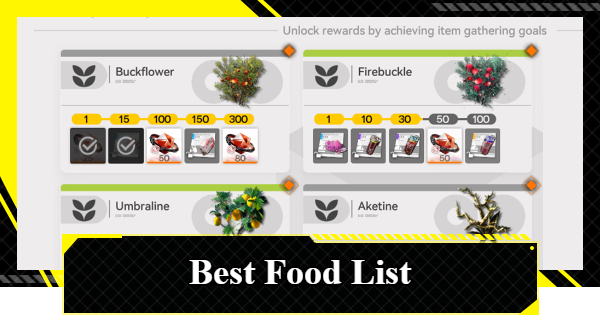 Best Food List
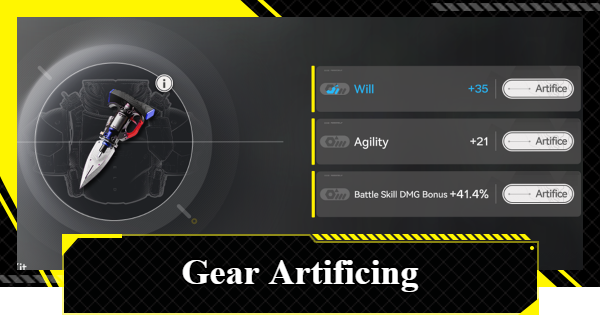 Artificing and Stats Priority
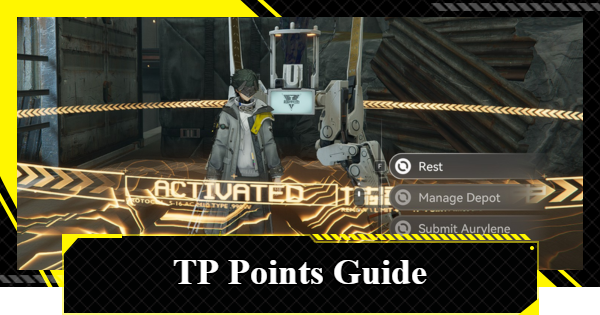 All Fast Travel Points
 Protocol Datalogger
 Aurylene
 Interactive Map
 Ferrium Ore Map Location











