

How to Solve Power Outages guide for Arknights: Endfield. See power outages, how to fix power outages, restoring power, power grid, shutdown, overload, and how to restart Thermal Bank!
Table of Contents
| Related Articles on Power | |
 Battery Production Guide Battery Production Guide |  Best Power Transport Routes Best Power Transport Routes |
How to Fix Power Shortages
Install Thermal Banks to Increase Power
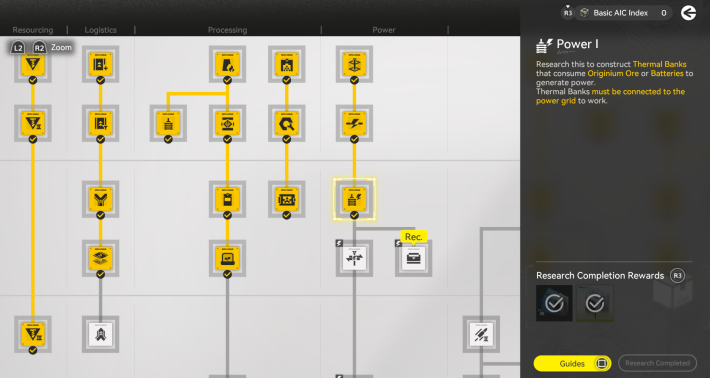
If you encounter a power shortage, install Thermal Banks to increase power output. Thermal Banks can be unlocked by accumulating Industrial Points and completing the "Research" for "Thermal Bank" under Basic AIC II in the Basic AIC Plan.
Thermal Bank Simulation GuideReview Facilities if Power Is Limited
You won't have a way to increase power generation in the early game until you unlock the Thermal Bank. If you run out of power before unlocking Basic AIC II, adjust your installed facilities so your total power usage doesn't exceed 200.
Progress Story to Upgrade Basic AIC
| Basic AIC Level | Story Progression / Required Items |
| Basic AIC II | [Story Progression] Chapter 1 Process II Paving the Way [Required Items] Basic Expansion Core |
You can raise your Basic AIC Level using Basic Expansion Cores, which you will naturally collect as you progress through the story. The Basic Expansion Core needed to reach Basic AIC II is rewarded for completing the main mission Chapter 1 Process II Paving the Way.
Paving the Way WalkthroughIncrease Power with Thermal Banks
How to Use Thermal Banks
To use the Thermal Bank, you first need to research it in Basic AIC II. Once unlocked, install the facility and connect it to a PAC Output Port to supply power.
Take the Thermal Bank Simulation


To fully understand how the Thermal Bank works, it is highly recommended to play through the in-game tutorial. Open your Operation Manual, select the Simulation tab, and tap Valley IV to find your list of unlocked Simulation tutorials.
Thermal Bank Simulation Guide Tips! Tips! | Facility tutorials are added as soon as you unlock them. Check the information below to unlock your Thermal Bank first! |
|---|
Unlock Basic AIC II

Before you can install Thermal Banks, you need to unlock Basic AIC II. You can get the required materials by completing the Main Mission Chapter 1 Process II: Paving the Way.
Research in Basic AIC II
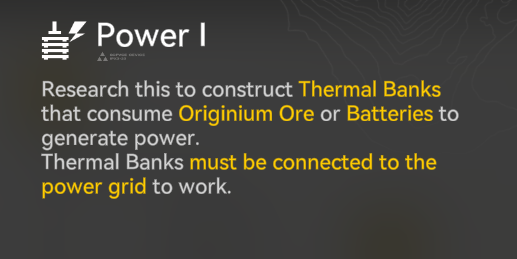
You get one Thermal Bank for free, but a single facility won't be enough for your base. Make sure to set up a dedicated production line to craft the rest yourself.
Create Amethyst Parts

The Amethyst Parts required to craft Thermal Banks are made by processing Amethyst Ore. First, process Amethyst Ore into Amethyst Fiber using a Refining Unit, and then run that fiber through a Fitting Unit to create the Amethyst Part.
| Tips! | You will unlock the Amethyst Ore tutorial by progressing through the story naturally after finishing the Basic AIC Plan! |
|---|
Install the Thermal Bank and Connect to a PAC
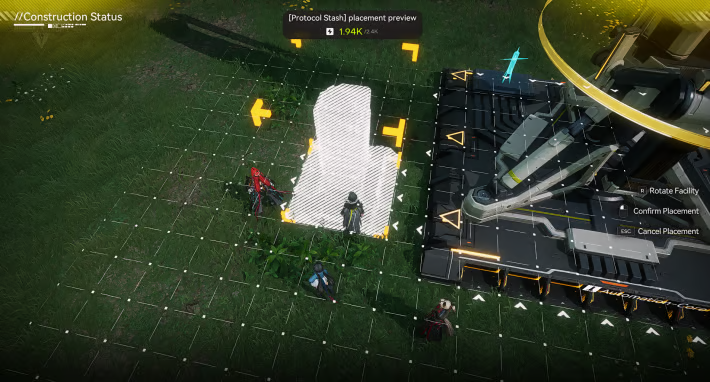 Check the Arrow Direction Before Installing Check the Arrow Direction Before Installing |  Connect the Thermal Bank to the PAC Connect the Thermal Bank to the PAC with a Transport Belt |
Place the Thermal Bank in alignment with the PAC’s arrow direction, then connect both structures using a Transport Belt. A white glow indicates a successful connection.
You Can Also Use Blueprint
| Power Generation Line | Blueprint Code |
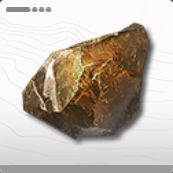 Originium Ore Power Generation | EFO013o78EU3U9aU0579 EFO01iOe55O3O92e472U4 |
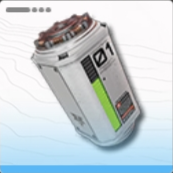 LC Valley Battery Power Generation | EFO01O4a5e0O08I3U9oe4 EFO01Ue379uUu2OEA7Oa8 EFO010U977U4UIi17E179 EFO012I4uuIaIe867eIOo |
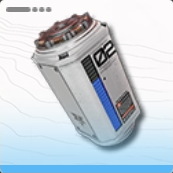 SC Valley Battery Power Generation | EFO01u8U32AuA603aAoOU EFO01A5i445850EIU9ieO |
You can access Blueprints during Process II, "Paving the Way," where Basic AIC II is unlocked. If you are unsure about the setup, use the "Import" function to apply a Blueprint.
How To Share BlueprintsConnect the Blueprint to an Output Port

Blueprints can be placed anywhere within the Core AIC Area, but they will not function unless connected to an item Output Port. Connect the Blueprint's Originium Ore icon (Item Control Port) to the PAC's item Output Port.
| Tips! | Instead of placing a Blueprint directly next to an Output Port, you can also supply it by extending a Transport Belt between them! |
|---|
Insert Originium Ore into the PAC Port
 Go to the PAC Output Port Go to the PAC Output Port |  Insert Power Source Like Originium Ore Insert Power Source Like Originium Ore |
To operate the Thermal Bank, insert Originium Ore or Batteries as fuel. In the early game, it is recommended to use Originium Ore obtained through manual or automated mining.
Early-Game Products and Power Usage
| Product | Blueprint / Required Power / Use |
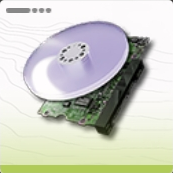 Amethyst Component | EFO01Ue379uUu2Oou71a8 Asia EFO0172UEE2I21555O0Ai US / EU [Required Power] 20 [Use] Used to craft character gear. |
![Buck Capsule [C]](https://img.gamewith.net/jp/article_tools/akendfield/gacha/i_94.png) Buck Capsule [C] | EFO01a651oOaOeAe2oe5e Asia EFO0136u996i65au90579 US / EU [Required Power] 75 [Use] Used for healing during combat and to obtain Valley Stock Bills through Outpost Trading. |
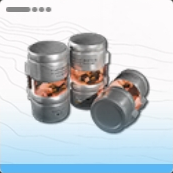 Industrial Explosive | EFO017i8e0373E53EO2Ai Asia EFO01U4A224o4aOEO7Oa8 US / EU [Required Power] 75 [Use] Used to clear destructible obstacles in the field (essential for exploration). |
These are the recommended items to craft and their power requirements immediately after unlocking the Thermal Bank. Since the initial power output of 200 is often insufficient, prioritize setting up a power generation line using Originium Ore.
Blueprint Code ListUse Batteries As You Progress
Batteries provide high power output and significantly boost generation efficiency. However, because they must be manufactured, they are not readily accessible in the early game.
Power Supply Tips
Use Sub-PAC for Power Lines
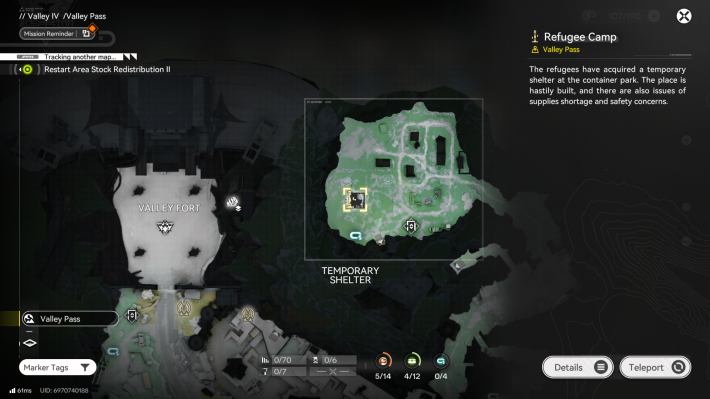
Since power generation-related facilities are often left untouched after being installed, we recommend grouping them in a Sub-PAC. It will be easier to manage if you clearly separate the roles, with the Main PAC for manufacturing and the Sub-PAC for power generation and batteries.
Change Thermal Bank Fuel
As your AIC advances and you add more facilities, you'll need to upgrade your power-generation equipment to keep up with demand. Keep in mind that higher-tier batteries provide a massive boost to power output, but they are also more complex to manufacture.
Batteries Differ by Area
| Valley Battery Types and Power Output | |||
| Originium Ore Power Output: 50 | LC Power Output: 220 | SC Power Output: 420 | 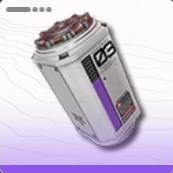 HC HC Power Output: 1100 |
The types of batteries you can manufacture will expand as you explore new areas. In Valley IV, you can refine Originium Ore and produce three types of batteries. Once you reach Wuling, the area following Valley IV, you'll unlock blueprints for batteries with an even higher power output.
Use Splitters for Thermal Banks

By branching your Transport Belts using a Splitter, you can efficiently feed multiple Thermal Banks from just a single Output Port. A single Splitter can divide a belt into up to three separate paths.
Increase Efficiency
A single Thermal Bank only consumes one battery every 40 seconds. Funneling all batteries from one Output Port into just one Thermal Bank is highly inefficient and will quickly lead to a massive surplus of batteries.
Unlock Splitters via the Basic AIC Plan

You can unlock Splitters through the Basic AIC II node in your Basic AIC Plan. Similar to Transport Belts, these incredibly useful tools do not need to be crafted and can be placed freely as many times as you need to optimize your factory lines.
Calculate the Production of Batteries
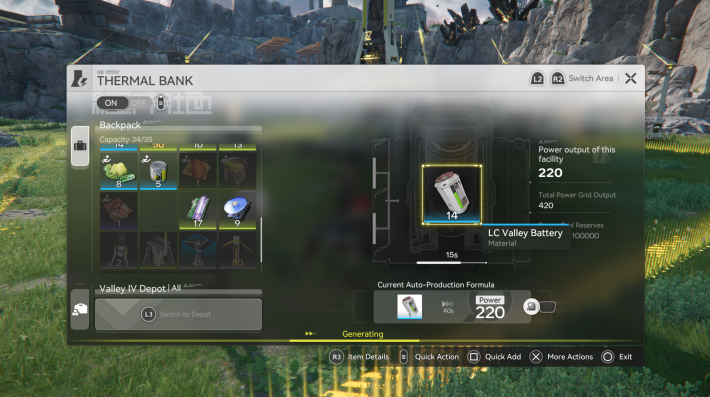
When using batteries as an energy source, you need to produce batteries to run the Thermal Banks. Be sure to calculate the amount of batteries needed to operate the Thermal Banks. If you run out of batteries, you risk a Power Outage.
Monitor Power Consumption for Battery Production
| Battery | Blueprint/Power Required |
| LC Valley Battery | EFO01ouiI5eoea6o2IieO Asia EFO01Eu233u1uio5O3uIa US / EU [Required Power] 55 |
| SC Valley Battery | EFO01a651oOaOeAU1oe5e Asia EFO012I4uuIaIe85OeIOo US / EU [Required Power] 90 |
| HC Valley Battery | EFO01O4a5e0O08Iou9oe4 Asia EFO0172UEE2I2155aO0Ai US / EU [Required Power] 135 |
Keep in mind that the production lines manufacturing your batteries also consume power, so you must account for their energy costs when planning your grid. If battery production halts due to a power shortage, your Thermal Banks will eventually run dry, causing a cascading failure that shuts down all of your facilities.
Related Endfield AIC Factory Articles
Back to Top PageHow to Share and Create Blueprints
 Blueprint Code List
 How to Create Blueprints
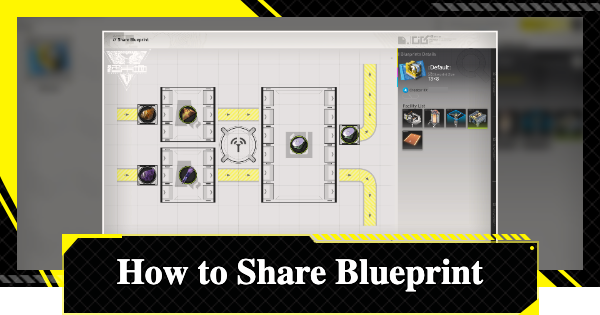 How To Share Blueprints
Basic AIC Factory Operations
 Basic AIC Controls
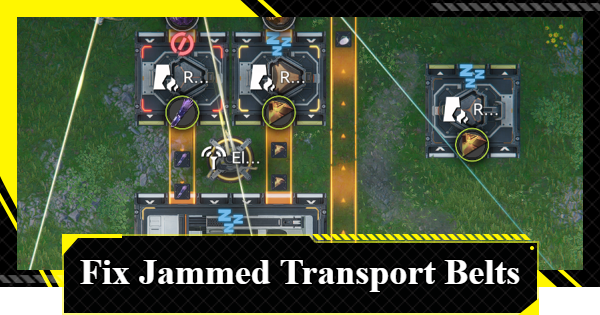 Clogged Transport Belts
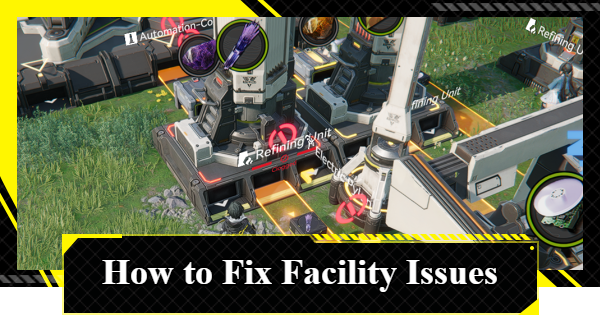 Fixing AIC Facility Issues
 Repair Broken Facilities
 How to Craft Bombs
 Best Zipline Locations and Routes
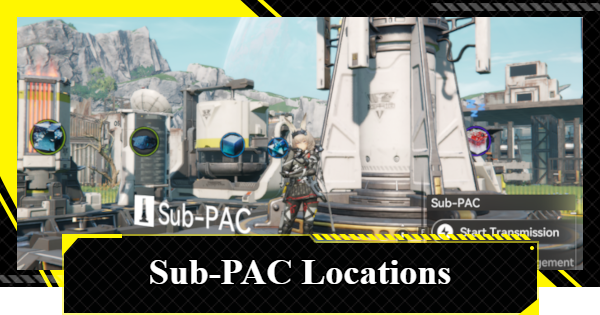 Sub-PAC Locations and Uses
 Best Farming Blueprints
 PAC Locations
 Wuling AIC Guide and Tips
Featured Articles
 Reroll Tier List
 How to Reroll
 Best Characters Tier List
 Early Game Guide
 Redeem Codes List
 Best Team Comps
 Points of No Return
 Linking GRYPHLINE Account
 How to Add Friends
 Daily Tasks To Do
 Authority Level Guide
 Interactive Map












