

This guide explains How to Fix AIC Facility Issues in Arknights: Endfield. Covering common causes of production shutdowns, fixing production errors, and how to restore power.
Table of Contents
What to Do When AIC Facility Fails
Causes of Production Shutdowns
- No Power Is Being Supplied
- Depot Capacity is Full
- Transport Belt is Jammed
- Power Blackout from Overconsumption
If a Facility in Endfield stops operating, first check whether power is being supplied, if depot capacity has been reached, if Transport Belts are congested, or if a power blackout has occurred due to insufficient power.
How to Fix AIC Facility Issues
| How to Fix AIC Facilities | |
| Power Supply | Increase Depot Capacity |
| Resolving Jams | Fixing Power Blackouts |
Checking if Power is Supplied
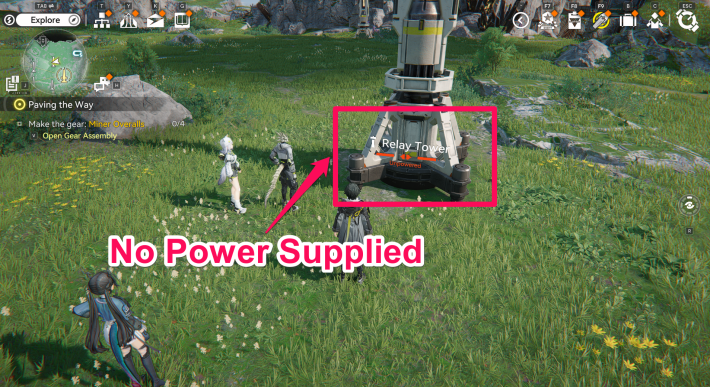

If power is not reaching a facility, any facility that requires electricity will stop operating. Approach or select the facility to confirm whether power is being supplied.
Upgrade the Depot Node for Capacity
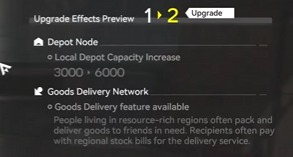
When the Depot storage capacity for produced items reaches its limit, items on the connected Transport Belt will stop. You can increase Depot capacity by upgrading the "Depot Node".
 Tips! Tips! | The Depot Node unlocks after reaching the Originium Science Park, so be sure to progress through the Main Quest as early as possible. |
|---|
Manually Collect Items Early On
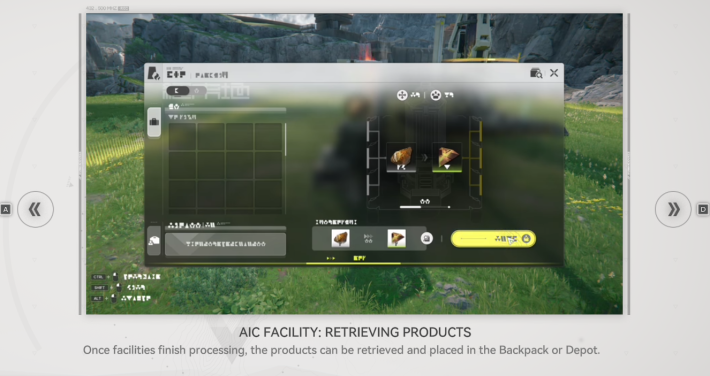
Right after unlocking the factory system, the production line is not yet automated, so you must manually input and collect items at each stage.
Adjusting Transport Belt Lines
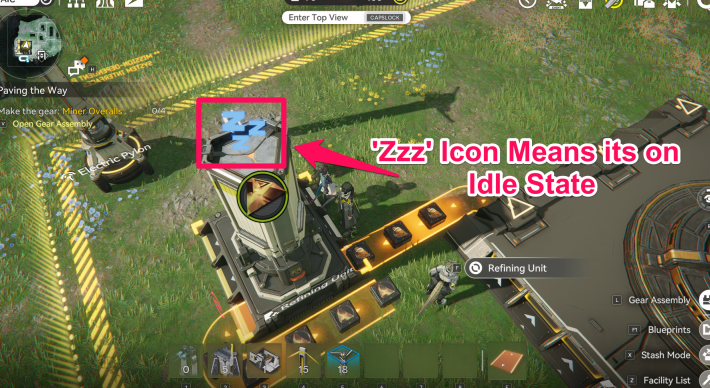
If a facility receives items via the Transport Belt faster than it can process them, production will stop, and the facility will enter an idle state. Each facility has a fixed production speed, so avoid oversupplying items.
| Tips! | Even if it appears connected at first glance, the Transport Belt may stop just short of the connection point. If items jam immediately after placement, check the facility details or reconnect the belt and confirm that the facility glows white. |
|---|
How to Fix Jammed Transport Belts
Fixing Power Blackouts
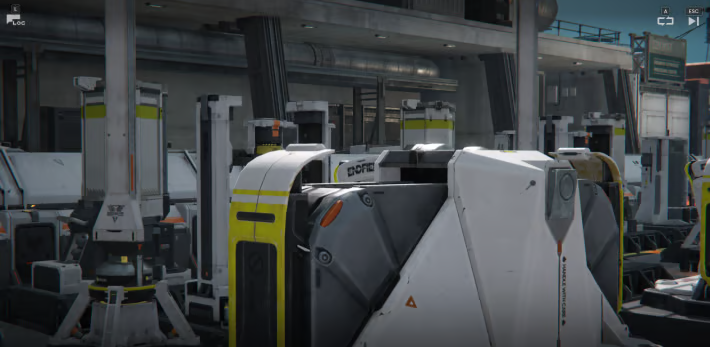
If all facilities have stopped, a blackout may be the cause. With a few exceptions, most facilities require power to operate. When total power consumption exceeds the maximum supply, the system draws from stored energy. Once stored energy reaches 0, all facilities will shut down.
Increase Power with Thermal Banks
If the power supply is insufficient, another blackout may occur. Build a Thermal Bank to restore facility operations. A Thermal Bank requires energy sources such as Raw Ore or Battery.
Review Facilities in Automation-Core
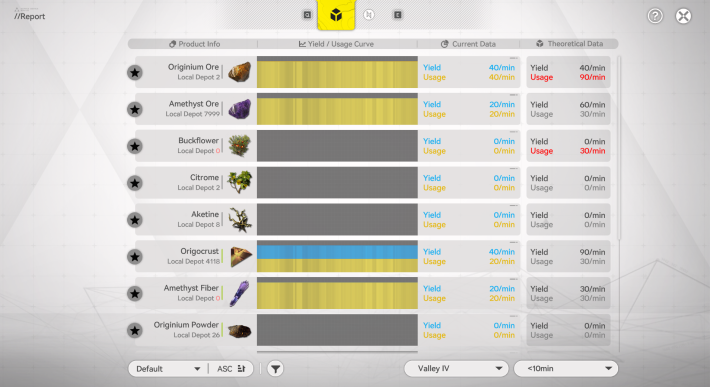
If a Thermal Bank cannot meet power demand, review the number of installed facilities. Check power usage on the Automation-Core details screen and adjust your layout to keep consumption below supply. As a first step, check whether you have too many Combat Facilities and reduce them.
Restoration Takes Time
Restoration takes time, as you need to review the entire Automated Industry Complex (AIC), identify stopped facilities, and increase power supply using Thermal Banks. Try to avoid power shortages from happening to prevent this.

 Blueprint Code List
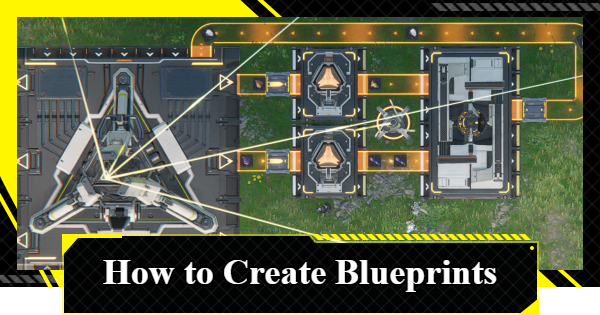 How to Create Blueprints
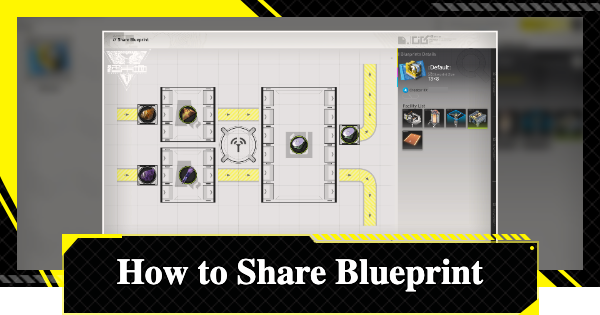 How To Share Blueprints
 Basic AIC Controls
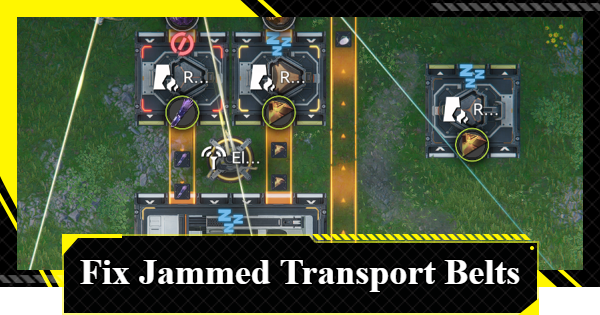 Clogged Transport Belts
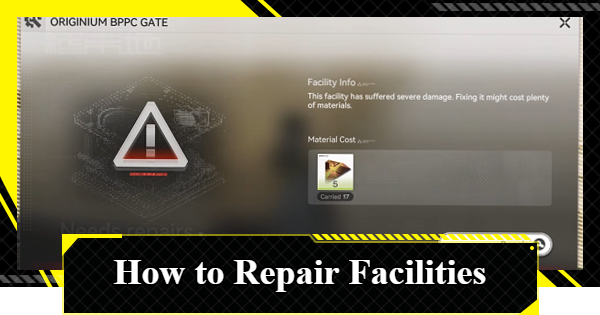 Repair Broken Facilities
 How to Craft Bombs
 Best Zipline Locations and Routes
 Sub-PAC Locations and Uses
 Best Farming Blueprints
 PAC Locations
 Wuling AIC Guide and Tips
 Reroll Tier List
 How to Reroll
 Best Characters Tier List
 Early Game Guide
 Redeem Codes List
 Best Team Comps
 Points of No Return
 Linking GRYPHLINE Account
 How to Add Friends
 Daily Tasks To Do
 Authority Level Guide
 Interactive Map











