

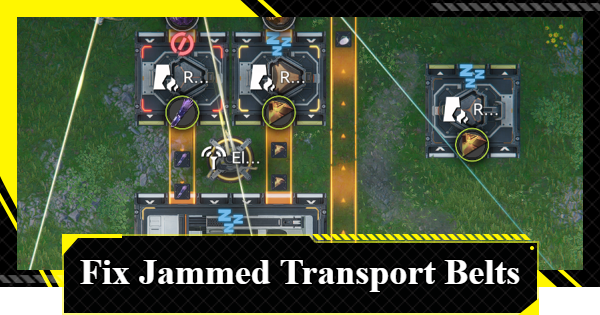
This guide explains how to fix clogged Transport Belts in Arknights: Endfield. It covers the causes and drawbacks of Transport Belt congestion and how to fix production line clogs.
Table of Contents
Automated Industry Complex (AIC) Guide
How to Fix Clogged Transport Belts
Check if It's Connected to Facilities
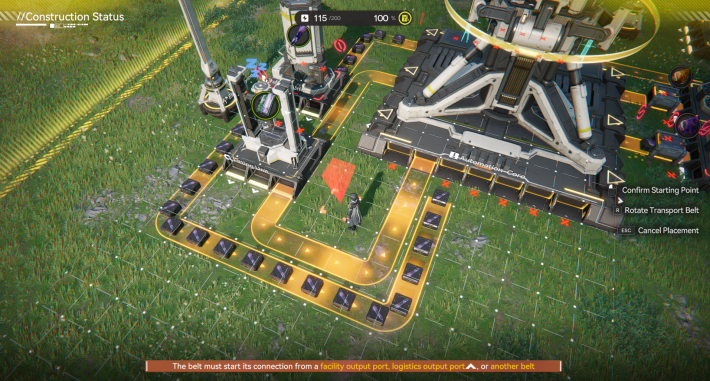

The Transport Belt direction and connection flow are fixed. Connect them into a single continuous line, for example: Item Output Port → PAC Output Port → Destination Input (e.g. Refining Unit), then from the Destination’s (e.g. Refining Unit) Output Port → PAC Transport Port Input.
Automated Industry Complex (AIC) Guide
Transport Belt Not Fully Connected
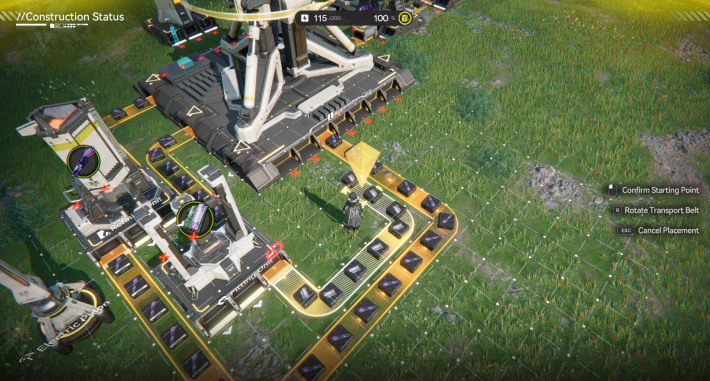
If a Transport Belt stops just short of the target facility, it may appear connected at first glance. Always check whether the facility is glowing, which indicates a successful connection.
Check Connections via Facility Details
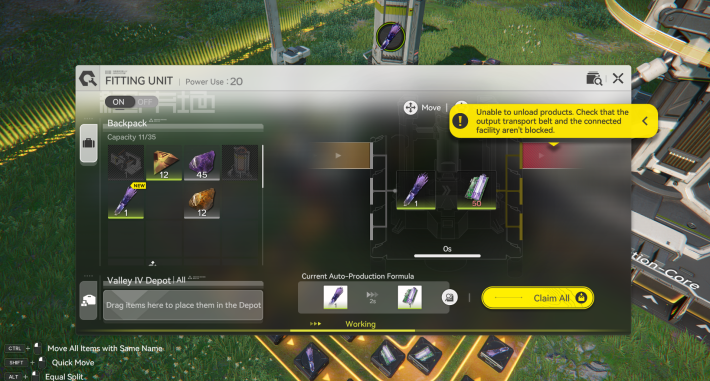
You can check if the Transport Belt is properly connected by inspecting the facility. If it's a hassle to reconnect, try inspecting it first.
Utilize the Top-Down View
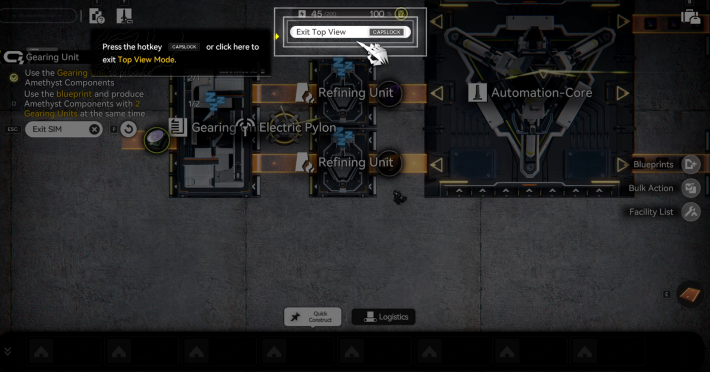
Using the Top-Down View makes it easier to inspect the entire AIC Factory Facilities line. If you’re unsure where the issue is occurring, make use of the view-switching feature.
Refer to Shared Blueprints
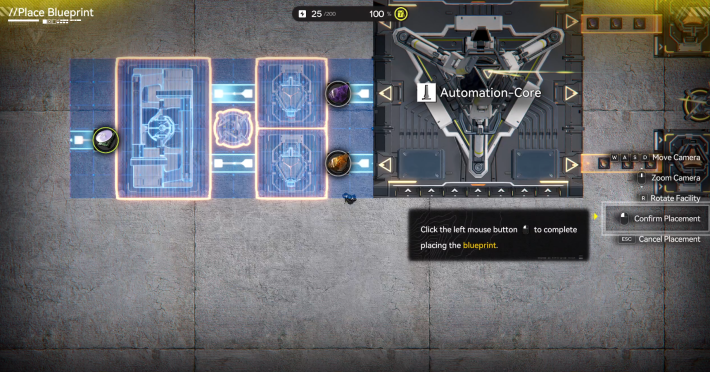
Once Blueprints are unlocked, you can duplicate production lines and use Blueprints created by other players. If you're struggling to build an efficient production line, refer to shared Blueprints for guidance.
| Related Articles | |
|---|---|
| Blueprint Code List | How To Share Blueprints |
| How to Create Blueprints | Industrial Explosive Blueprint |
Disadvantages of Clogged Transport Belts
Potential for Production Failure, etc.
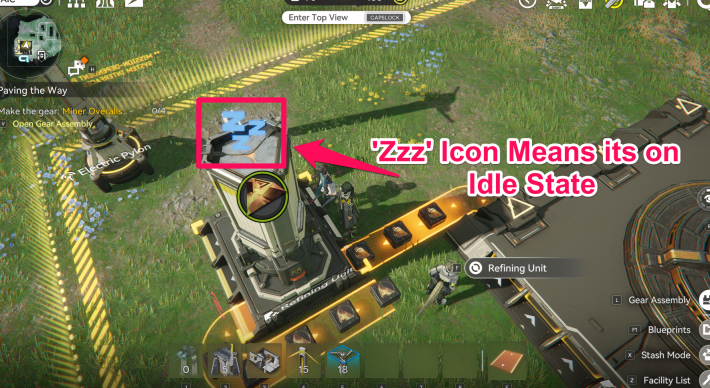
If a Transport Belt jam is caused by a connection error, the facility will become idle or stop. Because the production line is incomplete and transport is interrupted, the intended items may not be produced at all.
Clogged Items Are Not Lost
Don’t worry, items will not be lost even if a Transport Belt becomes clogged.
What to Do If You Can’t Unclog a Transport Belt
Learn How to Connect via Simulation
If you’re unsure how to connect Transport Belts and keep causing clogging, learn the basic operations in the 'Material Production' section of the Simulation. You can also earn rewards by completing practical missions.
 Tips! Tips! | Even after the mission ends, you can stay in the Simulation, so it’s a good idea to practice different operations, like connecting multiple Transport Belts, to get a feel for it. |
|---|
Completing the 'Simulation' Improves Understanding
If the Automated Industry Complex (AIC) feels difficult, we recommend completing all AIC Basic Plan Simulations first. This will help you learn the basics of each facility and improve your overall understanding.
| Tips! | You cannot access the Basic AIC Plan until it is unlocked. Once unlocked, you can repeat the same tutorial as many times as you want! |
|---|
Adjusting Belts in Meds Production
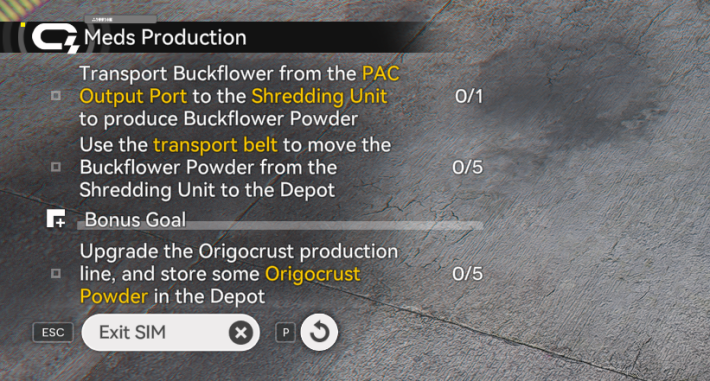
In the Sub-mission of the 'Meds Production' Simulator, you can learn how to optimize production lines. This mission involves adding a Shredding Unit and adjusting the Transport Belts. You can earn additional rewards separate from the Main Mission, so be sure to try it.
Connect Facilities with Gearing Unit
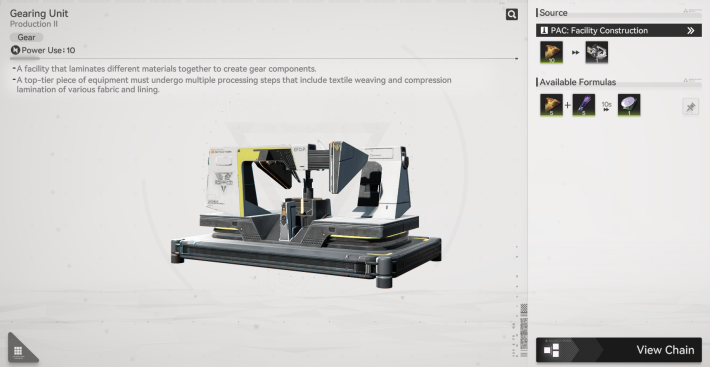
If you find the facilities complex and struggle to connect Transport Belts, the 'Gearing Unit' Simulation is recommended. You can also learn how to use Blueprints at the same time.

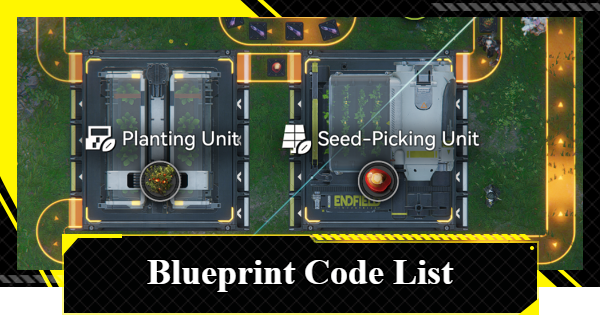 Blueprint Code List
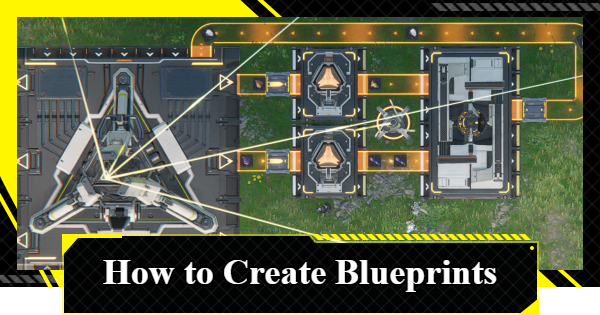 How to Create Blueprints
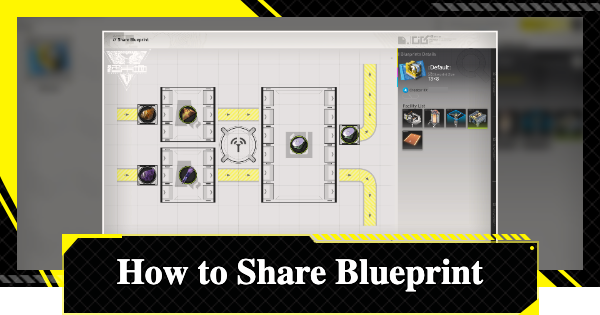 How To Share Blueprints
 Basic AIC Controls
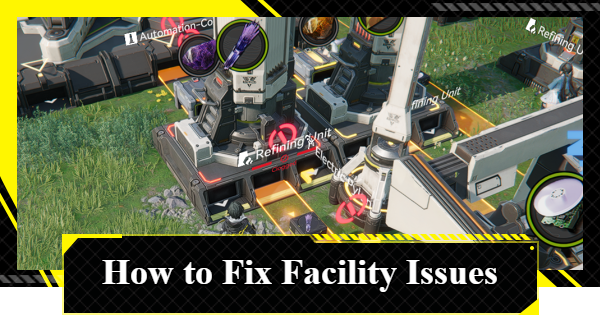 Fixing AIC Facility Issues
 Repair Broken Facilities
 How to Craft Bombs
 Best Zipline Locations and Routes
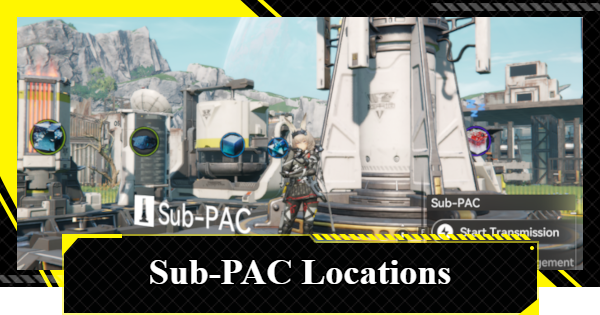 Sub-PAC Locations and Uses
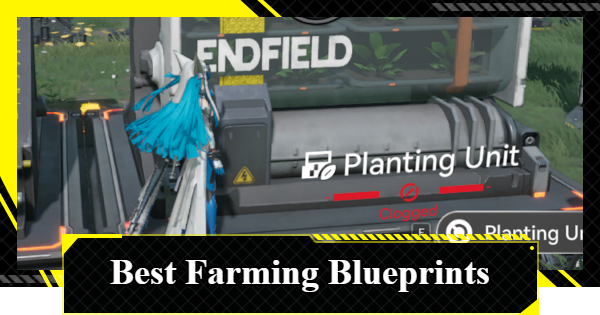 Best Farming Blueprints
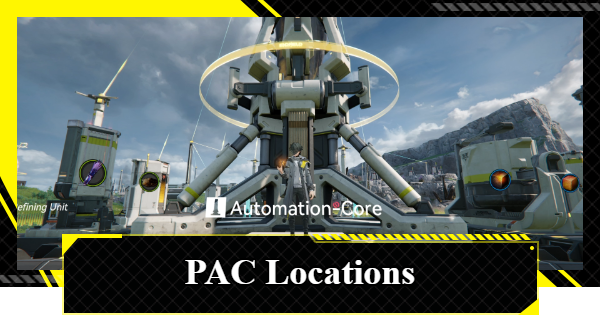 PAC Locations
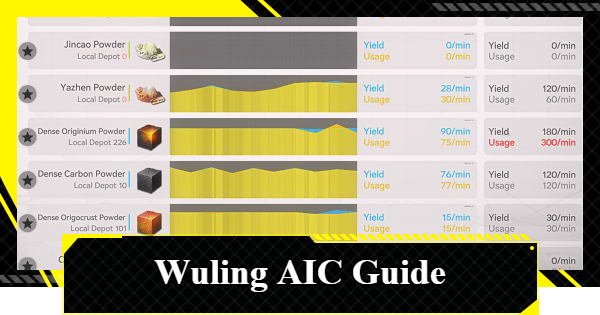 Wuling AIC Guide and Tips
 Reroll Tier List
 How to Reroll
 Best Characters Tier List
 Early Game Guide
 Redeem Codes List
 Best Team Comps
 Points of No Return
 Linking GRYPHLINE Account
 How to Add Friends
 Daily Tasks To Do
 Authority Level Guide
 Interactive Map











