

How to Unlock Gacha in Arknights: Endfield. This guide includes when the Gacha feature is unlocked, how to pull limited-time banner and weapon banners.
Table of Contents
| Gacha Related Articles | ||
|---|---|---|
  Best Gacha Best Gacha |  Gacha System Gacha System |  How to Unlock Gacha How to Unlock Gacha |
 Gacha Animations Gacha Animations | ||
How to Unlock the Gacha (Headhunt)
Unlocked by Clearing the Tutorial

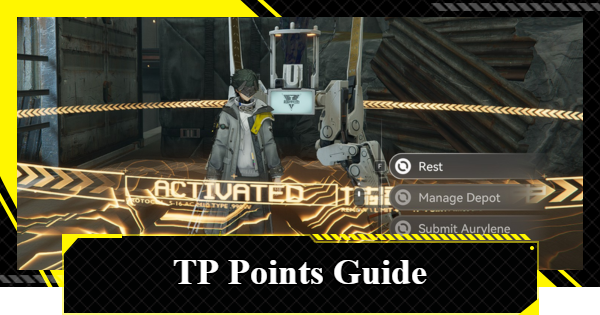
The Gacha banners are unlocked upon clearing the game's Main Mission Chapter 1's tutorial. When you reach the TP Point, the main menu will be unlocked, as well as the Headhunt (gacha) option.
| Tips | It takes about 40 minutes even if you skip the cutscenes. |
|---|
Also Unlocks Limited-Time Gacha

Upon unlocking the main menu and the headhunt feature, players will also gain access to the limited-time banners! Since characters in limited-time banners are exclusive to them, it's generally recommended to pull from it.
Which Banner Should You Pull?How to Pull on Gacha Banners
Select Gacha Screen From Menu

The Gacha can be opened from the menu in the upper-right corner of the screen.
Can Also be Accessed from Protosync

You can also access the Headhunting screen from the left side of the Protosync (main menu). The Protosync is unlocked by clearing the Main Mission "Valley Reboot".
Select the Gacha from the Banner

To pull from the Gacha, select the desired banner from the Gacha banner in the upper-left of the screen. The displayed banners may differ depending on which Gacha is currently running.
Best Gacha to PullArsenal Exchange is the Weapon Banner

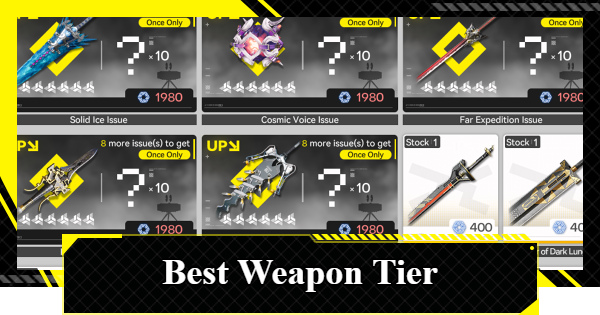
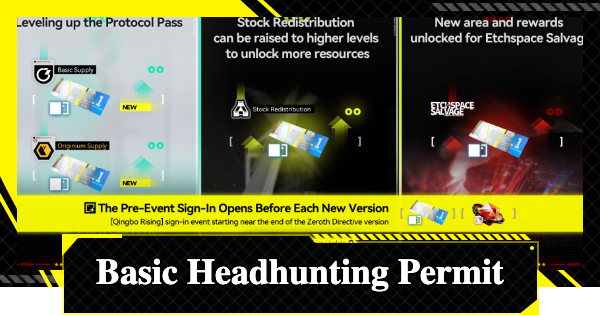
The Weapon Gacha can be opened by selecting the Arsenal Exchange in the bottom left of the Gacha screen. Pulling requires Arsenal Tickets, which can be obtained from sources like the Character Gacha.
Best Weapons Tier ListPull Gacha

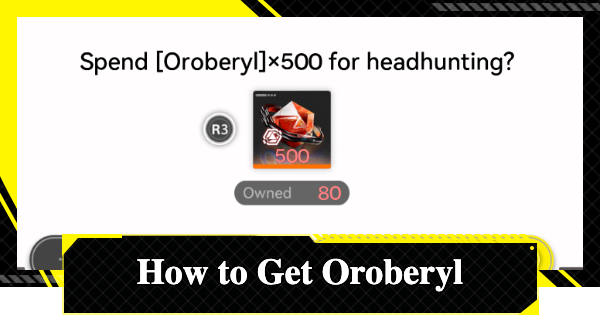
You can pull by selecting "1x Headhunting" or "10x Headhunting" at the bottom right of the screen. Keep in mind that they are consumed in the order of what you have: starting with the Tickets, then the Oroberyl.
Note that the weapon gacha only has a 10-pull option. There are no single pulls.
Related Arknights: Endfield Articles
Back to Top PageTier List
 Characters Tier List
 Reroll Tier List
 Best Weapons Tier List
Gacha Information
 Gacha Currency
 Basic Headhunting Permit
Recommended Articles
 Early Game Guide
 Redeem Codes List
 How to Add Friends
 Points of No Return
 Authority Level Guide
 Daily Tasks To Do
 Starter Banner Best Weapon
 How to Farm T-Creds
 How to Get Aketine
 How to Get 2 Stock Redistributors
 Depot Nodes Location
 How to Get Origeometry
 Monthly Pass Guide
 Trust & Operator Gift Guide
Events
 Umbral Monument Event Guide Umbral Monument Event Guide |  Survive the Gas Survive the Gas |  Unorthodox Tactics Unorthodox Tactics |
 Ballista and Axe Ballista and Axe |  Bolts and Shadows Bolts and Shadows |  Rampaging Shields Rampaging Shields |
 Rock Solid Rock Solid |  Supply: Exploration Day Supply: Exploration Day |
Things to Know Before Release
 Release Date Release Date |  How to Pre-Download How to Pre-Download |  PS5 Pre-Order Bundle PS5 Pre-Order Bundle |
 How to Link Account How to Link Account |  Is Cross-Play Available? Is Cross-Play Available? |  How to Reroll How to Reroll |
 Operator Class Guide Operator Class Guide |
 Combat System Guide
 How to Win Battles
 Dodge and Perfect Dodge
 Elemental Weakness Chart
 Arts Reactions / Physical Status
 Team Composition Tips
 Best Team Comps
 Potential
 Talents and Base Skills
 How to Craft Gear
 Best Food List
 Artificing and Stats Priority
 All Fast Travel Points
 Protocol Datalogger
 Aurylene
 Interactive Map
 Ferrium Ore Map Location











