

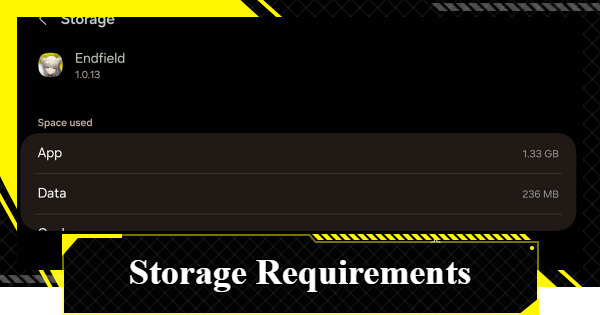
บทความนี้จะอธิบายเกี่ยวกับความต้องการพื้นที่จัดเก็บข้อมูลสำหรับ Arknights: Endfield รวมถึงเคล็ดลับในการเพิ่มพื้นที่ว่างและลดการใช้พื้นที่จัดเก็บข้อมูลในแพลตฟอร์มต่าง ๆ ที่รองรับ
พื้นที่จัดเก็บข้อมูลที่ต้องการ
พื้นที่จัดเก็บข้อมูลที่ต้องการแบ่งตามแพลตฟอร์ม
| iOS | 25GB |
| Android | 25GB |
| PS5 | 60GB |
| PC | 50GB |
พื้นที่จัดเก็บข้อมูลที่ต้องการสำหรับ Arknights: Endfield ช่วง CBT (การทดสอบทางเทคนิคบน PS5) คือประมาณ 25GB สำหรับสมาร์ทโฟน (iOS/Android), 60GB สำหรับ PS5 และ 50GB สำหรับ PC ความต้องการพื้นที่จัดเก็บอาจเพิ่มขึ้นในเวอร์ชันเปิดตัวอย่างเป็นทางการ ดังนั้นโปรดตรวจสอบพื้นที่ว่างของคุณล่วงหน้า
วิธีลดการใช้ข้อมูลบนสมาร์ทโฟน
ลบข้อมูลที่ไม่จำเป็น
หากคุณมีพื้นที่จัดเก็บไม่เพียงพอ ให้ลบข้อมูลที่ไม่จำเป็นออก โดยเฉพาะแอปพลิเคชันเกมและไฟล์วิดีโอที่ใช้พื้นที่ค่อนข้างมาก ดังนั้นควรตรวจสอบพื้นที่จัดเก็บของคุณและลบเนื้อหาที่คุณไม่จำเป็นต้องใช้ออก
ใช้พื้นที่จัดเก็บข้อมูลบนคลาวด์สำหรับรูปภาพและวิดีโอ
สำหรับข้อมูลขนาดใหญ่ เช่น รูปภาพและวิดีโอ คุณสามารถเพิ่มพื้นที่ว่างในสมาร์ทโฟนได้โดยการใช้บริการพื้นที่จัดเก็บข้อมูลบนคลาวด์ สำหรับ iOS แนะนำให้ใช้ iCloud ในขณะที่ผู้ใช้ Android สามารถใช้ Google Photos หรือบริการคลาวด์อื่น ๆ ที่ใกล้เคียงกัน
ตรวจสอบพื้นที่ว่างจากการตั้งค่า
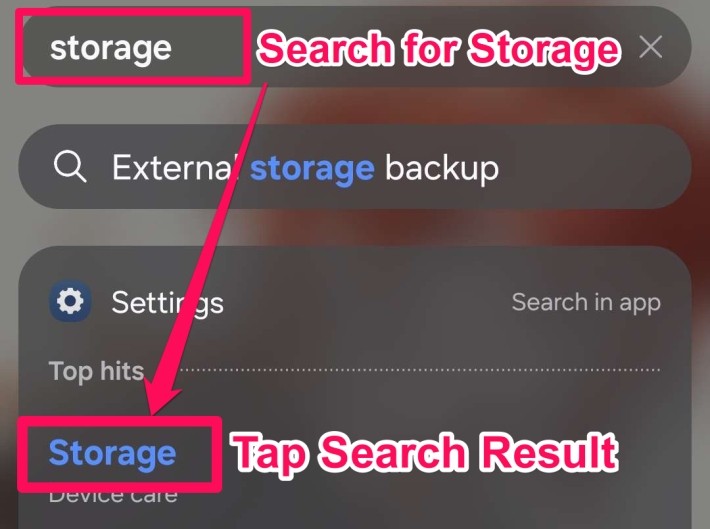
คุณสามารถตรวจสอบพื้นที่ว่างในการจัดเก็บข้อมูลได้ในแอปการตั้งค่า (Settings) ของสมาร์ทโฟน โดยการพิมพ์คำว่า "Storage" ในแถบค้นหาของการตั้งค่า คุณจะสามารถเข้าถึงหน้าจอการจัดการพื้นที่จัดเก็บข้อมูลได้อย่างรวดเร็ว
วิธีเพิ่มพื้นที่ว่างบน PS5/PC
ลบข้อมูลที่ไม่จำเป็น
หากคุณมีพื้นที่จัดเก็บไม่เพียงพอ ให้ลบข้อมูลที่ไม่จำเป็นออก เกมและไฟล์วิดีโอใช้พื้นที่เป็นจำนวนมาก ดังนั้นควรตรวจสอบอุปกรณ์ของคุณและลบเนื้อหาที่ไม่จำเป็นออก
ตรวจสอบพื้นที่ว่างในการจัดเก็บข้อมูล
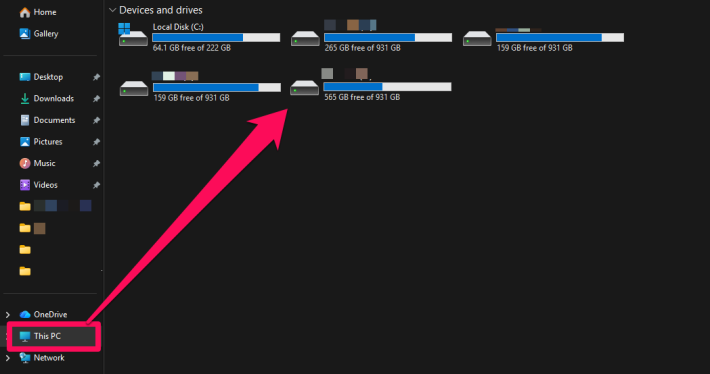
คุณสามารถตรวจสอบพื้นที่จัดเก็บข้อมูลที่ว่างอยู่ได้ภายใต้หัวข้อ Devices and Drives บน PC ของคุณ สำหรับเวอร์ชัน PC คุณสามารถขยายพื้นที่จัดเก็บได้โดยการเพิ่ม SSD หรือ HDD ดังนั้นควรพิจารณาติดตั้งอุปกรณ์จัดเก็บข้อมูลเพิ่มเติมหากพื้นที่จำกัด
บทความที่เกี่ยวข้องกับ Arknights: Endfield
กลับไปยังหน้าหลักรายการจัดอันดับ (Tier List)
 รายการจัดอันดับตัวละคร
 รายการจัดอันดับการรีโรล
 รายการจัดอันดับอาวุธที่ดีที่สุด
ข้อมูลกาชา
 ควรเปิดตู้ไหนดี?
 ระบบการันตีและอัตราสุ่มกาชา
 สกุลเงินกาชา
 Basic Headhunting Permit
บทความแนะนำ
 คู่มือการเล่นช่วงเริ่มเกม
 รายการรหัสแลกรับ
 วิธีเพิ่มเพื่อน
 สิ่งที่ไม่สามารถย้อนกลับไปแก้ไขได้
 คู่มือเลเวล Authority
 ภารกิจประจำวันที่ควรทำ
 อาวุธที่ดีที่สุดจากตู้เริ่มต้น
 วิธีฟาร์ม T-Creds
 วิธีรับ Aketine
 วิธีรับ Stock Redistributor 2 ชิ้น
 ตำแหน่ง Depot Nodes
 วิธีรับ Origeometry
 คู่มือบัตรรายเดือน
 คู่มือ Trust และของขวัญ Operator
กิจกรรม
  คู่มือกิจกรรม Umbral Monument คู่มือกิจกรรม Umbral Monument |  Survive the Gas Survive the Gas |  Unorthodox Tactics Unorthodox Tactics |
 Ballista and Axe Ballista and Axe |  Bolts and Shadows Bolts and Shadows |  Rampaging Shields Rampaging Shields |
 Rock Solid Rock Solid |  Supply: Exploration Day Supply: Exploration Day |
สิ่งที่ควรรู้ก่อนเกมเปิด
 วันเปิดให้บริการ วันเปิดให้บริการ |  วิธีดาวน์โหลดล่วงหน้า วิธีดาวน์โหลดล่วงหน้า |  ชุดพรีออเดอร์ PS5 ชุดพรีออเดอร์ PS5 |
 วิธีเชื่อมต่อบัญชี วิธีเชื่อมต่อบัญชี |  รองรับ Cross-Play หรือไม่? รองรับ Cross-Play หรือไม่? |  วิธีรีโรล วิธีรีโรล |
 คู่มือสายอาชีพ Operator คู่มือสายอาชีพ Operator |
 คู่มือระบบการต่อสู้
 วิธีชนะการต่อสู้
 การหลบหลีกและ Perfect Dodge
 ตารางจุดอ่อนธาตุ
 ปฏิกิริยา Arts / สถานะทางกายภาพ
 คำแนะนำการจัดทีม
 การจัดทีมที่ดีที่สุด
 Potential
 Talent และ Base Skill
 วิธีคราฟต์อุปกรณ์
 รายการอาหารที่ดีที่สุด
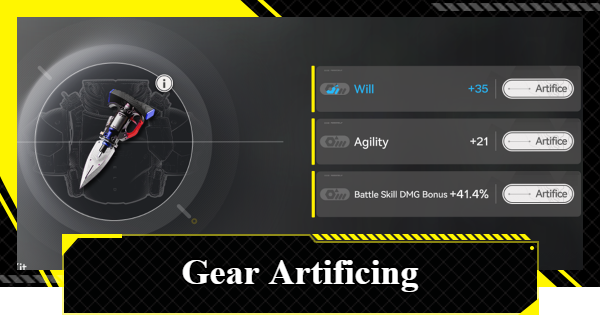 การ Artificing และลำดับความสำคัญของสเตตัส
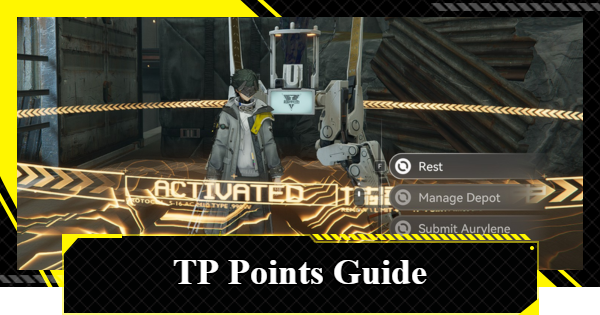 จุด Fast Travel ทั้งหมด
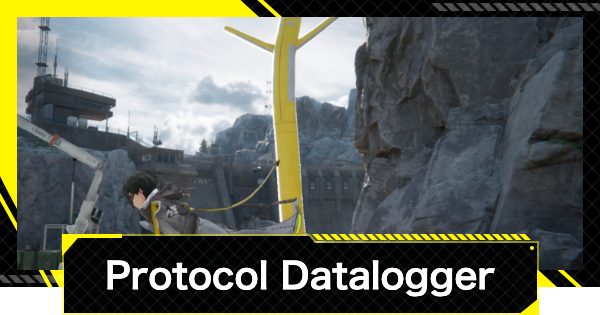 Protocol Datalogger
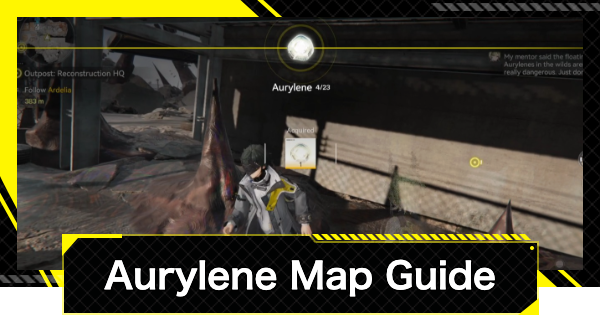 Aurylene
 แผนที่แบบโต้ตอบ
 ตำแหน่งแร่ Ferrium บนแผนที่

