

Table of Contents
Scanner Overview
Handheld Tool

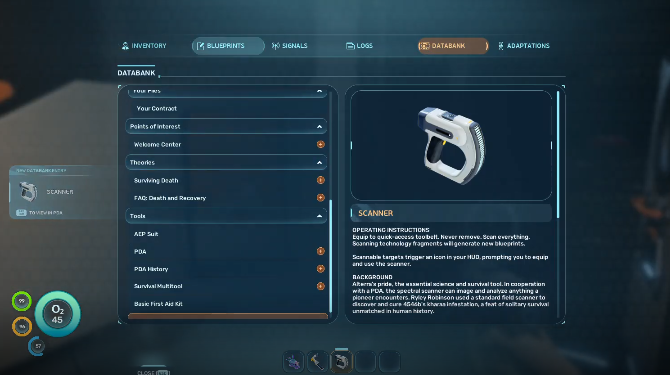
| Description | Critical survival tool. Scans the world to generate databank entries and fabrication blueprints. |
|---|
What is a Scanner?
The Scanner is one of the most important early-game tools in Subnautica 2. Using the Scanner allows players to unlock new blueprints and databank entries essential for progression.
How to Get the Scanner
Craft to Obtain Scanner
| Tool Item | Scanner |
|---|---|
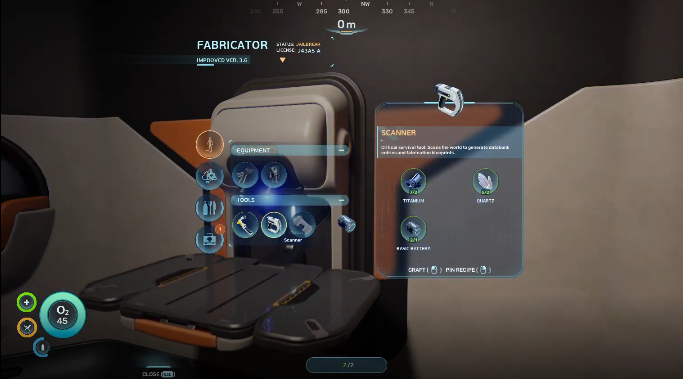
| Required Materials | Titanium x2 Quartz x2 Basic Battery x1 |
The Scanner can be crafted early using the Fabricator inside your Lifepod. Once you establish a base, you can also build a Fabricator there to craft additional tools and equipment.
Base GuideScanner Crafting Materials
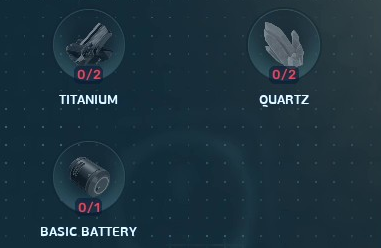
Most materials required for the Scanner blueprint recipe can be found within the starting biome, making it one of the first essential tools players should prioritize early in the game.
All Items & Resources ListScanner Upgrades
Can Be Upgraded to Bioscanner
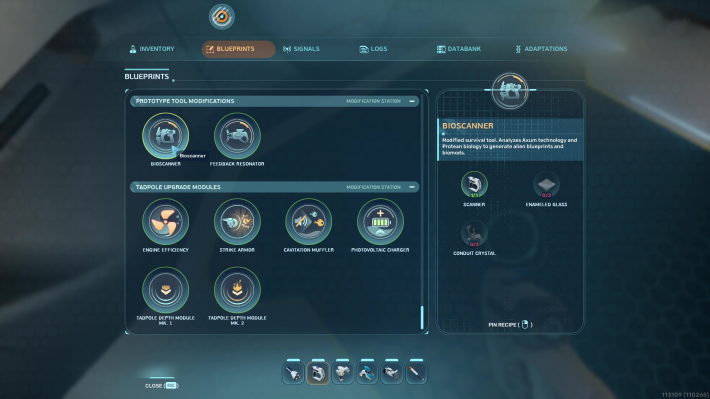
| Upgrade | Bioscanner |
|---|---|
| Required Materials | Scanner x1 Enameled Glass x2 Conduit Crystal x3 |
The Scanner can be upgraded into the Bioscanner, which allows you to scan advanced alien lifeforms and Axum technology. This is also how you unlock Biomods, since the regular Scanner cannot detect them on its own.
Best Biomods GuideBioscanner Blueprint in Cicada Wreck

| Coordinates | -161396, 452118, -7862 |
|---|---|
| Location | Find inside the Cicada Wreck, approximately 1,800m east of the Lifepod. |
The upgrade blueprint can be obtained from the Cicada Wreck (EVA Prep). Explore the wreck carefully and scan the blueprint data to unlock the Bioscanner upgrade for the standard Scanner.
Bioscanner GuideCraft at the Modification Station

| Production | Modification Station |
|---|---|
| Required Materials | Titanium x2 Celestine x2 Copper x2 |
Craft the Modification Station to unlock the ability to craft advanced equipment upgrades, including the Bioscanner.
Scanner Uses
How to Use the Scanner
You can use the Scanner on objects, creatures, fragments, and structures to unlock their Databank entries, blueprints, and useful survival information.
Unlock Databank Entries

Using the Scanner on creatures, tools, fragments, and structures adds new Databank entries to the PDA, expanding available information and progression data.
Databank Entry Locations ListScan List
All Scannable Items
Flora and Fauna
Scanning reveals detailed databank information on aquatic wildlife and plants. Every scan helps uncover more about the world's ecosystem and identify alien wildlife.
| Note! | Some flora offer useful materials and survival benefits, while fauna can provide information about ecosystems and nearby biomes. |
|---|
Discover Alien Creatures
Scanning fauna provides detailed information about alien creatures. Identifying wildlife can help you avoid threats and better understand nearby ecosystems.
Biomes Location Map and Points of InterestsScanning Also Unlocks Biomods

Once you have the Bioscanner, scanning the local fauna, flora, and even leviathans is how you unlock new Biomods at the Biolab. Each creature or plant tied to a Biomod has to be scanned individually, so it pays to scan everything you come across.
Best Biomods GuideMinerals
Scanning mineral resources provides information on resource deposits and helps locate materials needed for crafting tools, equipment, and base upgrades.
All Items & Resources ListEquipment and Tools
Equipment fragments can be scanned to obtain new blueprints for key survival tools and advanced technology that improve exploration, resource collection, and overall survival efficiency in underwater biomes.
| Related Articles | |
|---|---|
| How to Get Repair Tool | Batteries and Tools |
Base Buildings and Facilities

Base modules can be scanned to gain blueprint progress for constructing and expanding your underwater habitat.
Base Building GuideScan Facility Equipment to Unlock
Facility equipment can be scanned to acquire new base-related blueprints. These include essential systems and structural components needed to expand and improve your underwater facilities.
Buildings & Facilities ListVehicles
Vehicles can be unlocked by scanning fragments and collecting blueprint data, allowing you to craft advanced transport tools for faster and safer exploration across the ocean depths.
Vehicle ListLeviathans
Scanning Leviathans unlocks detailed databank entries about massive apex predators and other giant lifeforms to avoid dangerous encounters and prepare for deep-sea exploration.
Leviathans ListScanner Tips
Scan Everything You Find
Even common objects can unlock useful recipes or databank entries. Scanning early and often helps speed up progression and unlock better tools faster.
Explore Wrecks and Outposts

Wrecks, abandoned camps, and outposts often contain valuable scannable equipment. Following lights and exploring ruined facilities is one of the best ways to discover new blueprints.
Always Carry Extra Batteries
The Scanner uses a rechargeable battery that gradually drains during use. Depleted batteries can be swapped out or recharged using a Battery Terminal.
How to Recharge Batteries and ToolsRelated Articles
Recommended Guides
 Walkthrough (Early to Late-Game) Walkthrough (Early to Late-Game) |  Where to Go and What to Do Next Where to Go and What to Do Next |  Tadpole Pens: How to Open the Locked Door Tadpole Pens: How to Open the Locked Door |
 Plant Farming Guide Plant Farming Guide |  Cooking and Recipes Guide Cooking and Recipes Guide |  Best Biomods Best Biomods |
 Best Tadpole Upgrades Best Tadpole Upgrades |  Metal Farm Guide Metal Farm Guide |
| Progression & Priorities | ||
|---|---|---|
 Early Game Early Game |  Mid-Game Mid-Game |  Endgame Endgame |
Lists
 All Leviathans All Leviathans |  All Items List All Items List |  Biomes & PoI List Biomes & PoI List |
 Blackbox List Blackbox List |  Recipe Data Cards (Blueprints) Recipe Data Cards (Blueprints) |  Vehicle List Vehicle List |
 Buildings & Facilities List Buildings & Facilities List |  Best Base Locations Best Base Locations |  Best Tools to Craft Best Tools to Craft |
 Salt
Salt Silver
 Copper
 Lead
Lead Lucifer Rotsac
 Conduit Crystals
 Creature Enamel
 Enameled Glass
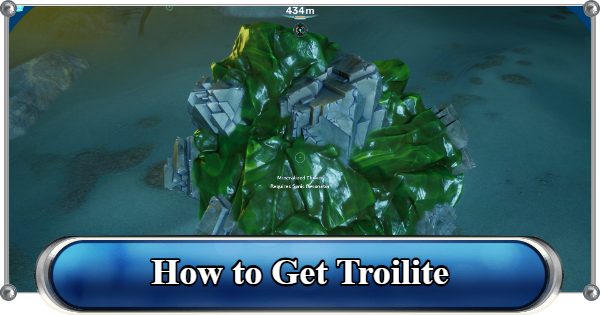 Troilite
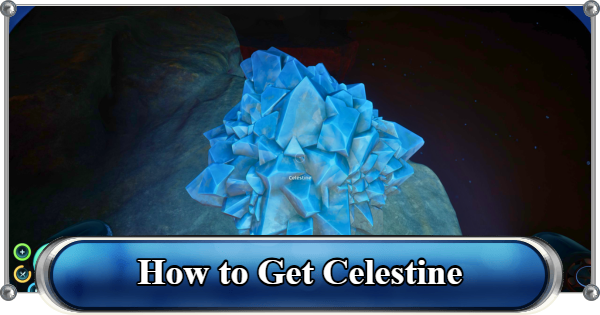 Celestine
 Multiplayer Guide
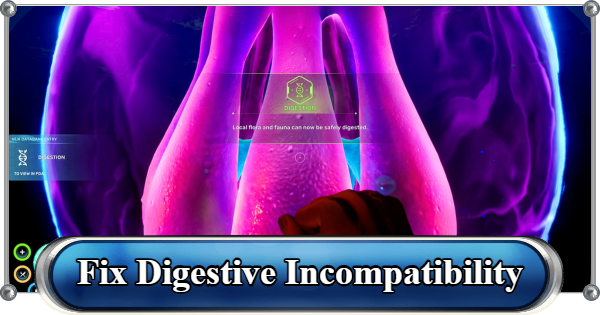 How to Eat Food (Digestion)
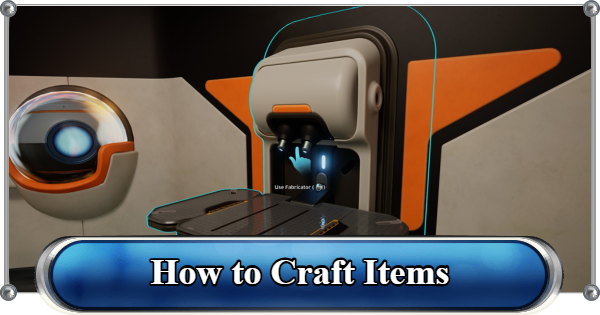 How to Craft Items
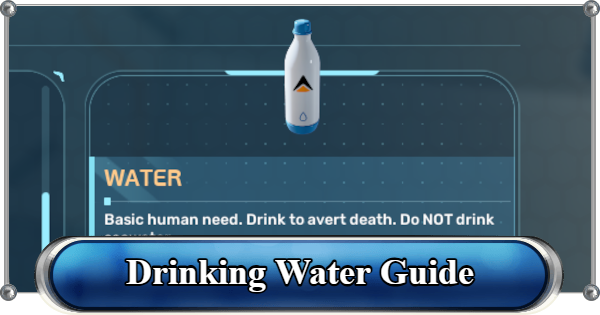 Drinking Water Guide
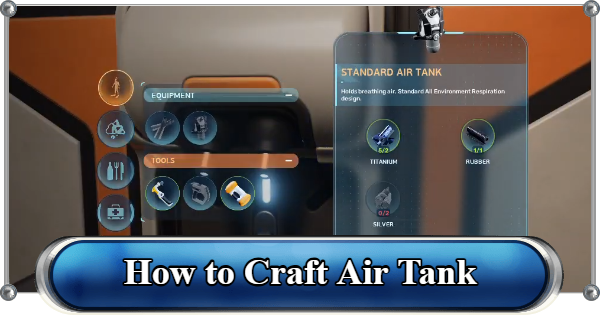 How to Craft Air Tank?
 How to Get Basic Fins
 Scanner Station Guide
 How to Manage Your Oxygen?
 Base Guide
 Alien Ruins
 How to Use Coordinates
 Tadpole Guide
 How to Get More Storage
 How to Get a Rebreather
 Bioscanner Guide
 Night Survival Guide
 How to Heal
 Angel Comb Guide
 How to Power Your Base
 How to Recharge Batteries and Tools
 How to Get the Repair Tool
 World Tree Guide
 Flashlight Guide
 Strong Acid Guide
 How to Get Heat Tolerance
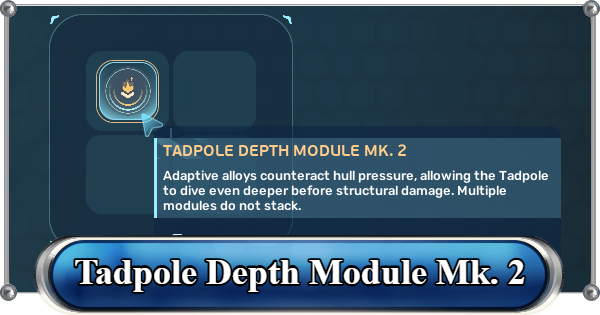 How to Get Tadpole Depth Module Mk. 2
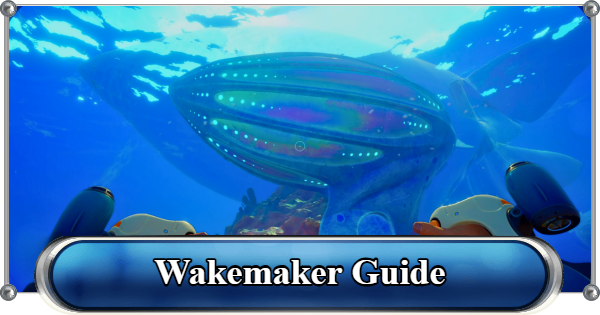 How to Get a Wakemaker
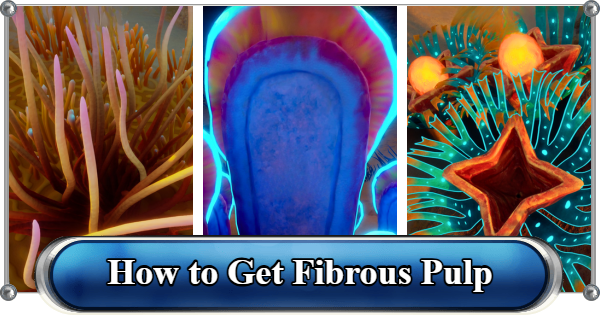 How to Get Fibrous Pulp
 How to Get a Wiring Kit
 How to Get Advanced Wiring Kit
 How to Get the Entangled Power Cell
 How to Refund Bases
 Specs Requirements
 New Game Features
 Is There Crossplay?
 Supported Devices
 Update & Roadmap
 How Long to Beat?
 Can You Play Subnautica 2 on PS5 and PS4?
 Is Subnautica 2 on Xbox?
 Is Subnautica 2 on Steam?
 Is Subnautica 2 on Switch?










