

Early Game Progression and Beginner Tips for Subnautica 2. Learn what to do first, how to progress in the early game, survival tricks, early game access tips, where to go and more.
Table of Contents
| Progression Guides | ||
|---|---|---|
| Early Game | Mid-Game | Endgame |
Subnautica 2 Early Game Guide
Early Game Priorities
- Craft Essential Starter Tools
- Improve Exploration Capabilities
- Craft Air Bladder or Air Tank
- Craft Basic Fins & Use Dash - Learn to Manage Thirst & Hunger
- Craft Water to Bring Along
- Get the Digestion Adaptation - Visit Marked Blackbox Locations
- Build Your Base
- Craft the Habitat Builder
- Set Up Your Base - Place Essential Base Facilities
- Stock Up on Supplies
- Build Other Farming Tech
Craft Essential Starter Tools


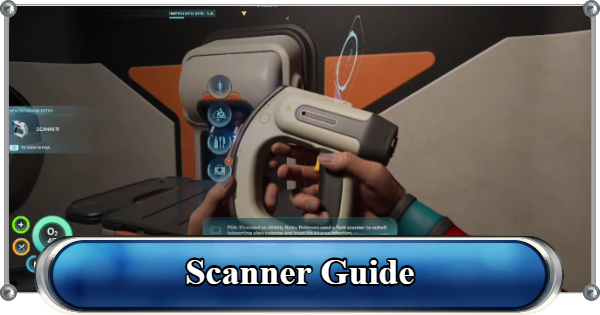
Upon exiting the Lifepod after the introduction, your first priority should be to craft the Survival Multitool and the Scanner. These items will allow you to gather materials and unlock new blueprints to craft.
| Tool | Description |
|---|---|
| Survival Multitool | - Standard issue pioneer tool for harvesting tougher materials [Recipe]: - Titanium x 3 |
| Scanner | - Scans the world to generate databank entries and fabrication blueprints [Recipe]: - Titanium x 2 - Quartz x 2 - Basic Battery x 1 |
Improve Exploration Capabilities
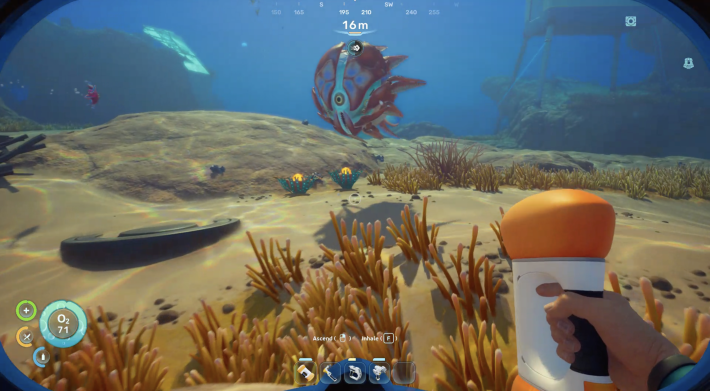
Exploration is essential to progress in Subnautica 2. Areas and wreckages can contain items and tech that can unlock Blueprints for tools, base building, and more. Being able to explore more comfortably should be your next goal.
Craft Air Bladder & Air Tank

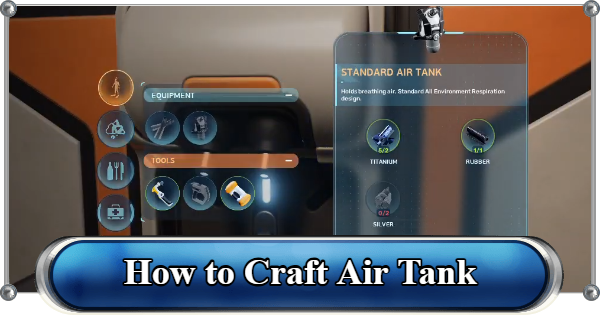
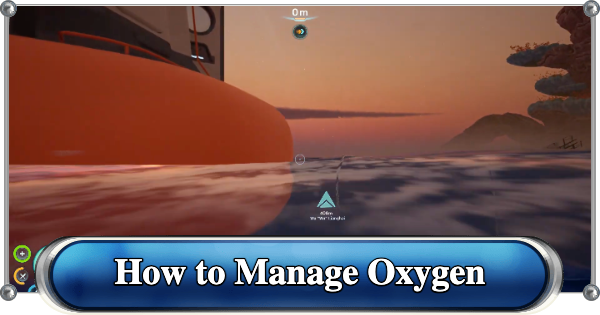
Oxygen is a high priority resource in this game. The more you have in the tank, the longer you can stay in the depths without needing to go back up for air. Pair an Air Bladder with a Standard Air Tank early on.
| Tool | Description |
|---|---|
| Air Bladder | Rapid flotation bladder for emergency ascents. Can be inhaled to supply a few seconds of air to self and nearby divers. [Recipe]: - Titanium x 2 - Rubber x 1 |
| Standard Air Tank | Hold Breathing Air. Increases Oxygen to 75. [Recipe]: - Titanium x 2 - Rubber x 1 - Silver x 2 |
Craft Basic Fins & Use Dash

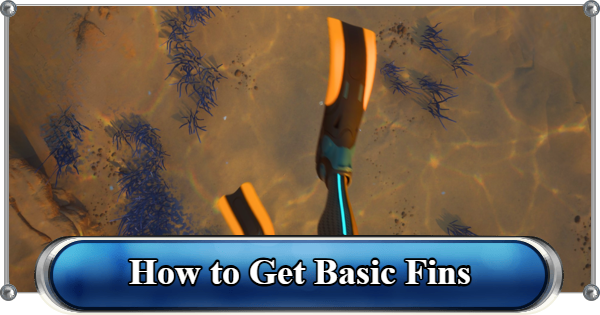
At the start of the game, you will be swimming across distances since vehicle crafting is not available until the mid-game. Craft Basic Fins to be able to swim faster. Selecting the Dash Adaptation is also recommended to make traversing the water much faster.
| Tool | Description |
|---|---|
| Basic Fins | Simple diving fins that provide a small speed boost. [Recipe]: - Rubber x 2 - Fiber x 2 |
| Biolab | Modifies your Adaptations [Recipe]: - Titanium x 3 - Copper Wire x 1 - Mild Acid x 1 |
Learn to Manage Thirst & Hunger

Besides managing your Oxygen, you’ll also need to keep an eye on your thirst and hunger as you explore. Letting either of these deplete is dangerous, as it can eventually lead to getting reprinted. Early in the game, you’ll rely on Water Slugs for hydration and Nutrient Blocks for food.
Craft Water to Bring Along

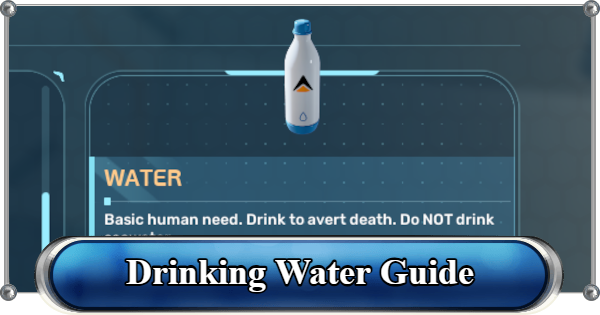
Collect Water Slugs to craft them into Water, which you can bring along with you. Carrying at least 3 Water lets you explore without going back to base frequently.
Get the Digestion Adaptation

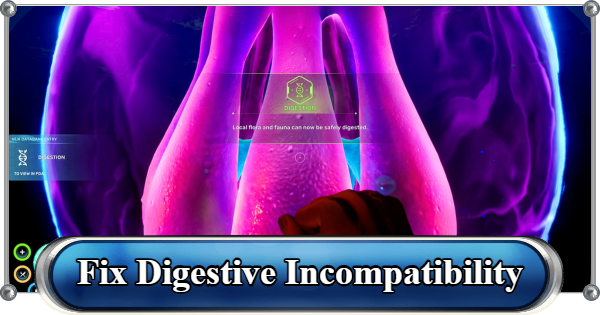
The second adaptation that you need to get in order to survive is the Digestion Adaptation. This will allow your biology to adapt and consume the local flora and fauna. You can get thisadaptation via a quest to Anita's Blackbox.
Visit Marked Blackbox Locations

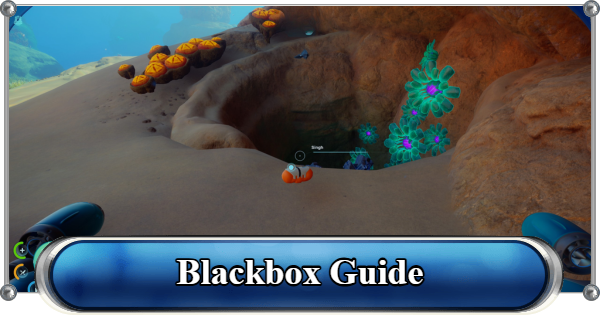
NOA will periodically prompt you to visit Blackboxes from missing colonists. It’s highly recommended to check these locations as soon as they appear. Most Blackboxes are found in wreckages containing scannable items and fragments for unlocking new Blueprints, so make them a priority when exploring.
Build Your Base

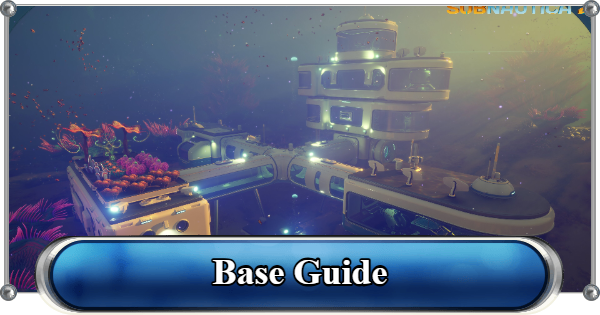
Although the Lifepod is your saving grace from the get-go, you will eventually have to make a base of your own. You can fully design this to your liking and it will allow you to place down more advanced facilities later on.
Craft the Habitat Builder

The Habitat Builder lets you construct bases, beacons, and other essential facilities. To unlock its blueprint, you’ll need to scan Habitat Builder fragments with the Scanner.
| Tool | Description |
|---|---|
| Habitat Builder | Fabricates habitat compartments, appliances, and external facilities from raw materials. [Recipe]: - Titanium x 2 - Glass x 1 - Basic Battery x 1 - Copper Wire x 1 |
Set Up Your Base
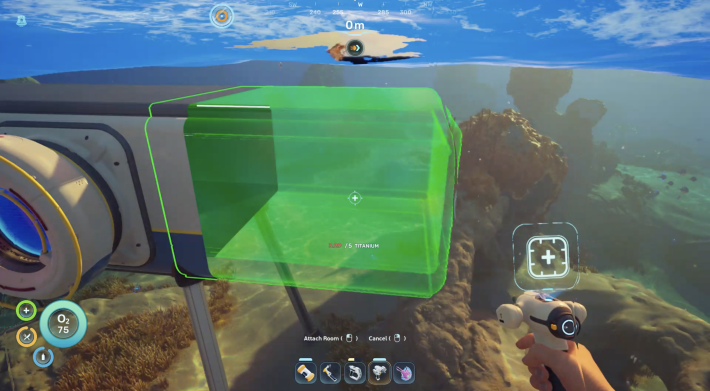
It's best to build your base near resource-rich areas to make gathering materials easier. You will also need to power your base using natural energy sources such as solar, hydroelectric turbines, thermal, and even bioenergy.
| Tip! | Build your base near water currents for easier Power generation! |
|---|
Create Essential Base Facilities

With your Habitat Builder ready, you can start expanding your base with useful interior modules. Try to explore new areas to unlock more blueprints to craft advanced tools, upgrades, and even submersibles!
| Tool | Description |
|---|---|
| Processor | Completes complex biochemical and manufacturing tasks over time for more advanced recipes. [Recipe]: - Titanium x 2 - Mild Acid x 1 - Copper Wire x 1 |
| Scanner Station | [Recipe]: - System Chip x 1 - Titanium x 3 - Wiring Kit x 1 |
| Battery Terminal | [Recipe]: - Titanium x 2 - Quartz x 2 - Copper Wire x 1 |
Stock Up on Supplies

Start stocking up on essentials like food, first-aid kits, and water. Having a steady supply will make it much easier to venture farther and progress beyond the early game.
Best Food to CraftBuild Other Farming Tech

After stocking up, your next goal is to build farming-related facilities. This includes the Scanner Station, which highlights the locations of nearby materials, and the Sonic Resonator for heavy-duty mining.
How to Get a Sonic ResonatorEarly Game Tips
Pick Up Everything You See

Some blueprints unlock the moment you pick up a new material for the first time, no scanning required. Grab every unfamiliar plant, resource, or item you come across, even if you don't need it yet. Holding something new can unlock a recipe you didn't know you were missing.
Get Digestion Adaptation Early

Because you need to adapt your biology to this world, at first, raw fish will restore almost nothing and consequently drain your water meter at the same time. Before you visit the Angel Comb northeast of the Lifepod and unlock the Digestion Adaptation, your only safe food are Nutrient Blocks.
How to Eat Food: Fix Digestive IncompatibilityThe Wakemaker Replaces Your Flashlight

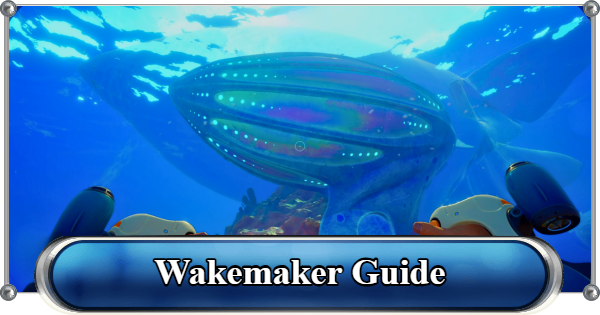
The Wakemaker provides a significant speed boost and fully replaces your Flashlight thanks to its built‑in toggleable lights.
How to Get a WakemakerGet Free Portable Lockers
Before you start hoarding Titanium, you're going to need a locker to store it in. Luckily, there are a few Portable Lockers are lying around on cave seabeds. You can pick those up and drop them inside your base when you return.
How to Get More StorageUse the Signals Tab to Manage Your HUD

Your HUD can get cluttered fast. Open your PDA and go to the Signals tab to toggle any marker on or off. You can toggle completed Blackbox markers off and the location of your base and lifepod always on.
Signals and Beacons GuideDistraction Flares Work on Creature Groups

Distraction Flares are cheap (Titanium x1, Quartz x1) and are found free inside crates near the starting area. When Nibbler Mangos swarm you or a Marrowbreach starts hunting you, throw one and swim away. You cannot kill predators in this game.
Walkthrough - Early to Late-Game ProgressionRelated Articles
Recommended Guides
 Walkthrough (Early to Late-Game) Walkthrough (Early to Late-Game) |  Where to Go and What to Do Next Where to Go and What to Do Next |  Tadpole Pens: How to Open the Locked Door Tadpole Pens: How to Open the Locked Door |
 Plant Farming Guide Plant Farming Guide |  Cooking and Recipes Guide Cooking and Recipes Guide |  Best Biomods Best Biomods |
 Best Tadpole Upgrades Best Tadpole Upgrades |  Metal Farm Guide Metal Farm Guide |
| Progression & Priorities | ||
|---|---|---|
 Early Game Early Game |  Mid-Game Mid-Game |  Endgame Endgame |
Lists
 All Leviathans All Leviathans |  All Items List All Items List |  Biomes & PoI List Biomes & PoI List |
 Blackbox List Blackbox List |  Recipe Data Cards (Blueprints) Recipe Data Cards (Blueprints) |  Vehicle List Vehicle List |
 Buildings & Facilities List Buildings & Facilities List |  Best Base Locations Best Base Locations |  Best Tools to Craft Best Tools to Craft |
 Salt
Salt Silver
 Copper
 Lead
Lead Lucifer Rotsac
 Conduit Crystals
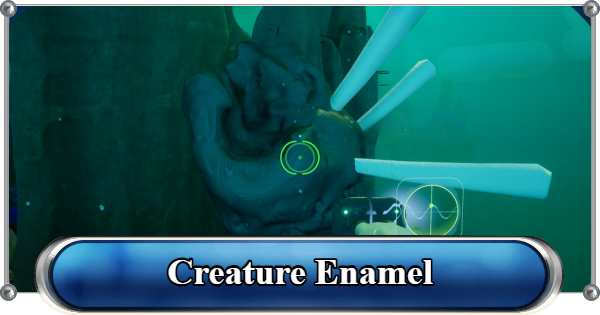 Creature Enamel
 Enameled Glass
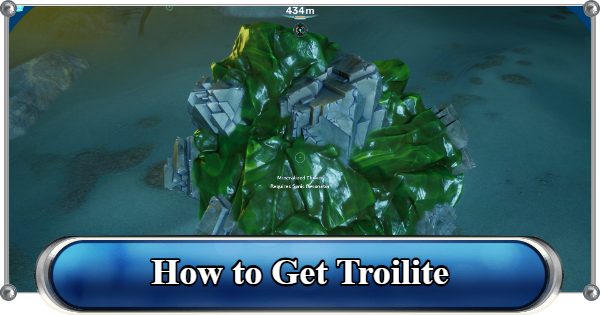 Troilite
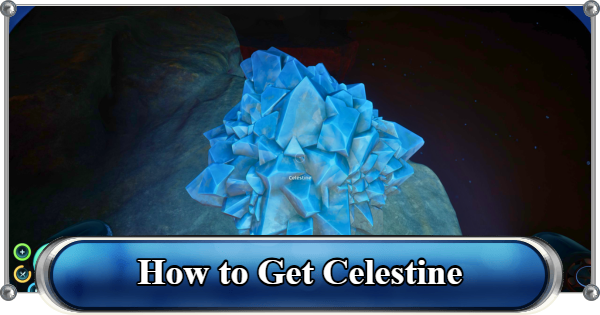 Celestine
 Multiplayer Guide
 How to Eat Food (Digestion)
 How to Craft Items
 Drinking Water Guide
 How to Craft Air Tank?
 How to Get Basic Fins
 Scanner Station Guide
 How to Manage Your Oxygen?
 Base Guide
 Alien Ruins
 How to Use Coordinates
 Tadpole Guide
 How to Get More Storage
 How to Get a Rebreather
 Bioscanner Guide
 Night Survival Guide
 How to Heal
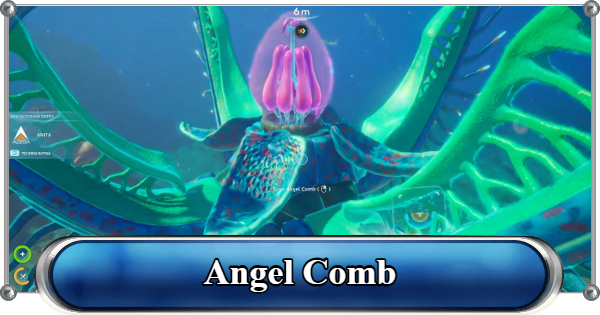 Angel Comb Guide
 How to Power Your Base
 How to Recharge Batteries and Tools
 How to Get the Repair Tool
 World Tree Guide
 Flashlight Guide
 Strong Acid Guide
 How to Get Heat Tolerance
 Scanner Guide
 How to Get Tadpole Depth Module Mk. 2
 How to Get a Wakemaker
 How to Get Fibrous Pulp
 How to Get a Wiring Kit
 How to Get Advanced Wiring Kit
 How to Get the Entangled Power Cell
 How to Refund Bases
 Specs Requirements
 New Game Features
 Is There Crossplay?
 Supported Devices
 Update & Roadmap
 How Long to Beat?
 Can You Play Subnautica 2 on PS5 and PS4?
 Is Subnautica 2 on Xbox?
 Is Subnautica 2 on Steam?
 Is Subnautica 2 on Switch?










