

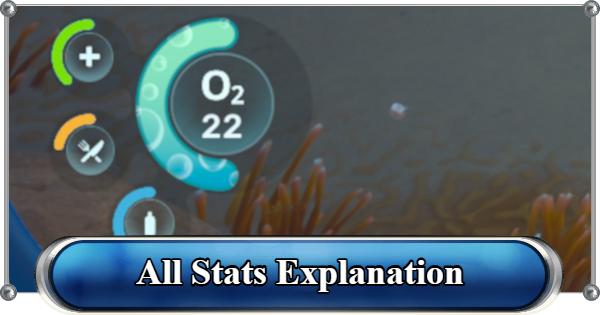
Stats explanation guide for Subnautica 2. Learn about all stats, how to manage Health, Oxygen, Water, and Food, and how to restore your gauges.
Table of Contents
All Stats List
Your Survival HUD


While exploring the oceans of Subnautica 2, your survival depends on monitoring the gauges in the bottom-left corner of the screen. Ignoring these meters can quickly lead to health loss and death.
Quick Reference Stats Overview
| Stat | Details |
| ▼ Health (HP) | Max Cap: 100 Description Your overall health and life bar. Decreases when taking damage. How to Restore - Use First Aid Kits - Eat a Medical Gel Sac |
| ▼ Oxygen (O2) | Max Cap: Base is 45. Upgradeable Description Your available air supply while underwater. Continuously drains while diving. How to Restore - Surface above water - Use bubbles from Oxygen Tunic - Use an Air Bladder - Use Portable Oxygen |
| ▼ Water (Thirst) | Max Cap: 100 Description Your thirst meter. Gradually decreases over time. How to Restore - Drink Water - Eat raw Water Slugs (Emergency) |
| ▼ Food (Hunger) | Max Cap: 100 Description Your hunger meter. Slowly decreases while exploring. How to Restore - Eat cooked fish - Consume Nutrient Blocks |
All Stats Explained
Health (HP)

Your Health meter represents your overall condition. It decreases whenever you incur damage from external attacks or through other lowered stats. When fully depleted, your character will die.
Death Guide - Reprinting PenaltyCapped at 100
In the current state of the game, there is no way to increase the current Health meter. It's capped at 100 right at the start of the game.
Restore Health by Healing
The only way to restore your health is by using healing items. It does not restore naturally. First Aid Kits can be crafted, while Medical Gel Sac can be looted while exploring for quick heals.
How to Heal GuideOxygen (O2)

The Oxygen meter basically tells you how long you can stay underwater before resurfacing to breathe. Once you've run out, it will cause your POC to darken before your character eventually dies.
How to Manage Your OxygenCraft Tools to Increase Oxygen Cap
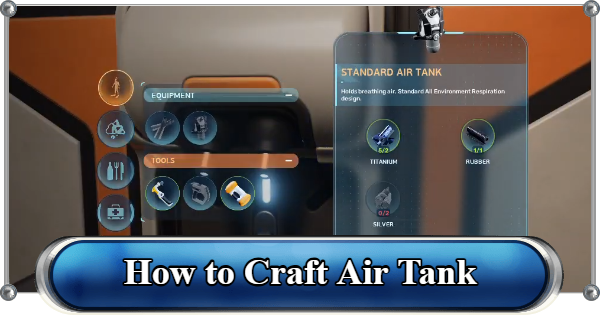
Initially, you start with a 45 Oxygen cap, but as you play the game, you will come across new tools to upgrade it. The Standard Air Tank will increase it by 75, while the High Capacity Air Tank will increase it by 120.
How to Craft Air TankUse Oxygen Control Biomod
Oxygen Control is a biomod that's unlocked by default at the start of the game. It helps slow Oxygen Consumption while not moving. It does not increase the cap, but it makes maintaining oxygen while exploring a bit easier.
Best Biomods GuideWater (Thirst)

Your character requires fresh water to survive and you can monitor this through the Water Meter. When you fully deplete your Water Meter, your character will die immediately.
Drinking Water Guide - How to Get WaterCannot Increase Water Meter
There are currently no means to increase your water meter in the game. However, you can use either the Water Retention Biomod or the Water Secretion Biomod to make thirst management easier.
Food (Hunger)

Your character needs to eat and will become hungry if they don't consume any food. When the Food Meter is fully depleted, it will slowly drain your health. Let it be and it will lead to your character dying.
How to Eat Food GuideCannot Increase Food Meter
Similar to the Water Meter, there is no way to increase your character's Food Meter. The Slow Metabolism Biomod is a good option to alleviate this since it slows down food loss.
Cooking Guide - All Recipes and Best FoodRelated Articles
Recommended Guides
 Walkthrough (Early to Late-Game) Walkthrough (Early to Late-Game) |  Where to Go and What to Do Next Where to Go and What to Do Next |  Tadpole Pens: How to Open the Locked Door Tadpole Pens: How to Open the Locked Door |
 Plant Farming Guide Plant Farming Guide |  Cooking and Recipes Guide Cooking and Recipes Guide |  Best Biomods Best Biomods |
 Best Tadpole Upgrades Best Tadpole Upgrades |  Metal Farm Guide Metal Farm Guide |
| Progression & Priorities | ||
|---|---|---|
 Early Game Early Game |  Mid-Game Mid-Game |  Endgame Endgame |
Lists
 All Leviathans All Leviathans |  All Items List All Items List |  Biomes & PoI List Biomes & PoI List |
 Blackbox List Blackbox List |  Recipe Data Cards (Blueprints) Recipe Data Cards (Blueprints) |  Vehicle List Vehicle List |
 Buildings & Facilities List Buildings & Facilities List |  Best Base Locations Best Base Locations |  Best Tools to Craft Best Tools to Craft |
 Salt
Salt Silver
 Copper
 Lead
Lead Lucifer Rotsac
 Conduit Crystals
 Creature Enamel
 Enameled Glass
 Troilite
 Celestine
 Multiplayer Guide
 How to Eat Food (Digestion)
 How to Craft Items
 Drinking Water Guide
 How to Craft Air Tank?
 How to Get Basic Fins
 Scanner Station Guide
 How to Manage Your Oxygen?
 Base Guide
 Alien Ruins
 How to Use Coordinates
 Tadpole Guide
 How to Get More Storage
 How to Get a Rebreather
 Bioscanner Guide
 Night Survival Guide
 How to Heal
 Angel Comb Guide
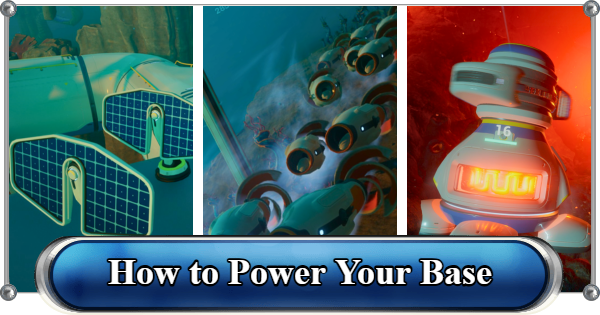 How to Power Your Base
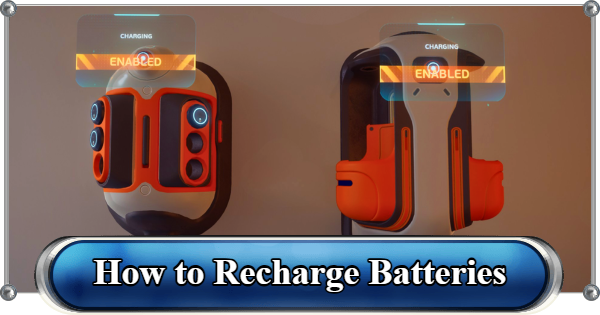 How to Recharge Batteries and Tools
 How to Get the Repair Tool
 World Tree Guide
 Flashlight Guide
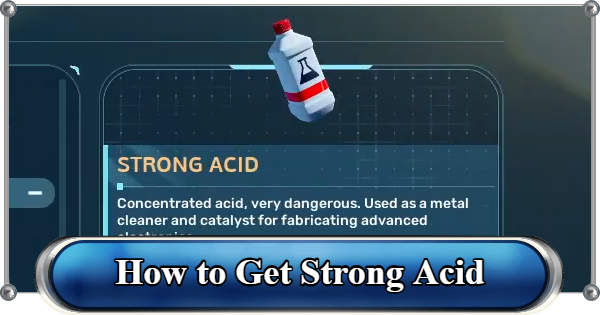 Strong Acid Guide
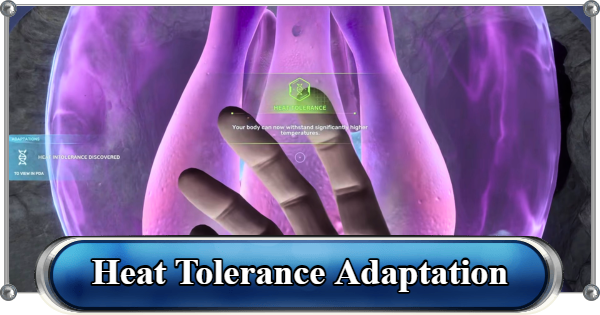 How to Get Heat Tolerance
 Scanner Guide
 How to Get Tadpole Depth Module Mk. 2
 How to Get a Wakemaker
 How to Get Fibrous Pulp
 How to Get a Wiring Kit
 How to Get Advanced Wiring Kit
 How to Get the Entangled Power Cell
 How to Refund Bases
 Specs Requirements
 New Game Features
 Is There Crossplay?
 Supported Devices
 Update & Roadmap
 How Long to Beat?
 Can You Play Subnautica 2 on PS5 and PS4?
 Is Subnautica 2 on Xbox?
 Is Subnautica 2 on Steam?
 Is Subnautica 2 on Switch?










