

Mid-Game Progression and Tips for Subnautica 2. Learn what to do first, how to progress in the Mid-Game, survival tricks, Mid-Game access tips, where to go and more.
Table of Contents
| Progression Guides | ||
|---|---|---|
| Early Game | Mid-Game | Endgame |
Subnautica 2 Mid-Game Guide
Mid-Game Priorities
- Build the Tadpole
- Requires Moonpool & Vehicle Fabricator
- Upgrade the Tadpole - Unlock New Tools & Tech
- Get the Heat Tolerance Adaptation
- Investigate the Tadpole Pens
- Install the Best Tadpole Upgrades
- Build the Modification Station
- Equip the Depth Module Mk. 1 - Continue Finding Blackboxes
- Establish Consistent Material Locations
- Scan Station can be used - Scan Available Flora
- Collect Plant Samples - Prepare to Cross the Chasm
- Be Prepared to Face the Collector Leviathan
Build the Tadpole


The Tadpole changes everything. It is faster than swimming, gives you a portable oxygen source, and takes damage instead of you when a predator decides to make contact. Getting one built should be the first thing you work toward in the mid-game -- everything past the starting biome becomes significantly more manageable once you have it.
| Tool | Description |
|---|---|
| Tadpole | Only available vehicle in game [Recipe]: - Titanium Ingot x 2 - Glass x 1 - System Chip x 1 - Power Cell x 1 |
Requires Moonpool & Vehicle Fabricator

The Tadpole cannot be built at a regular Fabricator. You need a Moonpool and a Vehicle Fabricator placed inside your base first. The Moonpool is where the vehicle docks, and the Vehicle Fabricator is where it gets built. Neither is optional.
| Tool | Description |
|---|---|
| Moonpool | Moonpool of configurable size and shape. Allows entry/ exit of personnel and vehicles from a room [Recipe]: - Titanium x 5 |
| Vehicle Fabricator | Atomically restructures raw materials into vehicles and chassis [Recipe]: - Titanium Ingot x 2 - Copper Ingot x 1 - Glass x 2 |
Always Dock to Charge

The Tadpole runs on a Power Cell that drains as you use it. When it hits zero, the vehicle shuts down -- which is a bad situation if you are deep in a cave. Make a habit of docking at a Tadpole Dock every time you return to base so it is always fully charged when you head back out.
| Tool | Description |
|---|---|
| Tadpole Dock | Recharges vehicles while powered when habitat is powered [Recipe]: - Titanium Ingot x 2 - Silver Ingot x 1 - Copper Wire x 2 |
Upgrade the Tadpole

Two chassis options are available: the Scout Ray Chassis and the Haul Chassis. You can only equip one at a time. The Scout is the right pick for most situations -- it is faster, more agile, and will get you out of a Leviathan encounter far more reliably than the slower Haul. Save the Haul for dedicated farming runs when bulk cargo matters more than speed.
| Tool | Description |
|---|---|
| Scout Ray Chassis | Enhanced agility and speed chassis. Maximize acceleration, top speed, and turn rate [Recipe]: - Plasteel Ingot x 2 - Advanced Wiring Kit x 1 - Dedicated Core x 1 - Strong Acid x 1 |
| Haul Chassis | Dockable passenger and cargo chassis for the Tadpole [Recipe]: - Titanium Ingot x 4 - Strontium x 3 - Enameled Glass x 3 - Dedicated Core x 1 |
Unlock New Tools & Tech

Several tools become relevant or accessible for the first time in the mid-game. The Sonic Resonator is required to clear Bloom infestations and mine large ore deposits. The Repair Tool keeps your Tadpole running and opens sealed doors in wrecks. The Rebreather reduces oxygen consumption at depth. Prioritize these before pushing further east.
| Tool | Description |
|---|---|
| Sonic Resonator | Industrial phased-array amplifier used in mining and other applications [Recipe]: - Basic Battery x 1 - Titanium Ingot x 2 - Lead x 2 - Wiring Kit x 1 |
| Repair Tool | Combination scanner and portable fabricator. Repair vehicles, bases, and systems [Recipe]: - Titanium Ingot x 1 - Wiring Kit x 1 - Basic Battery x 1 - Sulfur x 1 |
| Rebreather | Conserves Oxygen when diving deeper. Automatically adjusts gas pressure to help lung inflate [Recipe]: - Fiber Mesh x 2 - System Chip x 1 |
| Wakemaker | Arm-mounted jets for underwater maneuvering. Risk of shoulder strain [Recipe]: - Silver x 1 - Wiring Kit x 1 - Grease x 1 - Basic Battery x 1 |
| Battery Terminal | Recharges Batteries [Recipe]: - Titanium x 2 - Quartz x 2 - Copper Wire x 1 |
Get the Heat Tolerance Adaptation

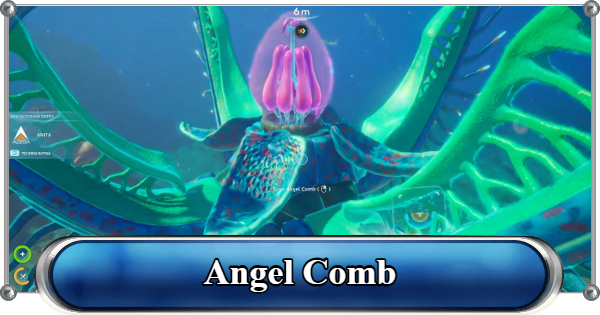
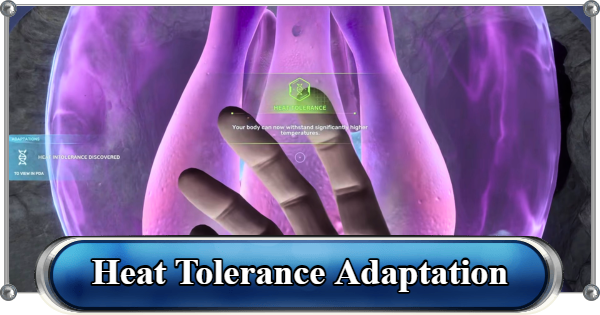
The Heat Tolerance Adaptation lets you survive in the Graveyards biome and the Hot Caves -- areas that are otherwise lethal to enter. You will need your Sonic Resonator to destroy the Bloom infestations around the infected Angel Comb before you can interact with it.
How to Get the Heat Tolerance AdaptationInvestigate the Tadpole Pens

After unlocking Heat Tolerance, NOA will direct you to Investigate the Tadpole Pens -- a research facility roughly 680 meters east of the Lifepod. The front door is locked, and getting it open requires retrieving a colonist's access code from deep inside the Hot Caves below Tailings Village.
This is a significant mid-game milestone. Behind the door is a NOA Terminal that unlocks your next major objective and points you east toward the Alien Ruins. The Pens also contains Tadpole and Scout Ray Chassis fragments -- do not leave without scanning them.
Tadpole Pens: How to Open the Locked DoorInstall the Best Tadpole Upgrades

Before crossing the Chasm east, make sure your Tadpole has at least the Depth Module Mk. 1 installed. Without it, the hull takes continuous damage below 250 meters, which is exactly the depth you will be operating at.
Best Tadpole Upgrade ModulesContinue Finding Blackboxes

Blackboxes unlocks new signals and waypoints, and the wrecks they sit in almost always have scannable fragments nearby. If you are unsure where to go next, checking whether you have missed a Blackbox is usually the fastest way to find the answer.
All Black Box LocationsKnow Where to Gather Key Materials

By mid-game, you'll need more materials to craft more advanced items. Silver, Lead, Gold, Lithium, or Sulfur are some of the things you are going to need. Identify the best spots for these resources, and drop a Beacon on each one.
Use the Scanner Station to Track Materials

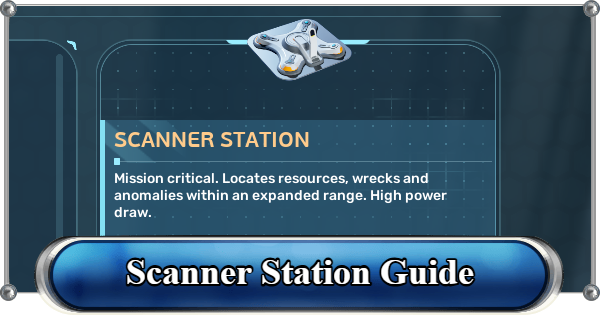
The Scanner Station pings the location of any resource you have previously scanned within a 300-meter radius. Set it to track a specific material, and a waypoint will appear on your HUD pointing directly to a nearby deposit.
Scanner Station GuideScan All Flora Available

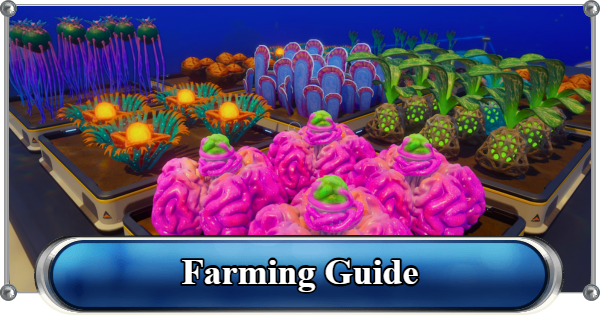
Growbed farming unlocks later, but the plants you can grow are determined by what you have already scanned. Scan every piece of flora you pass in the mid-game biomes so you are not making return trips just to unlock a crop you needed two hours ago.
Farming Guide: Growbeds & Best PlantsPrepare to Go to Karakorum

The chasm is the dividing line between the starting region and the Karakorum region. Cross it unprepared, and you will inevitably fall before the Collector Leviathan. Make sure your Tadpole has at least the Depth Module Mk. 1, spare supplies, and enough resources to set up a forward base when you arrive on the other side.
Be Prepared to Face the Collector Leviathan

The Collector Leviathan patrols the area to Karakorum. It is aggressive and will attack the Tadpole. Install the Scout Chassis for a speed boost, and keep a Repair Tool on you in case you have a problem getting away.
All Leviathans: Locations & Complete GuideMid-Game Tips
Find More Biobeds

Biobeds can give you permanent upgrades such as increased inventory and quickslots. It's easier to switch tools if you have more slots, and more inventory means more resources.
Biobed LocationsUse Environmental Cues to Navigate

The hot biome has distinctive jellyfish rings, glowing vents, and rocky spire formations that are worth memorizing. Meanwhile, the Karakorum region is marked by alien structures. Learning what a biome looks like from the inside makes it easier to navigate around.
Signals and Beacons GuideMark Resource Spots as You Go

Silver, Gold, Sulfur, and Lithium are some of the resources you may need to get advanced tools. When you find a rich deposit of any of them, drop a Beacon to mark the location.
Resources Tier ListExplore Cicada Wrecks Before Moving On

Cicada wrecks usually contain blackboxes and other databank entries. If you found one scannable item in a wreck, there are usually more. Also, a few of them have sealed doors that need the Repair Tool, which often hide some of the most valuable finds.
Upgrade Before Committing to the Endgame

The Depth Module Mk. 1, Scout Chassis, and at least two Engine Efficiency Modules make the travelling safer. Skipping these because you are impatient is one of the fastest ways to lose a well-equipped Tadpole.
Best Tadpole Upgrade ModulesRelated Articles
Recommended Guides
 Walkthrough (Early to Late-Game) Walkthrough (Early to Late-Game) | 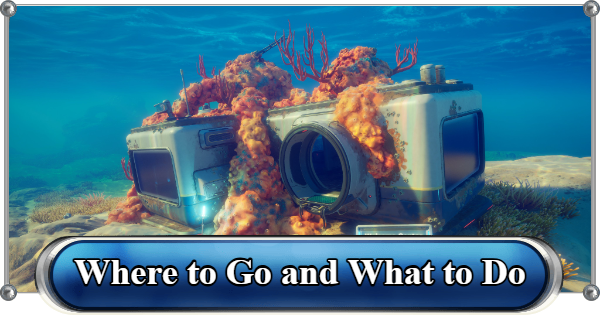 Where to Go and What to Do Next Where to Go and What to Do Next | 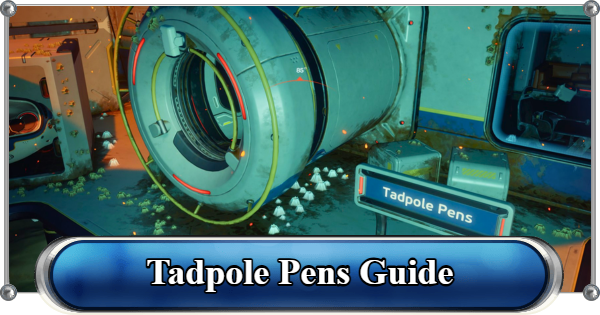 Tadpole Pens: How to Open the Locked Door Tadpole Pens: How to Open the Locked Door |
 Plant Farming Guide Plant Farming Guide |  Cooking and Recipes Guide Cooking and Recipes Guide |  Best Biomods Best Biomods |
 Best Tadpole Upgrades Best Tadpole Upgrades |  Metal Farm Guide Metal Farm Guide |
| Progression & Priorities | ||
|---|---|---|
 Early Game Early Game |  Mid-Game Mid-Game |  Endgame Endgame |
Lists
 All Leviathans All Leviathans |  All Items List All Items List |  Biomes & PoI List Biomes & PoI List |
 Blackbox List Blackbox List |  Recipe Data Cards (Blueprints) Recipe Data Cards (Blueprints) |  Vehicle List Vehicle List |
 Buildings & Facilities List Buildings & Facilities List |  Best Base Locations Best Base Locations |  Best Tools to Craft Best Tools to Craft |
 Salt
Salt Silver
 Copper
 Lead
Lead Lucifer Rotsac
 Conduit Crystals
 Creature Enamel
 Enameled Glass
 Troilite
 Celestine
 Multiplayer Guide
 How to Eat Food (Digestion)
 How to Craft Items
 Drinking Water Guide
 How to Craft Air Tank?
 How to Get Basic Fins
 Scanner Station Guide
 How to Manage Your Oxygen?
 Base Guide
 Alien Ruins
 How to Use Coordinates
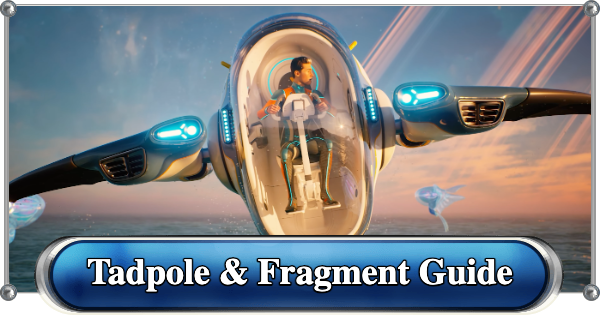 Tadpole Guide
 How to Get More Storage
 How to Get a Rebreather
 Bioscanner Guide
 Night Survival Guide
 How to Heal
 Angel Comb Guide
 How to Power Your Base
 How to Recharge Batteries and Tools
 How to Get the Repair Tool
 World Tree Guide
 Flashlight Guide
 Strong Acid Guide
 How to Get Heat Tolerance
 Scanner Guide
 How to Get Tadpole Depth Module Mk. 2
 How to Get a Wakemaker
 How to Get Fibrous Pulp
 How to Get a Wiring Kit
 How to Get Advanced Wiring Kit
 How to Get the Entangled Power Cell
 How to Refund Bases
 Specs Requirements
 New Game Features
 Is There Crossplay?
 Supported Devices
 Update & Roadmap
 How Long to Beat?
 Can You Play Subnautica 2 on PS5 and PS4?
 Is Subnautica 2 on Xbox?
 Is Subnautica 2 on Steam?
 Is Subnautica 2 on Switch?









