

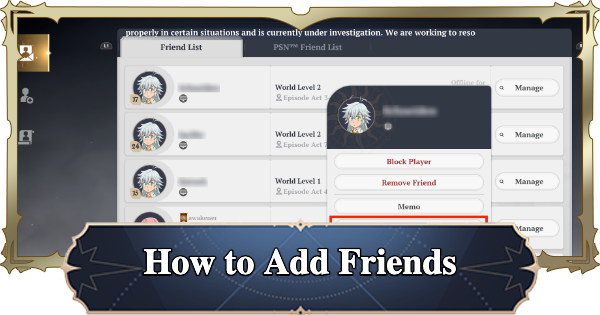
Learn how to add Friends in 7DSO (The Seven Deadly Sins: Origin). Find out the unlock conditions for the Friends feature, how to Send Friend Requests, and the benefits of making Friends.
Table of Contents
How to Add Friends
Add Friend Feature Unlocks at Act 1-64


The Friends feature is unlocked by progressing the Story to "Act 1-64". The "Party" feature, which allows you to fight alongside Friends, is also unlocked at the same time. If you want to go to Dungeons with your friends, progress through the Story until this feature is unlocked.
Early Game GuideAdd Frieds via UID Search

To add friends, go to the Friends screen and enter a UID to send a friend request. They will be added to your friend list once the other player accepts your request, so if you want to play with a friend, make sure to ask for their UID in advance.
Check Your UID in the Menu

Your UID is displayed below your name in the menu and also in the bottom-right corner of the UID search screen.
Send Friend Requests to Nearby Players

If the player you want to send a friend request to is nearby, you can also send a request from the 'Interact with [player name]' option that appears when you approach them. This method is recommended for nearby players because it eliminates the need to enter a UID.
Benefits of Adding Friends
Invite Friends to Your Party

The main benefit of adding Friends is the ability to invite them to a Party and fight together. You can form a Party of up to 5 players, so make use of this feature when taking on tough enemies.
Chat with Friends

Once you make a friend, you can send each other direct messages. This is useful when you don't want to use the public chat.
Related Articles













