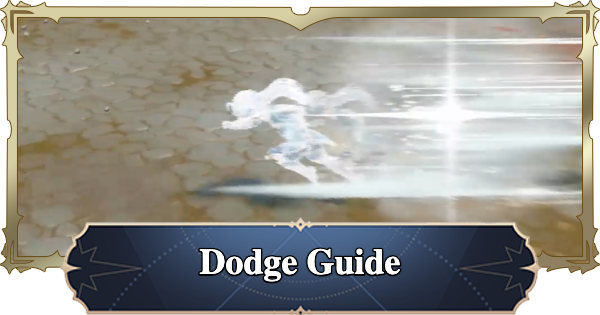
Dodge & How to Perfect Dodge guide for Seven Deadly Sins Origin. Guide include Dodge Tips, perfect dodge, how to do it in battle, and more.
Table of Contents
How to Perfect Dodge
Watch the AoE Attack Markers
When the enemy uses an AoE attack, the area of effect will be marked in red. It will start out with a light red color and eventually become dark red. Once the area of effect becomes fully red, the attack will land.
Know the Attack Animations


Familiarizing yourself with enemy attack motions is key to being able to dodge them. Perfect Dodges will require dodging just as the enemy's attack is about to hit. The best way to learn enemy attacks is by fighting them repeatedly.
Dodging Requires Stamina

Dodging requires Stamina so it's essential to always keep track of your Stamina during fights. Dodge and Perfect Dodge will not activate if you don't have enough Stamina so you always need to keep an eye on it.
Dodging Tips
Watch Enemy's Attack Motions

| Controls | Dodge Button |
| PC | Left Shift / Right Click |
| Controller | R1 |
Pressing the dodge button consumes Stamina. If you move your character while dodging, you will move in that direction. Use it to position yourself away from the enemy's attack.
Become Immune to Damage
Perfect Dodge can be performed by dodging right as the enemy attack is about to hit. A Perfect Dodge will make your character fully immune to damage, granting a 1 second frame of invincibility. This will allow you to stay close to the enemy to keep attacking.
Cancel Attack Animations
Dodging will also cancel the attack animation that restricts your movement. Beyond just avoiding enemy attacks, it can be used to reposition or cancel recovery frames to chain into your next attack, making it very useful during battle.
Ultimate Moves' Invincibility
During your Ultimate attack animation, you are invincible. The invincibility window is longer than a dodge, allowing you to easily avoid damage. This is also an effective strategy to avoid taking damage.
Related Articles