This article explains how to save and provides important notes for The Seven Deadly Sins: Origin (7DS Origin). It covers manual saving, autosaving, and cross-save features.
Table of Contents
How to Save in 7DS Origin
Supports Autosave


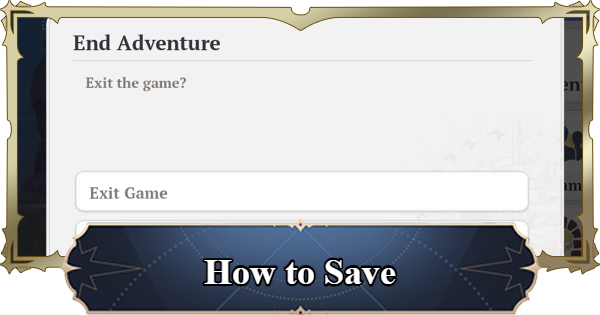
7DS Origin supports autosaving; there is no manual save option. The game saves automatically whether you select "Exit Game" from the menu or simply close the application, so you can safely close the game at any time.
Exit From Bottom Left of the Menu

You can exit the game by selecting the button at the bottom left of the menu screen.
Past Saves Cannot Be Loaded
Since the game uses autosave, you cannot load previous save data to undo your progress. For example, you cannot reload a save to retry a battle you lost.
Is Cross-Save Possible?
Carry Over Your Game Progress
7DS Origin supports cross-play and cross-save across Steam, PS5, and iOS/Android. By logging in with the same linked account, you can carry over your progress and continue playing on any platform.
No Simultaneous Logins
While you can use the same account on multiple devices, you cannot play the same account on multiple devices at the same time.
Important Notes on Saving
Progress Advances Past Cutscenes

If you close the game during a cutscene, such as an event, your progress will skip to the point after the cutscene ends. You will miss dialogue and other content, so avoid closing the game during cutscenes.
Closing Game While Gliding

If you close the game while gliding, you will resume directly below your last position. The game does not revert to your state before flying, so be careful if you want to close the game mid-air.
Related Articles