

This is the most efficient reroll method in Kaiju No. 8: The Game. Including the fastest rerolling method in K8 The Game, reroll duration, when to stop rerolling, tips, and more.
Table of Contents
| Related Articles | |
|---|---|
  Reroll Tier List Reroll Tier List |  How to Reroll How to Reroll |
How to Reroll and Time Required
| Estimated Time | First Time: Approx. 12 min Subsequent Runs: Approx. 12 min |
|---|---|
| Number of Pulls | 28 THE GAME Gacha pulls 7 Pickup Gacha pulls 29 pulls on any Gacha (Pickup Gacha recommended!) 8 Free Daily Gacha Pulls |
*This is the time required when skipping optional sections.
- Download the App from the Store
- Clear Chapter 0, Episode 3
- Play the Gacha & Squad Setup Tutorial
- Ignore 'Deploy' and Return to Home Screen
- Claim Tickets from Mail and Login Bonus
- Go to Gacha and Pull
- To Reroll Again, Delete Your Account
- Keep Rerolling for Your Desired Character(s)
The most efficient reroll method in Kaiju No. 8 THE GAME is to claim tickets from the Mail and Login Bonus, pull from the Gacha right after completing the Gacha and Squad Setup tutorials, and repeat.
Download the App from the Store
Download Kaiju No. 8 The Game on your platform
| Store Links | |
|---|---|
| AppStore | GooglePlay |
Clear up to Chapter 0, Episode 3
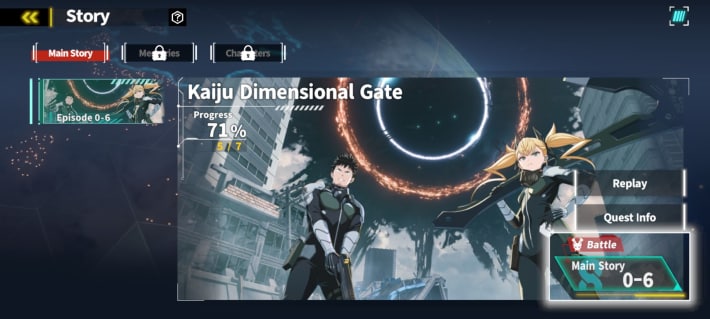
After the cutscene, a battle begins. Follow the tutorial instructions to progress and clear up to Episode 0‑3.
Play the Gacha & Squad Setup Tutorial
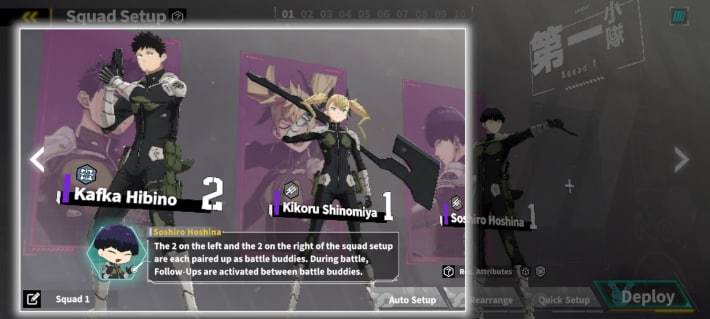
After clearing 0‑3, the Gacha and Squad Setup tutorial starts. You will receive a 4★ Soshiro Hoshina after completing the Gacha tutorial.
Return to the Home screen
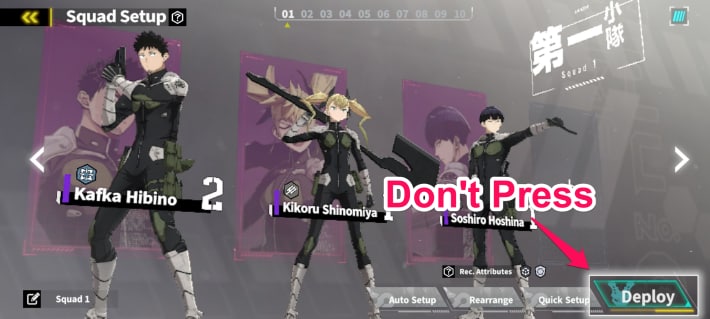
Ignore the 'Deploy' prompt and tap the top-left button on the Squad Setup screen to return Home.
Claim Tickets from Mail and Login Bonus
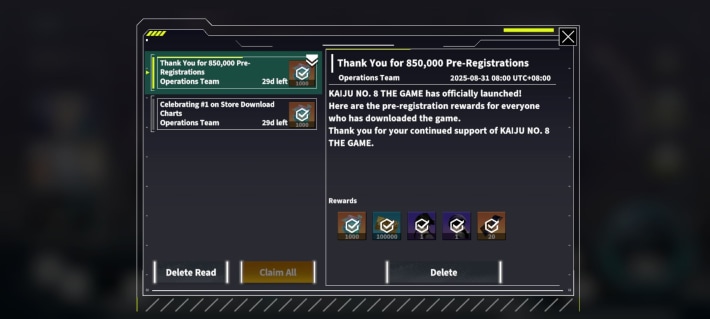
Back on the Home screen, claim 1 PU (Pickup) Gacha Ticket from 'Half Anniversary' and 'Chapter 9 Celebration' login bonus on the Events, then return to Home. Next, open Mail at the top right and tap 'Collect All' to claim your rewards.
Go to Gacha and Pull

After claiming your rewards, go to the Gacha screen and perform one 10-pull on the Soshiro Hoshina or Kaiju No. 8 Pickup Gacha, then pull on the THE GAME Gacha. After that, use your remaining Dimensional Crystals and Pickup Gacha Tickets on any Pickup Gacha banner. Don't forget to pull on the 8 Free Pulls Daily Gacha as well!
Best Reroll Tier ListTo Reroll Again, Delete Your Account
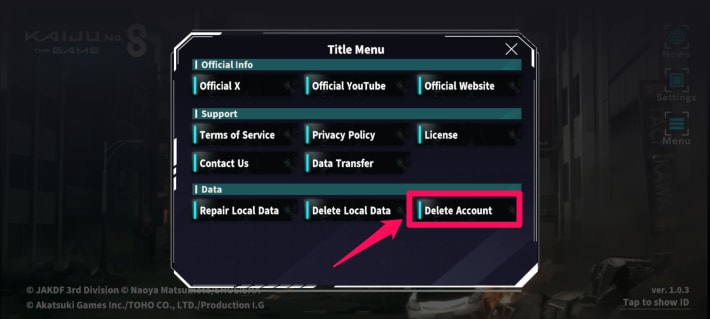
If you want to continue rerolling, return to the title screen, select the menu, and choose 'Delete Account'. After tapping OK, press 'Agree and Delete' on the screen that appears to complete the account deletion.
Repeat Rerolling Until You Get Your Target
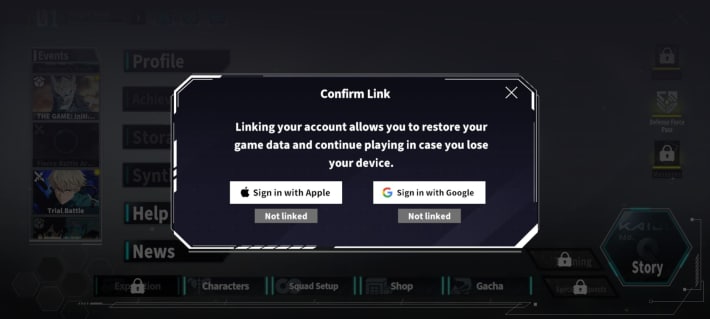
Keep rerolling until you get the character you want. When finished, be sure to Link Your Account.
When to Stop Rerolling?
Stop Rerolling When You Get Soshiro or Kaiju No. 8

| Kaiju No. 8 Featured Period | Until Mar 3, 2026, 6:59 PM (PST) |
|---|---|
| Soshiro Pickup Period | Until Mar 19, 2026, 11:59 (PST) |
Since both Soshiro and Kaiju No. 8 are top-tier Attackers, getting either is a win. Both Kaiju No. 8 and Soshiro are excellent Attackers and Kaiju No. 8 is a limited-time character, so you'll want to get them.
| Tip! | Kaiju No. 8 (Scorching Variant) is a character who is recommended for beginners because he can be Reinforced without equipping Uniparts or Weapons. |
|---|
| Pickup Characters & Weapons | |
|---|---|
| Soshiro Hoshina | SW-Ihcatiamak |
| Kaiju No. 8 (Scorching Variant) | - |
Don't Miss the Daily 8 Free Gacha Pulls

| Event Period | Until Mar 21, 2026 6:59 PM (PST) |
|---|
Starting Feb 1, a daily 8 free Gacha pulls event is underway. Use the tickets from the '8 Free Pulls Gacha Ticket Login Bonus', so be sure not to miss out. The pool includes content from the standard "THE GAME Gacha" as well as selected 5-Star characters and weapons that appear in featured Gachas.
Do the 5★ Exchange After Rerolling
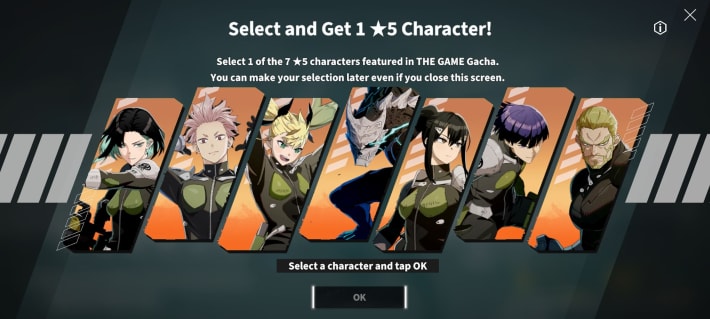
The recommended time to use the 5★ selection exchange is after you've finished rerolling by pulling the Gacha with the initially distributed Gacha Tickets. Make sure to select a character with a role that you are missing.
Best 5★ Character to ChooseGet a Character You Don't Have
It's recommended to use the 5★ character exchange on a character you don't have yet. In the early game, focus on increasing the number of characters you own.
| Exchangeable 5★ Characters | ||
|---|---|---|
| Kaiju No. 8 | Kikoru Shinomiya | Mina Ashiro |
| Soshiro Hoshina | Gen Narumi | Isao Shinomiya |
| Rin Shinonome | ||
Kaiju 8 The Game Related Guides

Recommended Guides
| Popular Articles | ||
|---|---|---|
| Reroll Tier List | Best Characters | Best Squads |
| Early Game Guide | Daily to Do | Paid Packs |
| Character List | Weapon List | Uniparts List |
Other Articles
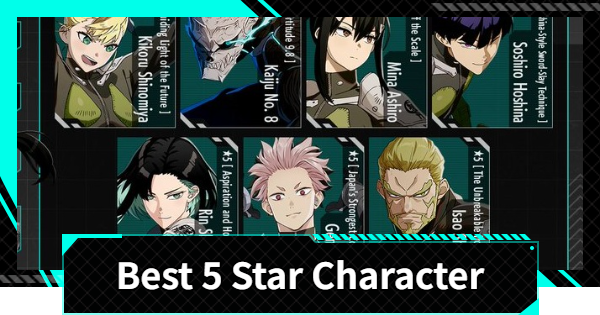 Best Free 5 Star
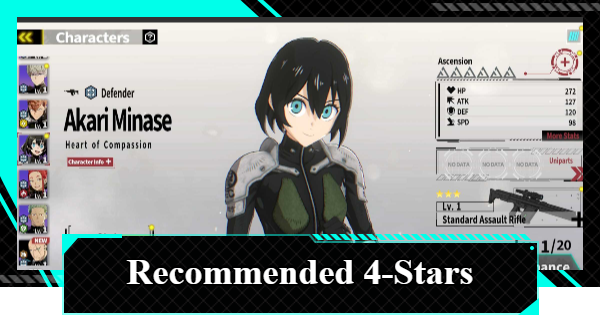 Best 4-Stars
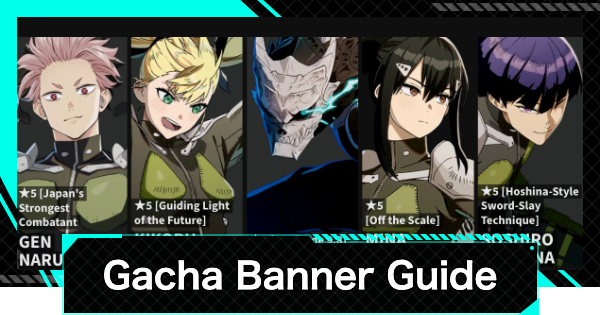 Best Banner
 Gacha Animation
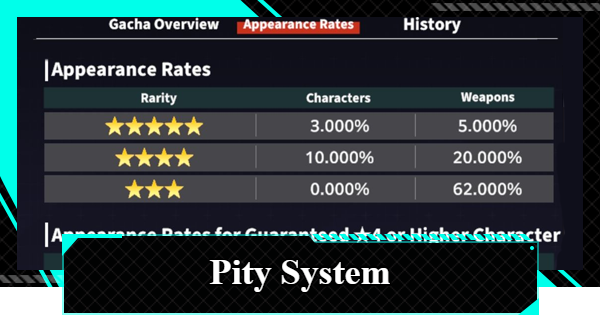 Pulls Until Guaranteed?
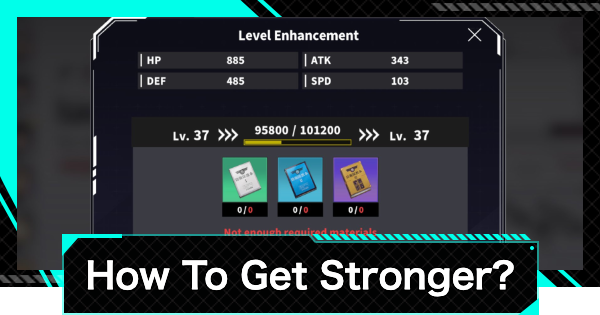 Enhance Priority
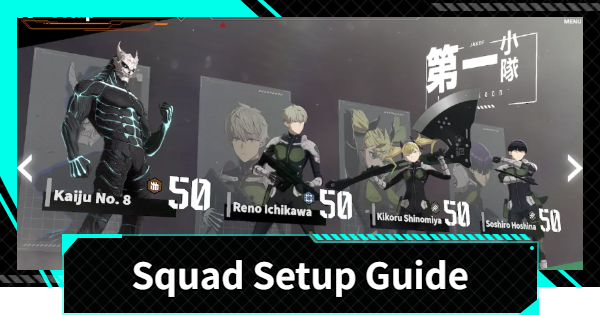 Squad Setup
 Web Store
 Redeem Codes
 Latest Updates
 Controller Support
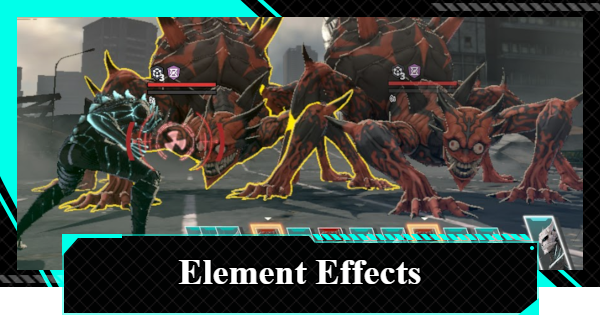 Element Effects and Plate Mechanics
 Best Store Purchases
 Action Order
 How to Disassemble Weapons
 Weapon Exchange Shop
 Uniparts Farming Guide
 Weapon Ascension
 Emblem of Defense
 Identified Kaiju Neutralization
 Kaiju Core Material
Must Reads Before Playing
| Useful Info | ||
|---|---|---|
| Pre-Registration | Required Specs | Steam Release |
| Link Data | Data Transfer | Best Settings |
| How to Fix Lagging | PS5 ver? | Voice Actors |











