

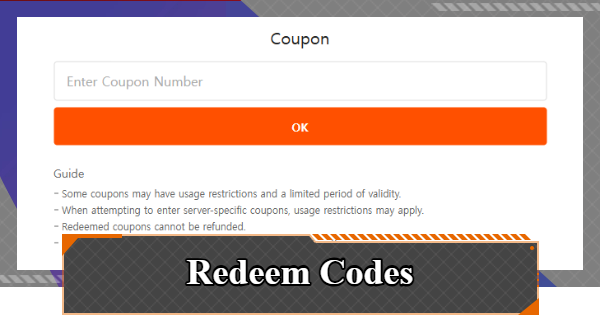
Coupon Codes guide in Chaos Zero Nightmare. See list of all active working codes, how to redeem codes, register coupon code, avail voucher gift codes and redemption rewards in CZN.
CZN Codes List
April 2026 Codes
| 1 | CZN0418ARISE | - Crystal x 1000 |
|---|---|---|
| 1 | CZNHALFANNIV | - Signal Amplification Anchor x10 |
Latest code for the half anniversary has been released.
How To Redeem Codes
Claim In-Game
| Step | Procedure |
|---|---|
| 1 |   Head over to the Account from the Lobby. Head over to the Account from the Lobby. |
| 2 |  Select Account Settings from the bottom of the menu. Select Account Settings from the bottom of the menu. |
| 3 | 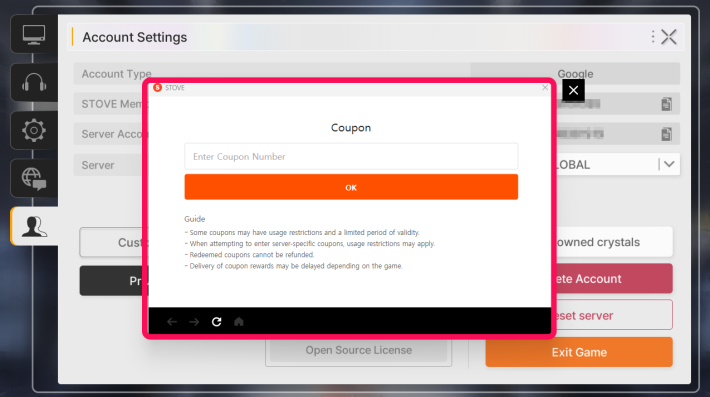 Click Register Coupon and enter the coupon code. Click Register Coupon and enter the coupon code. |
How to Claim Rewards on iOS
In-game coupon redemption is restricted for iOS users. However, you can still claim coupons using alternative methods, such as the official Coupon Redemption Page on the STOVE website.
| Note! | Due to Apple App Store policies, iOS players cannot register coupon codes directly through the in-game settings menu. |
|---|
Stove Coupon Redemption
| Step | Procedure |
|---|---|
| 1 |  Visit Chaos Zero Nightmare's Official Website on Stove. Visit Chaos Zero Nightmare's Official Website on Stove. |
| 2 | 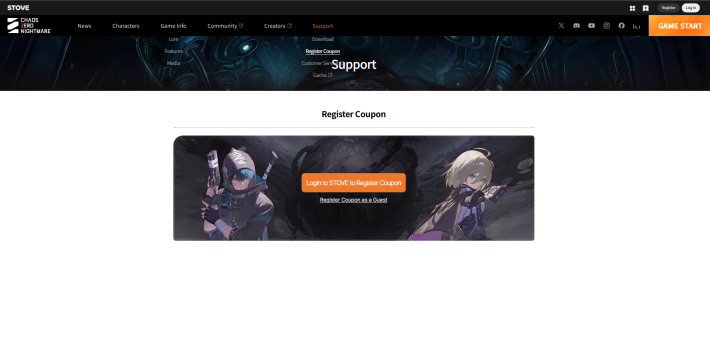 Click [Support] → [Register Coupon] and log in with your Stove account or as a guest. Click [Support] → [Register Coupon] and log in with your Stove account or as a guest. |
| 3 |  Enter the required information in the provided fields and click Register. Enter the required information in the provided fields and click Register. |
After successfully redeeming a coupon code, the rewards will be sent in your account’s in-game mailbox. Simply open your mailbox in the game to claim your items immediately.
Stove Register CouponHow to Check STOVE Membership No.

You can find your STOVE Membership No. by navigating to [Lobby] → [Account] → [Account Settings].
| Note! | Make sure to copy your STOVE membership number accurately or use the copy button beside it when redeeming codes to avoid any issues. |
|---|
How To Find Character Nickname

You can find your character's nickname at the top-left corner of the Lobby screen.
Coupon Reward Notice
Coupon rewards are sent to your in-game mailbox and must be claimed within 30 days. Each coupon can only be redeemed once per account and cannot be used after its expiration date.
Chaos Zero Nightmare Related Guides
 Galactic Disaster
  The Great Rift
 Nebula Distortion
 Memory Encroachment
 Early Game Guide
 Daily Tasks
 Recommended Gacha Banner
 Ark City Guide
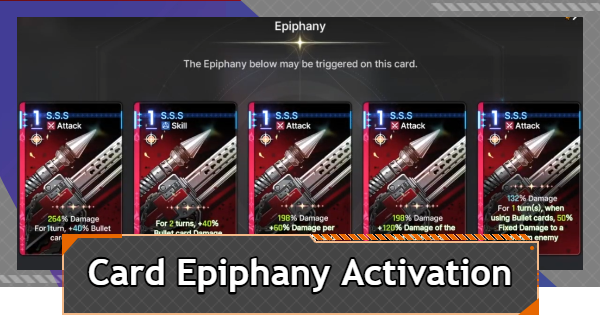 Card Epiphany Activation
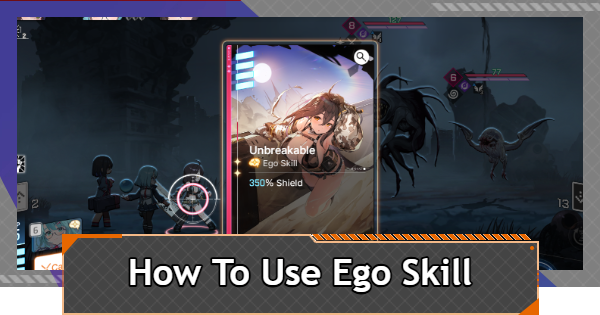 How to Use Ego Skill
 Stress Management
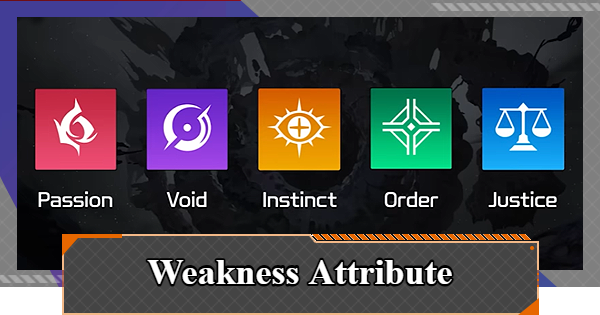 Weakness Attribute Guide
 Safe Zone Guide
 How to Restore Aether
 How to Raise Captain Grade
 ID Card Settings
 Battle Pass (Arkhianon Supply) Guide & Should You Buy?
 Simulation Guide
 Twin Star's Shadow Guide
 How to Download & Sync Data
 Deep Trauma Guide
 Latest Updates
  Intermediate Captain Promotion Guide
 Unigram Guide
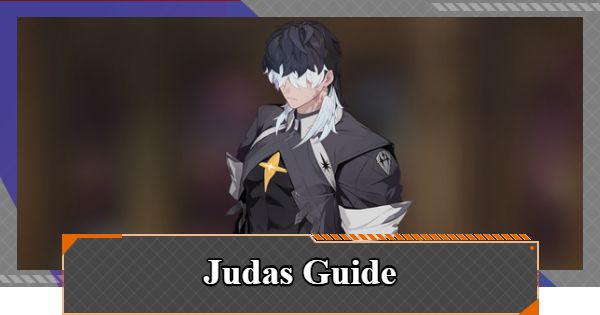 Judas Boss Guide
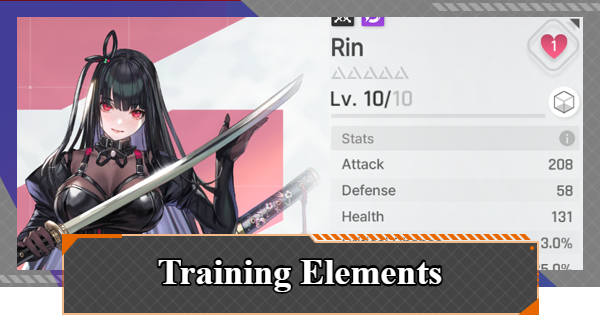 Character Enhancement Guide
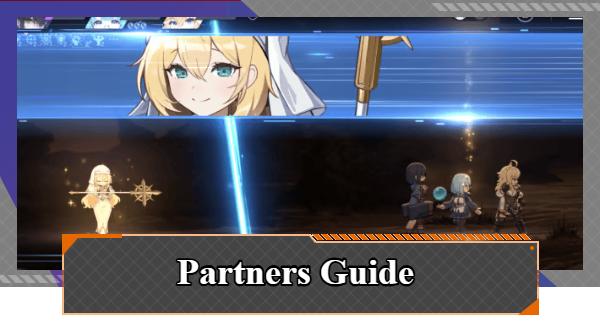 How to Set and Upgrade Partner
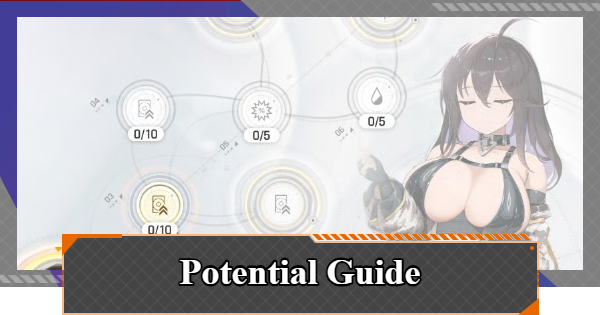 How to Upgrade Potential
 How to Use Save Data
 How to Upgrade Manifest Ego
 Memory Fragments
  Prism Modules
 Daily Reset Time
 Zero System
 Counseling Guide
 Omega Codes
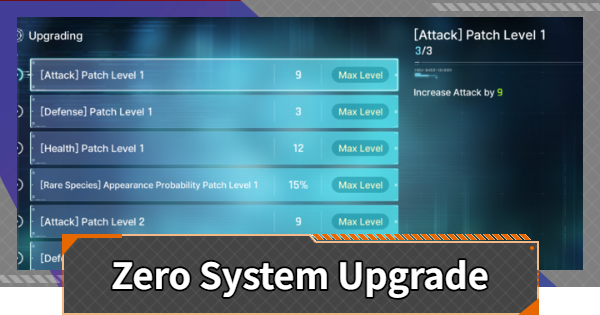 Zero System Guide
 Basin of Hyperspace Guide
 Affinity Guide
 Environment Variables









