


Learn how to add friends in Let It Die: Inferno (LID). This guide covers the Raiders Association location, how to find your Raider Name/ID, and multiplayer benefits.
| Co-op Related Articles | |
| About Co-op Mode | |
| How to Play PvE Duo | Tips for PvE Duo |
How to Add Friends
Register at the Raiders Association Reception


You can add or block friends directly at the Raiders Association Reception. To add someone, simply enter the player’s Raider Name and send a friend request.
Raiders Association Reception GuideRaiders Association Reception Location
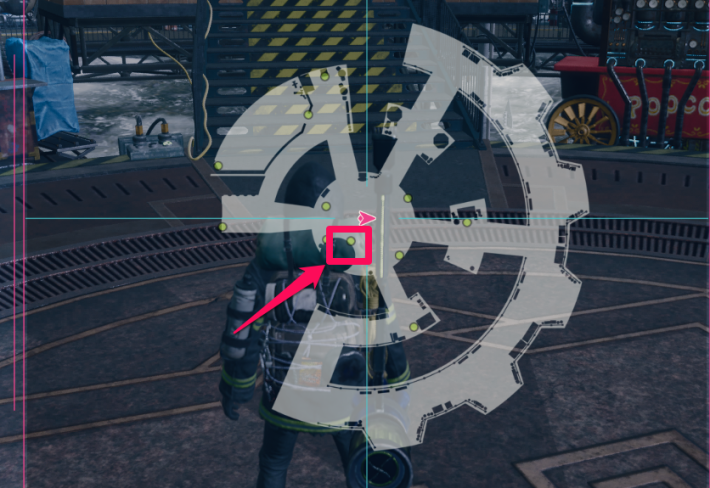
The Reception Hub is located at the center of the platform. She’s the first NPC you’ll encounter when you start the game or return from an exploration.
Enter a Raider Name via Player Search
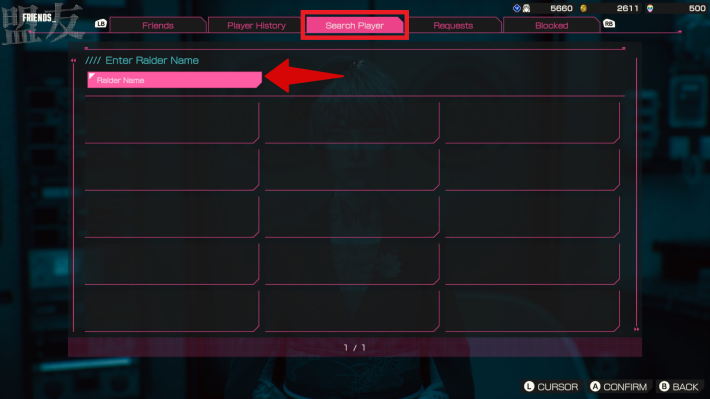
From the Friends tab, select 'Player Search'. Enter the player’s Raider Name in the search box to locate their profile.
Be Careful of Similar Names When Sending a Friend Request

Select the correct player from the search results and send your friend request. If multiple similar names appear, double-check their Raider ID and Soul Brand to make sure you’re adding the right person.
You Can Also Block and Report Players
If you encounter disruptive Raiders, you can also block or report them at the Reception. Blocked players can’t send you requests, and their Raider Name and Soul Brand will no longer be visible to you.
How to Check Your Raider Name
Raider Name is Displayed Above Your Health Bar
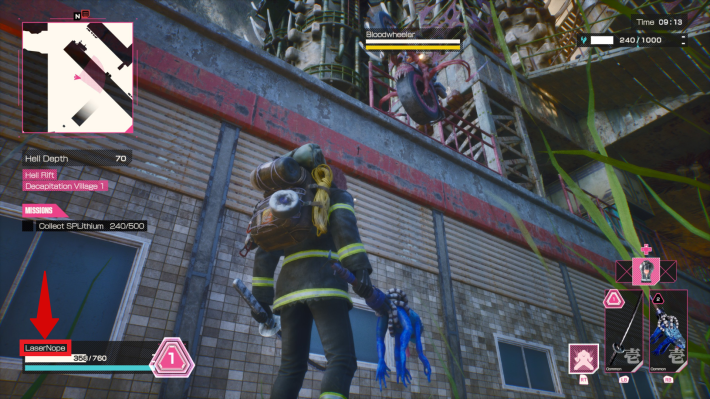
Your Raider Name is displayed above your HP in the lower-left corner of the screen. Since it’s always visible without any special input, you can easily share it with players you want to add as friends.
How to Change Raider NameCheck Your Raider License
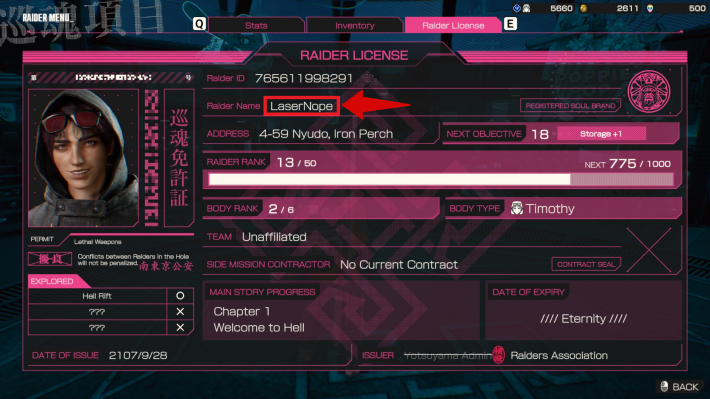
You can also check your Raider Name in the "Raider License" section of the Raider menu, where your Inventory is displayed. Here, you can also check your Raider ID and Soul Brand.
Benefits of Having Friends
Participate in Death Jamboree With Friends
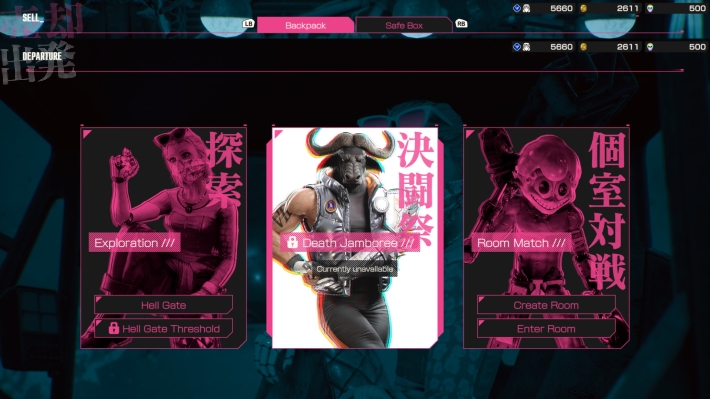
Friends can join you in KIL Matches, where special events are held periodically. Playing together makes these matches more engaging and rewarding.
Play Co-op in PvE Duo

The Season 2 update introduces the new mode "PvE Duo," which can be played with friends. PvE Duo is a mode for cooperative exploration between two players.











