

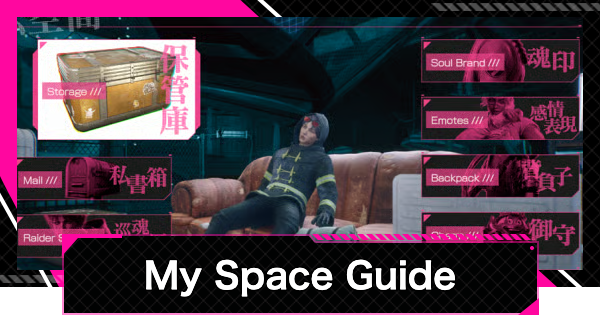
This guide explains everything you can do in My Space in LET IT DIE: INFERNO. Including a complete list of My Space features you can use and My Space location in LID.
Table of Contents
What You Can Do in My Space
- Store Items in Storage
- Check Mail
- Check Raider Stats
- Read Records
- Change Soul Brand
- Set Up and Purchase Emotes
- Change the Design or Purchase a Backpack
- Change the Design or Purchase a Charm
- Change the Design or Purchase an Interior
Store Items in Storage

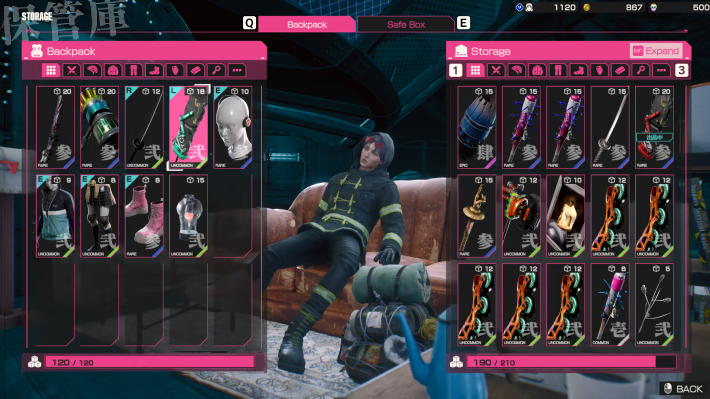
This is your item storage. Place Weapons, Armor, and Blueprints you can’t carry into Storage. You can expand Storage using Kill Coins.
How to Use and Upgrade StorageCheck Mail
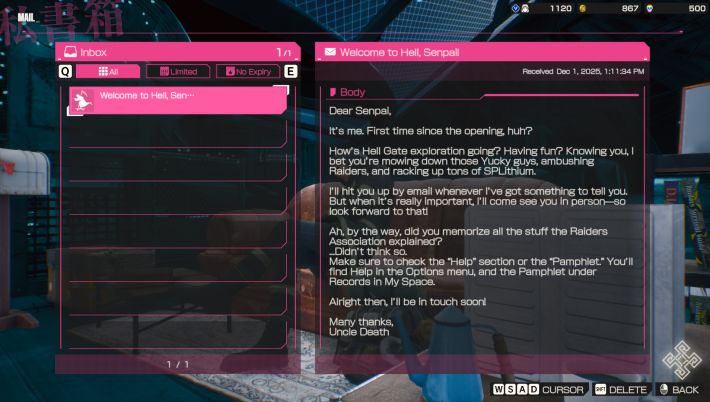
Here you can check your received mail. If items are attached, you can claim them directly from the mail.
Check Raider Stats
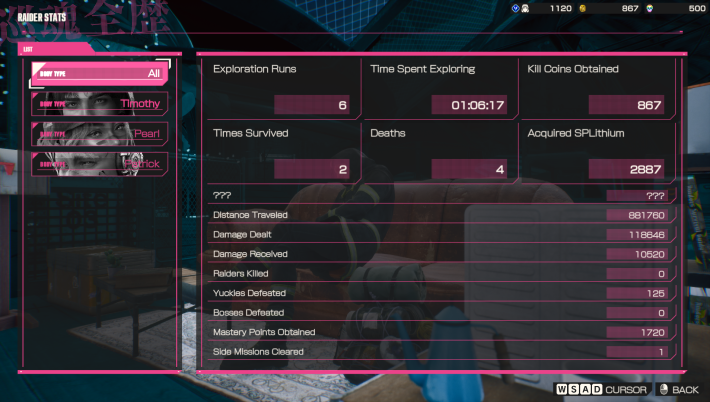
View your Raider Stats here, including total explorations, survivals, and deaths. In addition to the overall history, you can switch to see the Raider Stats for each Body.
Read Records
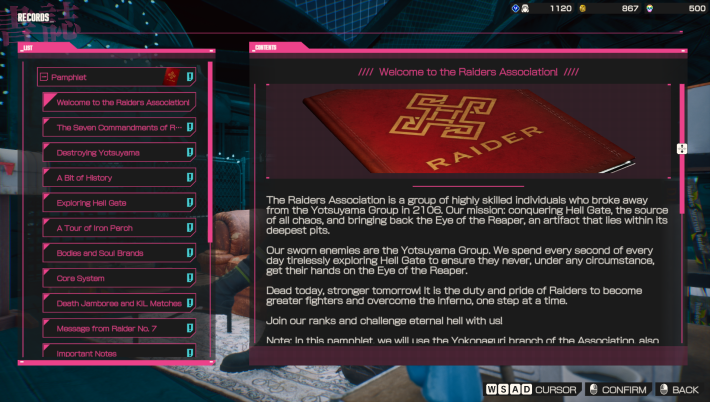
During Exploration, Raiders collect various documents. You can view all the documents you’ve obtained in the Records section.
Change Soul Brand
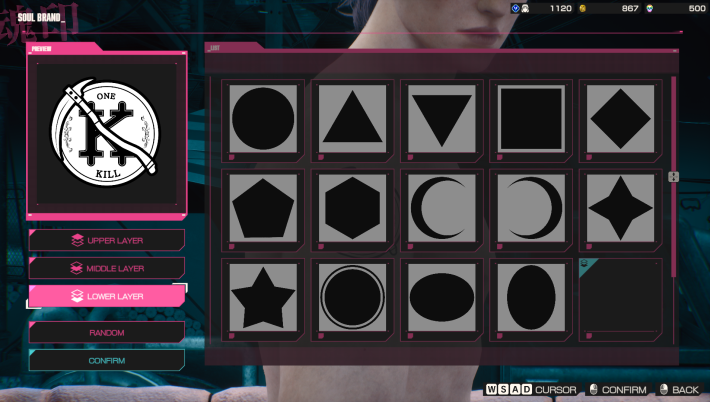
You can change the Soul Brand engraved on a Raider’s Body. To set a Soul Brand, combine three shapes, just like in the introductory section of the game.
Set Up and Purchase Emotes
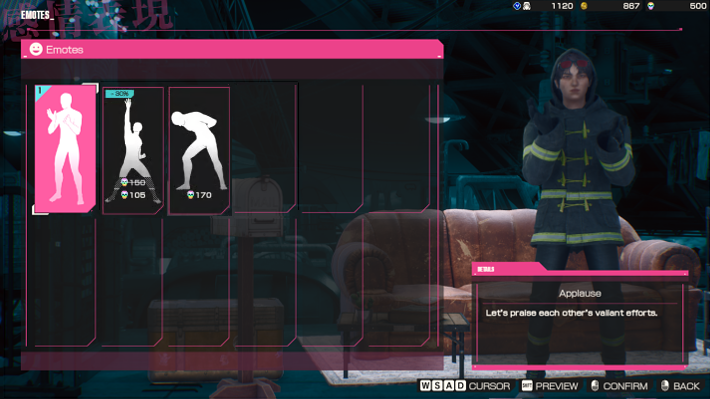
Here, you can equip Emotes for use during Exploration or purchase new ones with Death Metal. To use an Emote, press and hold the down key (V on keyboard) to open the Emote menu, then select the Emote you want to use.
Change the Design or Purchase a Backpack
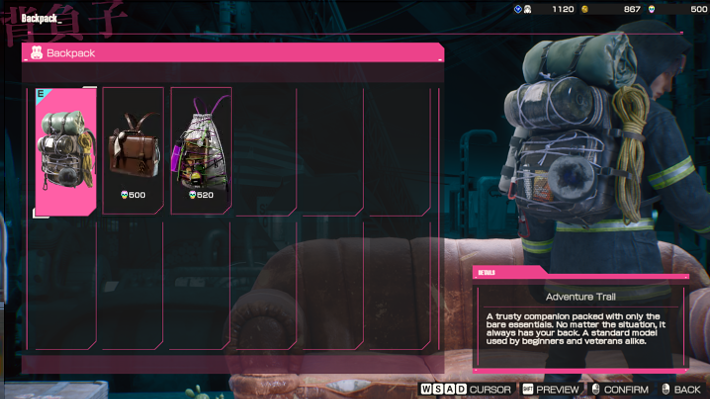
You can customize your Backpack's design and purchase new designs with Death Metal. Note that only the appearance changes, and the Weight limit remains the same.
Change the Design or Purchase a Charm
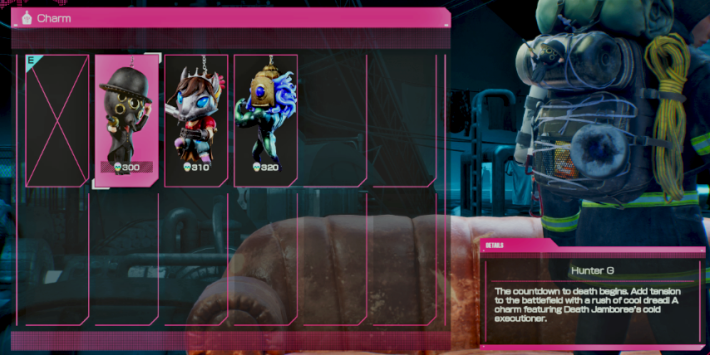
You can customize the design of the Charm attached to your Backpack and purchase new designs with Death Metal.
Change the Design or Purchase an Interior
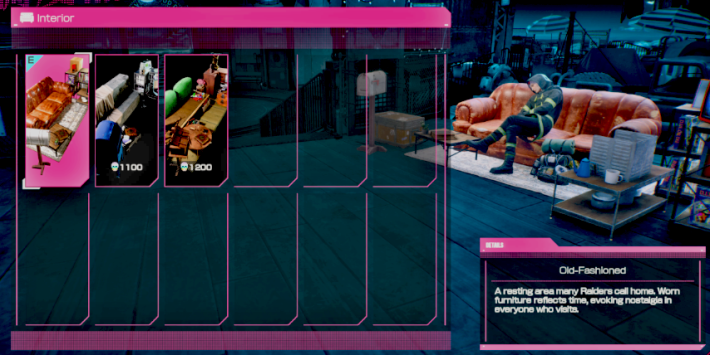
You can customize the interior design of My Space and purchase new designs with Death Metal.
Location of My Space
East Side of Iron Perch
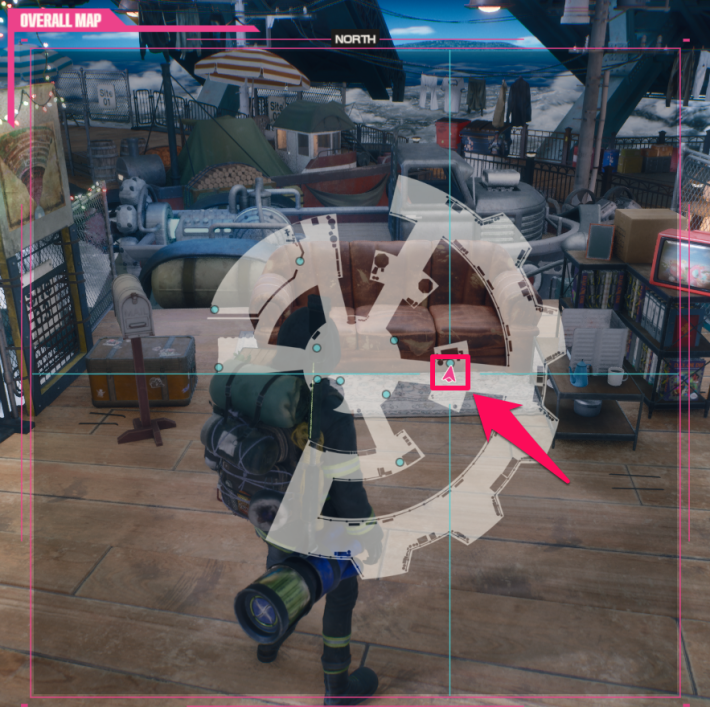
My Space is located on Iron Perch's east side. After evacuating from Exploration, you spawn at the center of Iron Perch; visit My Space first to organize your inventory.
Iron Perch (Base) Guide










