

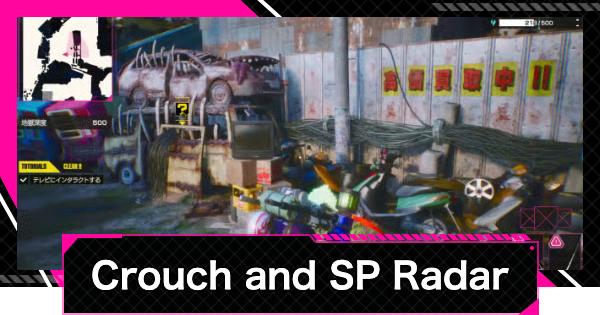
Learn how to use the SP Radar in Let It Die: Inferno! Crouch (L3/C key) to detect Yuckies (Red) and Escape Pods (Yellow), and read wave sizes to measure distance to targets.
Table of Contents
How to Use the Crouch + SP Radar
Press L3 or C Key to Crouch

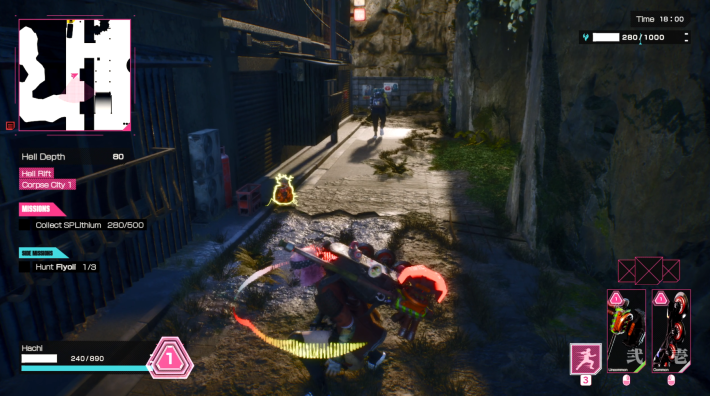
In LET IT DIE: INFERNO, press L3 on a controller or C key on keyboard to enter "Crouch + SP Radar" state.
Controls GuideFind Enemies and Pods with SP Radar
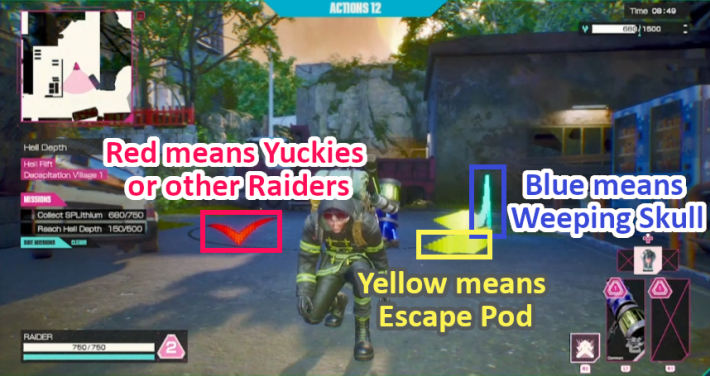
While crouching, SP Radar automatically deploys to detect Yuckies (enemy creatures), other Raiders (players), and Escape Pods. Note that you cannot detect Raiders hiding in Bushes.
Radar Colors and Targets
| Radar Color | Target Detected |
|---|---|
| - Yuckies (enemies) - Other Raiders (players) | |
| - Weeping Skull - Floating SPLithium | |
| - Escape Pod |
You can tell targets apart by radar color. Red means Yuckies or other Raiders, blue means Weeping Skull, and yellow means Escape Pod.
How to Use the SP Radar Efficiently
Crouch to Find Escape Pod
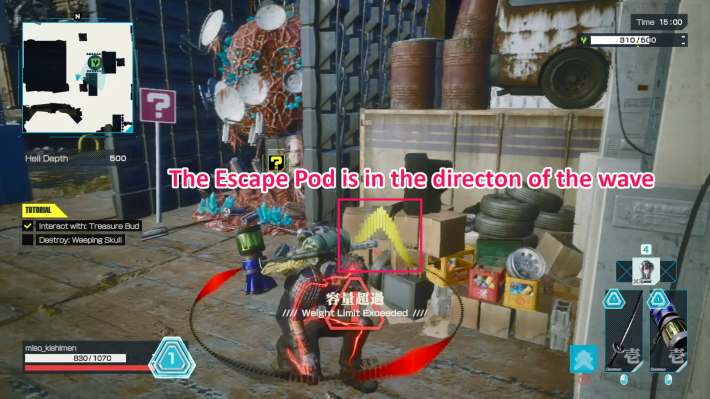
Once you've collected enough SPLithium, use "Crouch + SP Radar" to locate an Escape Pod and make your escape.
How to Find Escape PodWave Size Shows Distance to Target
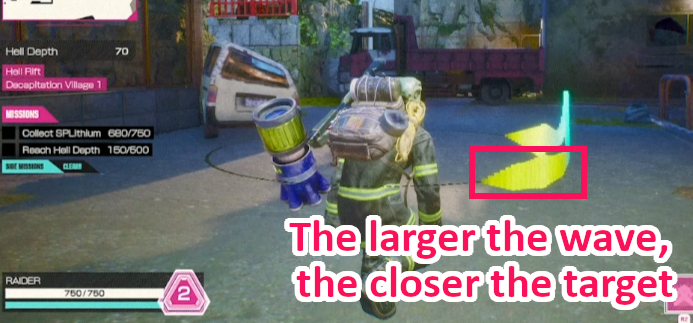
The SP Radar's wave size indicates how far an object is. Larger waves mean the object is close, while smaller waves mean it's farther away. So if the path is clear, go for the closest Escape Pod with the biggest wave.











