

 Mina
Mina Fighter
 Destroyer
 Support
 Assassin
 Fire
Fire Ice
Ice Wind
Wind Earth
Earth Lightning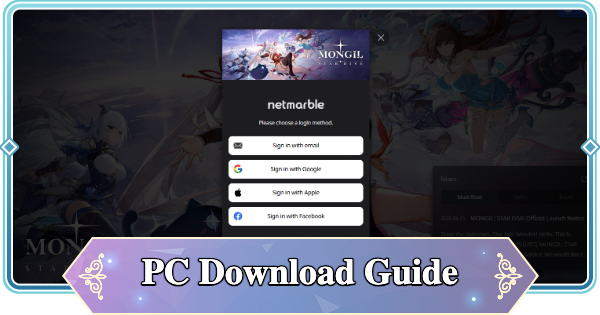
Check out this PC Download guide for Mongil: Star Dive. See how to download, how to load launcher, installation, PC requirements, and recommended system to play Mongil: Star Dive!
Table of Contents
How to Download/Install the PC Version
Installation Steps Summary
| 1. | Download the PC version [Official] PC Version Download Page |
| 2. | Install the Netmarble Launcher |
| 3. | Click "Start Installation" |
| 4. | Register/Log in |
| 5. | Click "Launch Game" |
1. Download the PC version


To play Mongil on PC, you need to download the launcher from the official website of Mongil: Star Dive. First, access the site below and download the installation file from the "PC Version" section.
[Official] PC Version Download Page
2. Install the Netmarble Launcher

Check if you have at least 20GB of free space. If there are no issues, open the downloaded EXE file and install the Netmarble Launcher.
Recommended Specs & System Requirements
3. Click "Start Install"

Once the Netmarble Launcher starts, check the installation settings from the Mongil installation screen. Click "Start Installation" to begin the installation.
4. Register/Log in

Register or log in with the Netmarble Launcher. If you check "Keep me logged in", you will be logged in automatically from then on.
5. Click "Run Game"

Once you are logged in, click "Run Game" to play the game.
PC Version System Requirements
PC Recommended Specs List
| PC | Minimum System Requirements | Recommended System Requirements |
| OS/ DirectX | Windows 10 DirectX11 compatible | Windows 11 DirectX12 compatible |
| CPU | Intel Core i5 7th Gen / AMD Ryzen 5 2600 | Intel Core i7 9th Gen / AMD Ryzen 7 3700 |
| RAM | 8GB RAM | 16GB RAM |
| GPU | NVIDIA GeForce GTX 1060 / AMD Radeon RX 580 / Intel Arc A380 Graphics | GeForce RTX 2060 / AMD Radeon RX 5700XT / Intel Arc A750 Graphics |
| Storage | 20GB | 50GB |
20 GB of Storage Required
To ensure you can install the game, the official Mongil website recommends having at least 20 GB of free space.

 Best Character Tier List
 Reroll Tier List
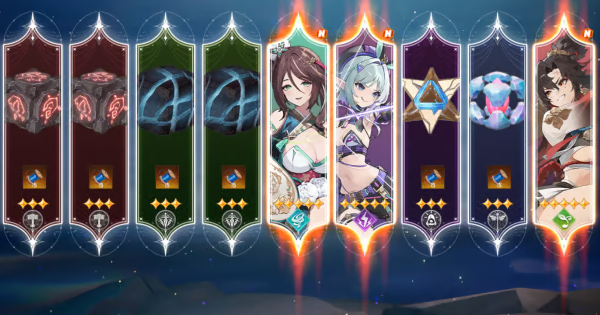 How to Reroll Guide
 Raising Adventure Level
 Character Progression
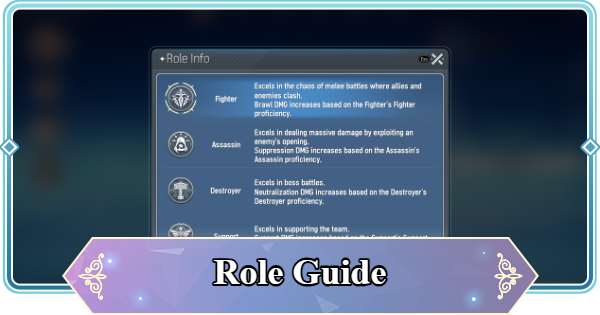 Role and Classes
 Recommended Gachas
 Game Difficulty Guide
 How to Cook and Best Recipes
 How to Capture Monsters
 How to Solve Oz's Puzzle
 Is Mongil a Gacha Game?
 How to Farm Starlight Crystals
 How to Get Compass of Promise










