

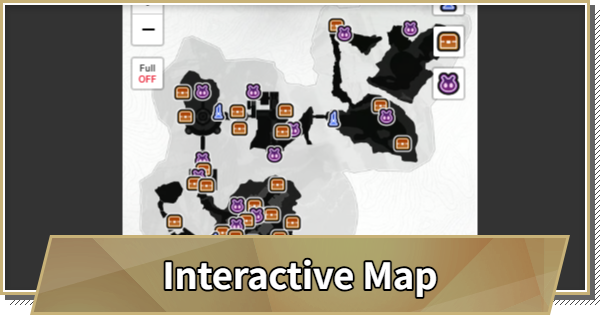
World Map Guide & Interactive Map in Duet Night Abyss (DNA). This guide includes how to access the Map, Interactive Map, Geniemon Location, Chests Location, and more.
Table of Contents
Interactive World Map
This article was last updated on December 4, 2025 and will no longer be updated moving forward. Thank you for your support to this project!
| Map Legend | ||
|---|---|---|
 Avian Tower | Advensphere | Geniemon |
Normal Chest | Rare Chest | Luxirious Chest |
Challenge | Lulu Lunoloot | - |
In-Game Map
How to Use In-Game Map
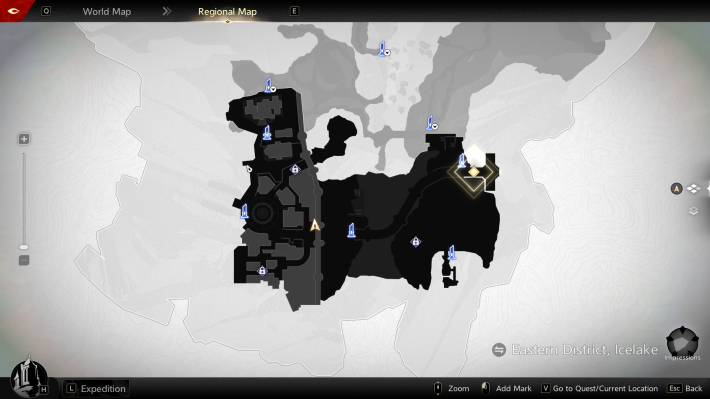
To access the in-game map, either press "M" on your keyboard or press "escape" to open the menu, then click on Map. By pressing Q and E, you can switch between the regional and world maps.
Things to Do with the In-Game Map
You can use the map to teleport by clicking on the recorded Avian Tower and selecting teleport. Additionally, you can track quests, and the location of the quest will be shown on the map.
Avian Tower Guide - How to TeleportRelated Articles
 Return to Homepage
 All Character List
 Character Tier List











