

Stuck in The Forge? Get tips for faster progression, best quests, money-making shortcuts, and grinding strategies to overcome roadblocks.
Table of Contents
What to Do When You're Stuck
Grind Through Roadblocks

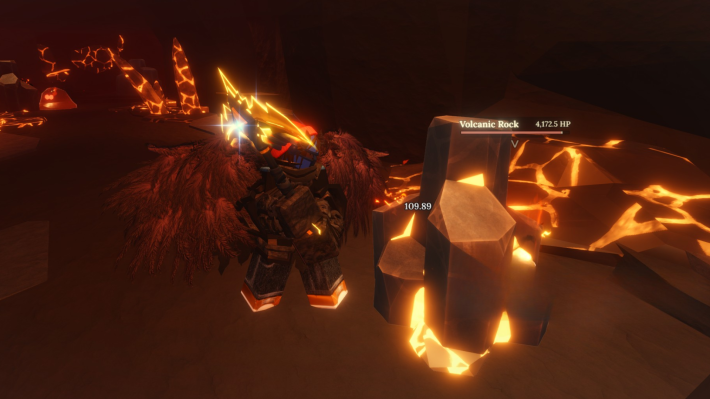
The Forge isn't your typical Roblox game. It's sometimes more hardcore than it looks, and you'll hit walls where progress slows to a crawl. The good news is that most roadblocks happen because players miss opportunities or don't have a good system for grinding.
Don't worry, because we have the best tips and tricks that you can apply in the game to get to the endgame faster than most players.
Use Codes for Rerolls and Totems
Don't Spend Robux Until You Claim Codes

The Forge releases codes regularly that usually contain rerolls or totems. Check out our Redeem Codes page regularly to claim these items.
Redeem Codes (January 2026)For Faster Mining or Leveling Up
Equip Skills
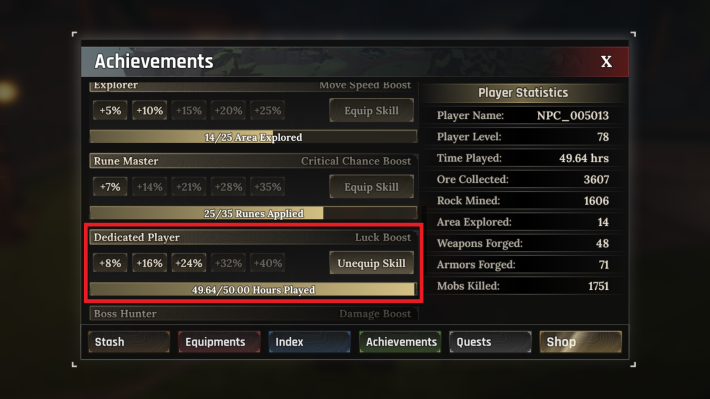
This is the single most overlooked progression boost in the game. Equipping skills allows you to get the boosts you need and stacks with everything you do, including quests, mining, combat, and even forging. Without it, you're throwing away free XP and spending more time grinding.
| Tip! | To equip a skill, Press T → go to Achievements tab → choose and equip Skill |
|---|
Enhance Gear and Equip Runes

Enhancing your gear and equipping runes can sometimes spell the difference between surviving in the caves and mining faster. Use the services of the Enhancer and Runemaker inside the cities to enhance your gear and equip runes.
| Tip! | Runes are dropped by monsters and can be equipped into any piece of equipment, including pickaxes. |
|---|
| Related Articles | |
|---|---|
| How to Enhance Gear | How to Add Runes |
Claim Your Index Rewards
Free Way to Earn Gold and XP

The Index tracks every discovery you make, such as new ores, weapons, armor, and enemies. Every time you discover something new, there's a reward waiting to be claimed.
| Tip! | To claim Index rewards, press T → Move to the Index tab → click Claim on every new discovery. |
|---|
Accept Every Quest from Every NPC
Stack Quest Objectives for More Rewards

The best way to grind for levels and some cash is to talk to every NPC you see and accept all available quests. Many quests share the same objectives, and you can repeat most of them. There's no limit on active quests, so load up.
Best Sidequests for Grinding
| NPC | Objective | Rewards |
|---|---|---|
| Umut the Brave | Kill Zombies | XP, Gold |
| Nord | Mine 5 Stone/Cardboardite/Copper | XP, Gold |
| Barakkuulf (Forgotten Kingdom) | Mine 150 Basalt Rocks and 50 Basalt Cores | $5000, 1750 XP |
| Captain Rowan (Forgotten Kingdom) | 6 quests involving combat, mining, and essence farming | High XP and Gold |
| Masked Stranger | - Kill 50 Skeleton Rogues - Kill 30 Axe Skeletons - Kill 15 Deathaxe Skeletons - Kill 5 Bombers | $2,500, 1250 XP |
Don't Buy Every Pickaxe
Skip Pickaxes That Offer Little Upgrades

This is the biggest beginner trap in The Forge. Most pickaxe upgrades are just marginal improvements that waste gold. If you're just starting the game, your goal should be to save 5,000 to 0,000 to get Arcane or Magma Pickaxe.
| Note! | To unlock the Arcane Pickaxe, you need to find the Bard's guitar. |
|---|
Use AFK Mining
Steps to AFK Mine
Holding down the mouse button or repeatedly clicking the same spot as you mine ores can get especially tiring. However, there's a built-in mechanic that lets you mine automatically.
| Step | Action |
|---|---|
| 1 | Stand in front of a rock you want to mine |
| 2 | Hold down left mouse button (start mining) |
| 3 | While holding left click, press ESC to open menu |
| 4 | Release left mouse button (character keeps mining) |
| 5 | Close the menu. Character continues mining automatically |
| Tip! | Your character will keep swinging at the rock after you close the menu. This works until you switch to a weapon, use chat, or open a different menu. |
|---|
Sell Crafted Gear, Not Raw Ores
Gives You More Profit

Selling raw ores to Greedy Cey is the slowest way to make money. He buys them for almost nothing, and you miss out on valuable gear you could be using. Instead, forge ores into weapons or armor and sell those for more profit.
| Tip! | If you're really lacking inventory space, you can sell some of your excess runes to Greedy Cey. You don't need to sell Essences as they don't take up inventory space. |
|---|
The Forge Related Articles

General Guides and Tips & Tricks

| Related Articles | ||
|---|---|---|
 Best Gamepasses Best Gamepasses |  Secrets & Hidden Spots Secrets & Hidden Spots |  How to Make Money Fast How to Make Money Fast |
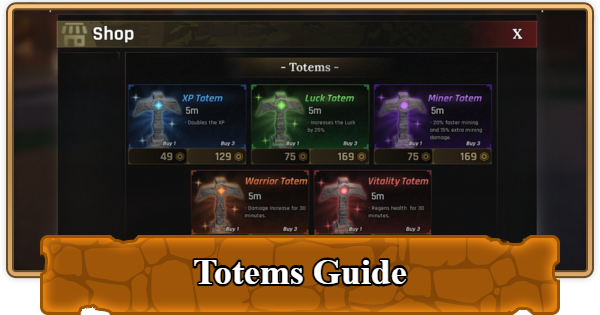 How to Get and Use Totems How to Get and Use Totems | 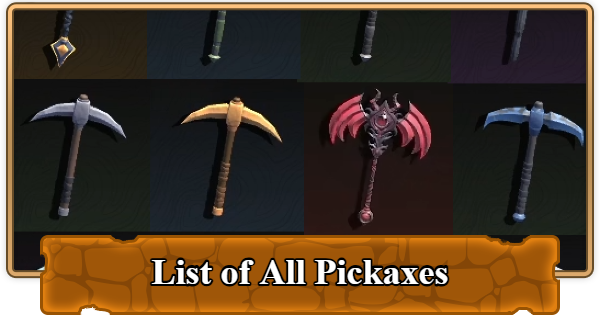 List of All Pickaxes List of All Pickaxes |  Enhancement Guide Enhancement Guide |  How to Add Runes How to Add Runes |  Things to Do If Stuck Things to Do If Stuck | - |












