
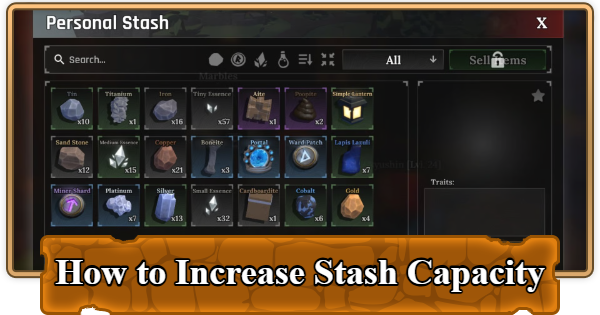
There are multiple ways to increase the Stash capacity in Roblox The Forge. Read on to learn how to check storage limits, and sell items to free up space in this complete guide.
Table of Contents
What is the Stash?
The Stash is Your Inventory

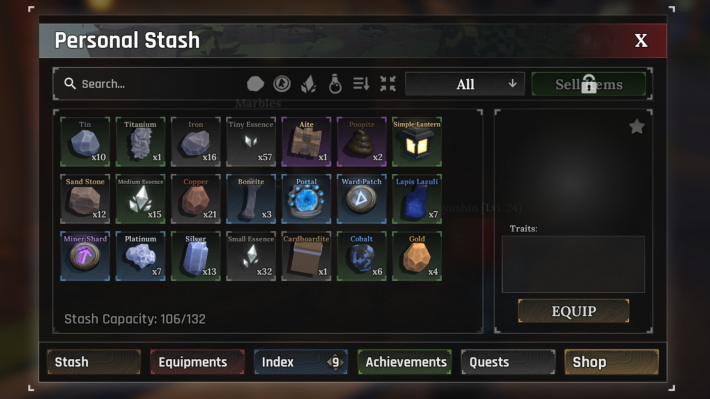
Your stash is basically your entire inventory system in The Forge. It holds everything you collect: ores, shards, essences, weapons, armor, potions, and runes. When it fills up, your progression stops dead until you either sell stuff or upgrade your capacity. The problem is that new players start with pretty limited space, and if you're serious about mining or crafting, you'll run into this wall constantly.
How to Check Stash Capacity
Click the Bag Icon

Before you worry about expanding, you should know how to check your current stash space. Click the bag icon at the bottom of your screen. This opens your inventory menu, and you'll see a number displayed above the Stash button that shows your current items versus your maximum capacity.
Increase Your Stash Capacity
Level Up

The best and method of expanding your stash is by leveling up your character. As you gain levels by defeating monsters, mining, and completing quests, your maximum stash capacity increases gradually over time.
Buy the Double Storage Gamepass
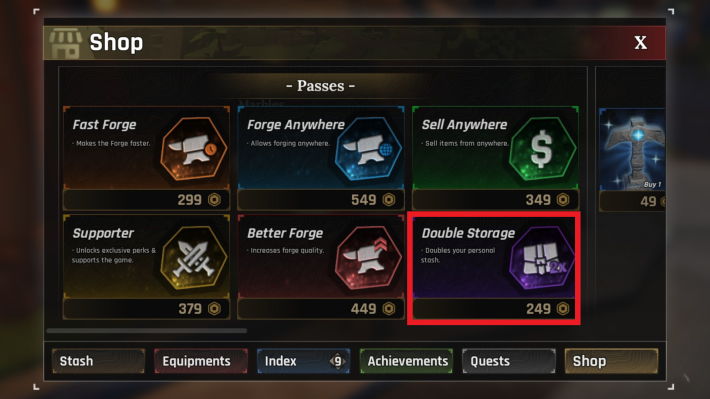
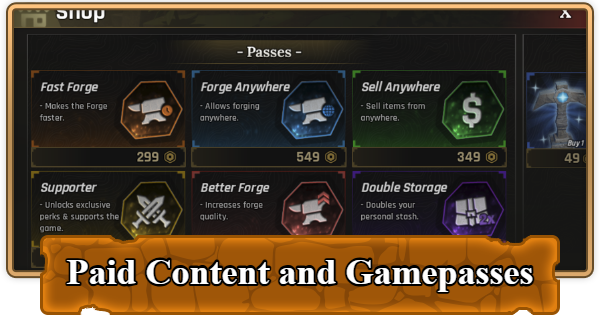
If you don't want to wait for levels to slowly increase your capacity, you can buy the Double Storage gamepass for 249 Robux. This is the instant solution, and if you're willing to part ways with some real-life cash, it's one of the best purchases you can make in The Forge.
How to Free Up Stash Space
Sell or Use Shards

Even with a bigger stash, you'll eventually fill it up if you're not managing your inventory properly. Here are some quick ways to clear space when you need it:
Sell Items to NPCs
There are two main vendors you'll use for selling stuff:

Greedy Cey (located in front of the Cave entrance) buys ores, shards, and essences.

Marbles (weapons and armor vendor) buys crafted gear. This is where you should be selling your equipment once you've forged it. In the Forgotten Kingdom, this vendor is replaced by Wo Shop, but they serve the same function.
Sell Essences You Don't Need

Enemies drop essences constantly, and they take up a lot of stash space. If you're not actively using them to enhance your gear, sell them. You can always farm more essences later when you need them, so don't hoard them if space is becoming an issue.
Use Shards and Runes Immediately
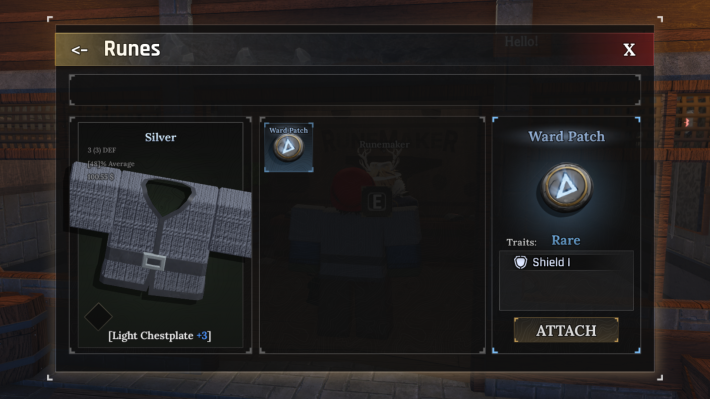
Once you start grinding, it becomes easy to accumulate shards and runes, and you might not notice it at first, but these items that you don't use will eventually clog your inventory. If you're not using them right away, sell them.
| Note! | Shards can be equipped on pickaxes and weapons to give them unique effects, while essences are used at the Enhancer NPC to power up your equipment |
|---|
The Forge Related Articles

General Guides and Tips & Tricks
| Related Articles | ||
|---|---|---|
 Best Gamepasses Best Gamepasses |  Secrets & Hidden Spots Secrets & Hidden Spots |  How to Make Money Fast How to Make Money Fast |
 How to Get and Use Totems How to Get and Use Totems |  List of All Pickaxes List of All Pickaxes |  Enhancement Guide Enhancement Guide |  How to Add Runes How to Add Runes |  Things to Do If Stuck Things to Do If Stuck | - |












